18 Quick Guide NanoQuant Plate
TM
No.30035094 Rev No. 1.4 2013-06
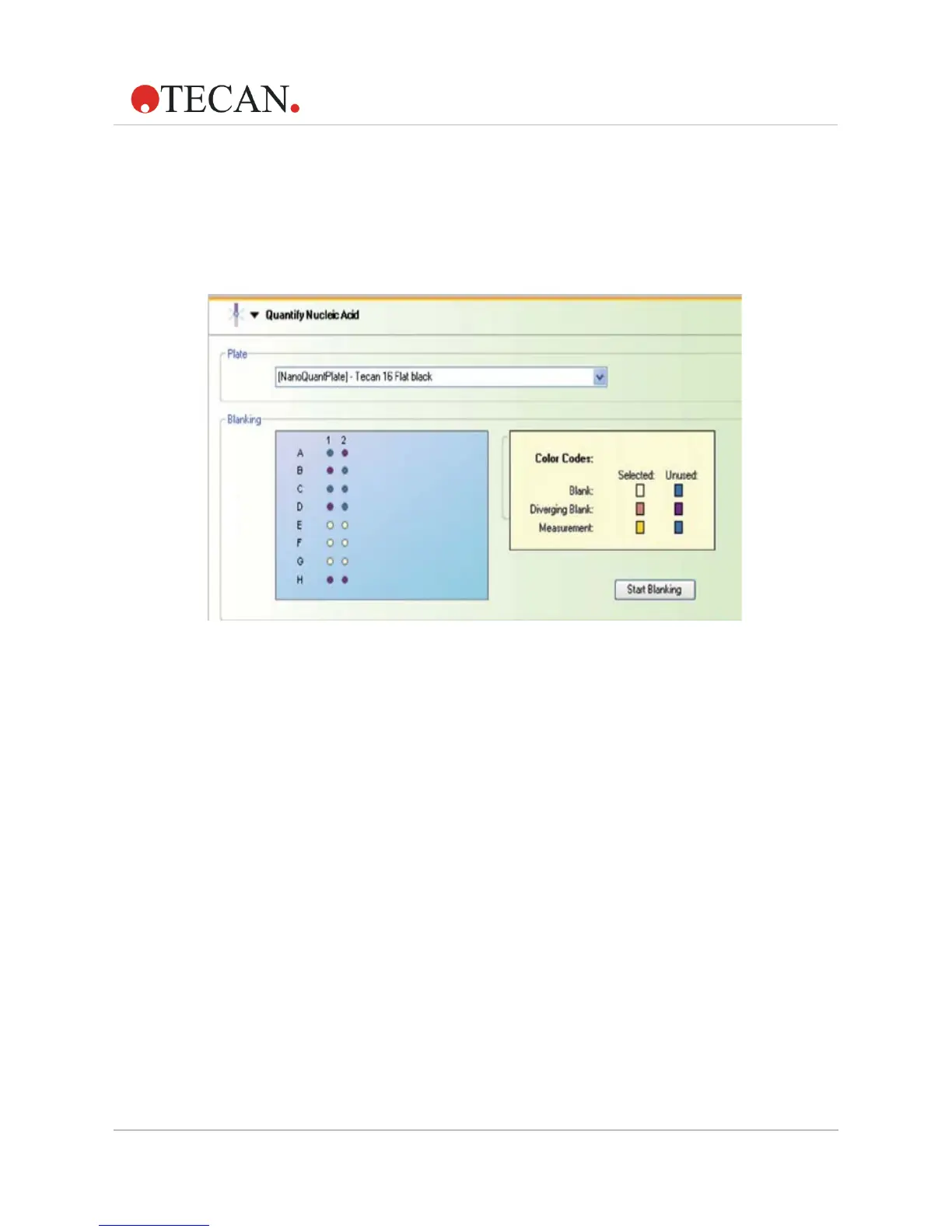
There are two possibilities to complete the blanking procedure:
1. Repeat blanking with the same plate and select white wells
(e.g. E1 – G2 in the example below) by dragging a frame around
them. The newly selected wells will appear white, the diverging wells
change from pink to purple and all other wells turn blue to indicate that
they are unused.
Figure 12: Color code for blanking procedure when re-selected: purple wells indicate
formerly pink wells
2. Move the plate out, repeat the cleaning procedure and apply fresh
blanking samples into the plate and start blanking again.



 To Next Page