EasyManua.ls Logo

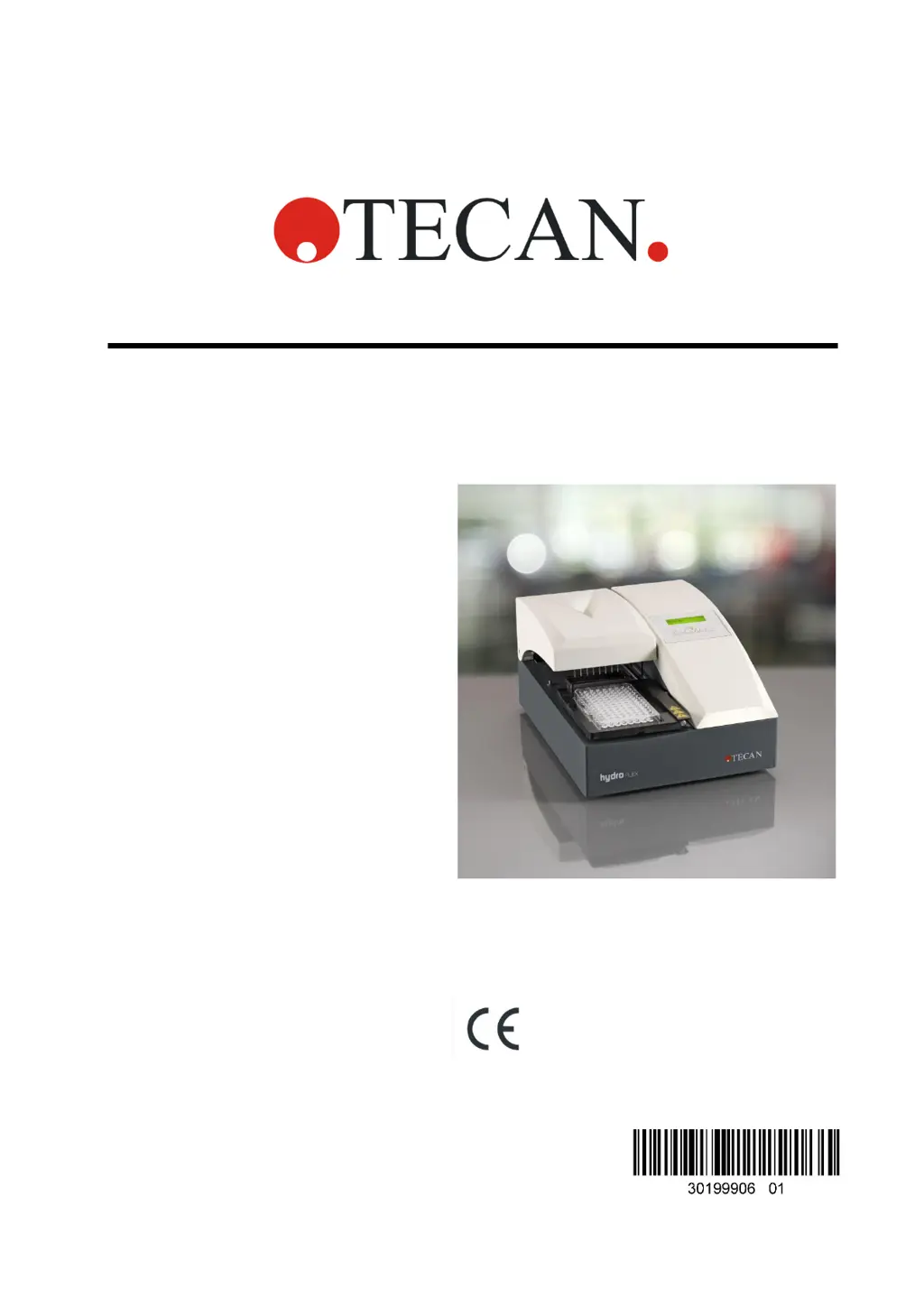
tecan HYDROFLEX PLUS - User Manual

Default Icon
83 pages
Print Icon
To Next Page IconTo Next Page
Loading...
Instructions for Use for
HYDROFLEX PLUS
Document Part No.
30199906
2022-01
Document Revision No.
1.1
Firmware Level:
4.22

Table of Contents

Questions and Answers

  • J
    Jennifer PerezAug 11, 2025
    What to do if tecan HYDROFLEX PLUS Laboratory Equipment shows a Plate Error?
    • B
      brett20Aug 11, 2025
      If the Laboratory Equipment by tecan displays a Plate Error, press OK and correctly insert the plate onto the plate carrier.
  • P
    Phyllis WhiteAug 21, 2025
    What to do if tecan Laboratory Equipment displays a Program Too Big Error?
    • W
      William MoyerAug 21, 2025
      If the Laboratory Equipment by tecan shows a Program Too Big Error, press OK and define a program with fewer than 60 process steps.
  • A
    Ashley SmithSep 1, 2025
    Why are the display and LED dark on my tecan HYDROFLEX PLUS?
    • J
      Joseph HuangSep 1, 2025
      The fuse is defective. Contact your local Service Representative.

tecan HYDROFLEX PLUS Specifications

General IconGeneral
TypeMicroplate Washer
BrandTecan
ModelHYDROFLEX PLUS
Plate Formats96-well, 384-well
Nozzle MaterialStainless steel
Power Requirements100-240 V AC, 50/60 Hz
ApplicationELISA
Operation ModeStandalone or robotic integration
Wash ModesWashing, cell washing
Wash Buffer Bottles4 bottles
InterfaceUSB
SoftwareHydroControl software

Related product manuals