5. Programming Procedure
2022-01 HYDROFLEX PLUS No. 30199906 Rev. No. 1.1 43
5.2.4 Process Step: Dispense
Select required dispensing position
(OVERFLOW, CUSTOM, MOVE OVER.,
MOVE CUST. or BOTTOM).
Select the channel to be used (1 - 4)
depending on instrument configuration.
Select the volume of solution to be used
(50 - 400 µl in increments of 50 µl).
Select and confirm dispensing step (DISP)
CX = Cycle Number
PX = Program Step Number
FL.RATE 300 µl/s
- + EXIT OK
Z-POS: OVERFLOW
- + EXIT OK
Select required flow rate (drip to 500µl/sec).
After the process step has been defined the initial
display appears.
CX = Cycle Number
PY = Program Step Number incremented by 1
Press OK to define another dispense step
or press – or + to select the next program step,
Program End or a new cycle.
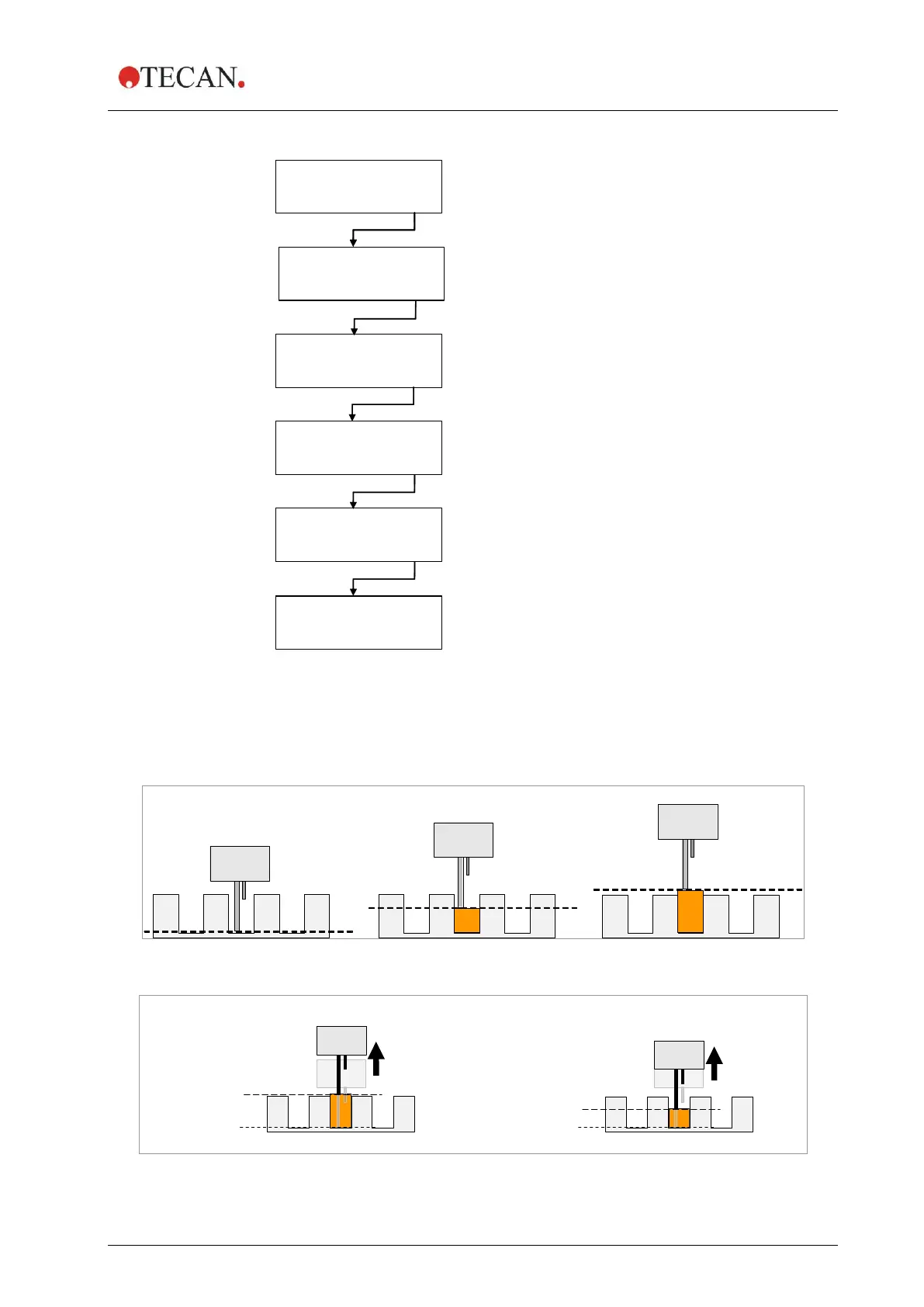
Dispensing Position Diagrams
For further details, see also 4.5 Washing Positions.
Figure 5.2 Z-Position Diagrams
Figure 5.3 Movement Diagrams for Z-positions with MOVE



 To Next Page