5. Programming Procedure
46 HYDROFLEX PLUS No. 30199906 Rev. No. 1.1 2022-01
5.3 Show Program
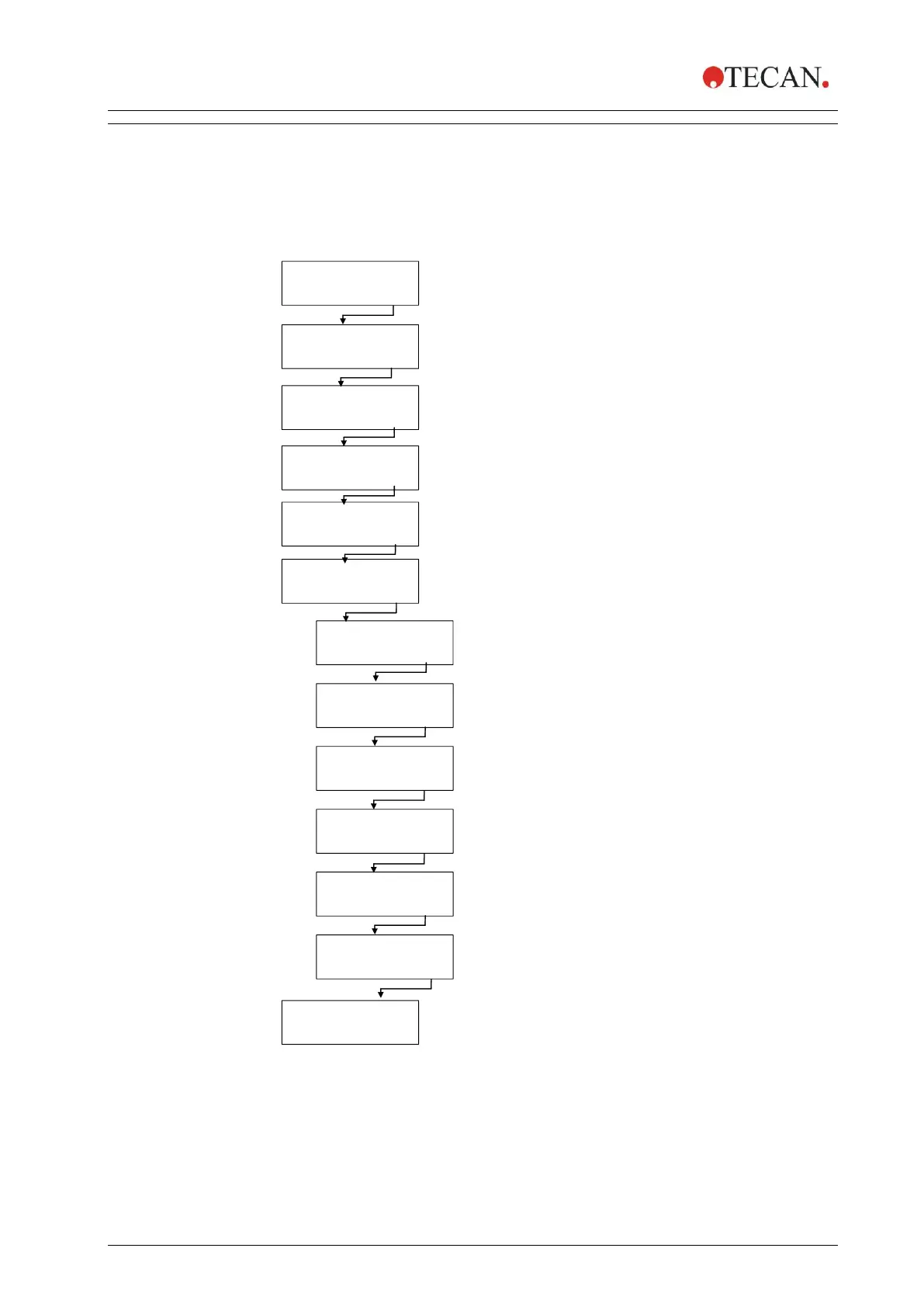
This submenu is used to display the parameters that have been defined for a
program. An example wash program containing one cycle, one wash step and a
final aspiration step will be used to demonstrate this menu.
The displayed parameter settings cannot be altered in this submenu.
Selected plate type displayed
Press OK to enter the Show menu.
Select required program to show.
Press + or – to select programs from other positions.
PROG1: EXAMPLE
- + EXIT OK
Selected mode is displayed.
Press OK to show the parameters of the program step.
Press + to continue to the next program step;
Press “- “ to return to the previous step.
Cycle 1 will be shown.
Press + to show the program steps of this cycle.
Press OK to show the cycle number.
Press OK to show the parameters of the final aspiration
step. If no final aspirate step was used, “CX CYCLEEND”
appears. Press OK to view the cycle number.
Press END to exit the Show menu. Press - to return to the
previous step.
Press OK to continue to the next parameter
of the selected program step.
Once all parameters of the step have been shown the selected
Program Step appears again. Press + to continue to the next
program step; Press “- “ to return to the previous step.
Press OK to continue to the next parameter
of the selected program step.
Press OK to continue to the next parameter
of the selected program step.
Press OK to continue to the next parameter
of the selected program step.
Press OK to continue to the next parameter
of the selected program step.



 To Next Page