6. Settings Menu
50 HYDROFLEX PLUS No. 30199906 Rev. No. 1.1 2022-01
6.1.2 Options Submenu
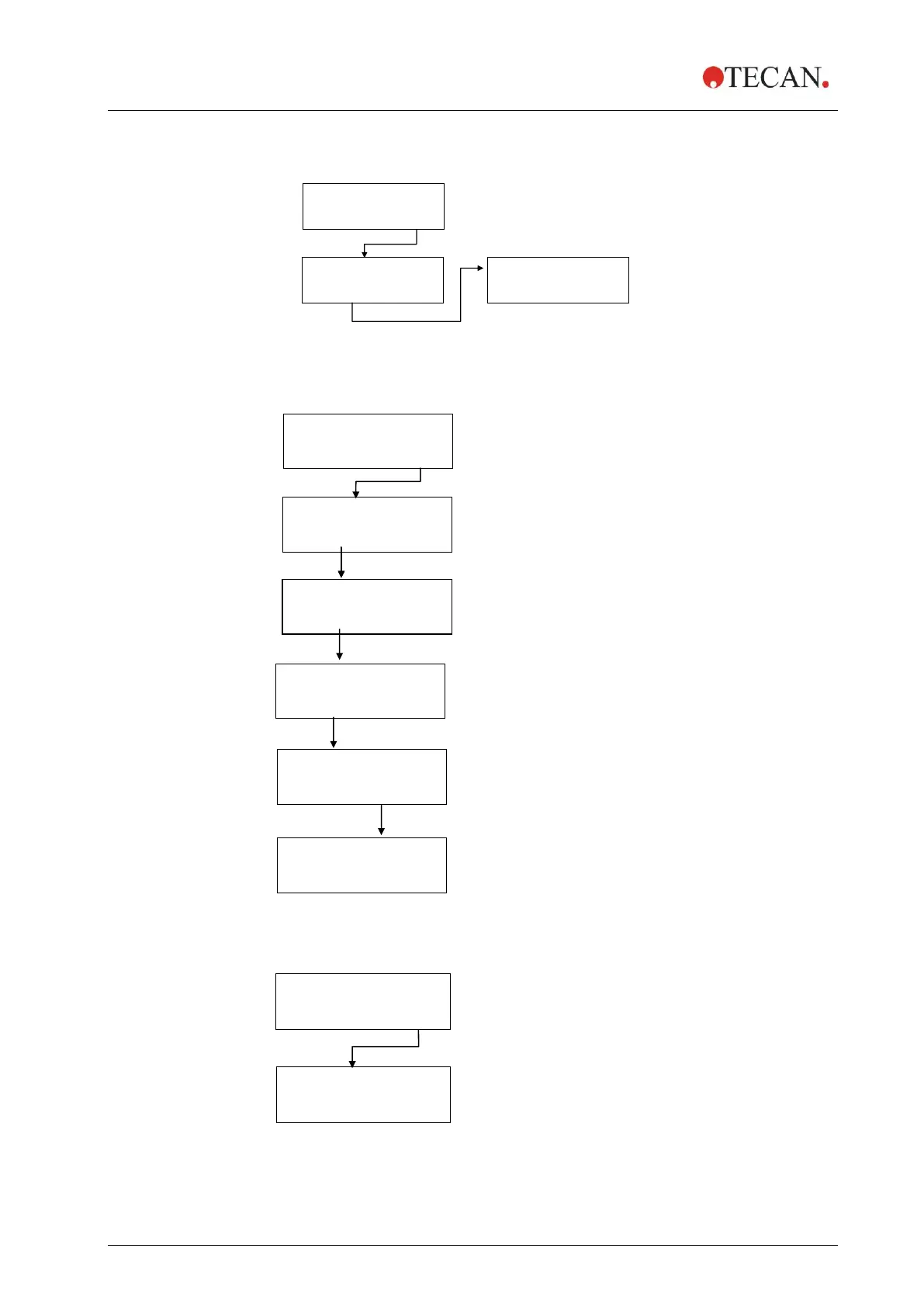
The Options submenu has the following structure:
EDIT LLD CHANNEL
- + EXIT OK
* Depending on available options
Edit LLD Channel
EDIT LLD CHANNEL
- + EXIT OK
SET VAC. WASTE
- + EXIT OK
SET CHANNEL 1
- + EXIT OK
SET CHANNEL 2
- + EXIT OK
Press OK to activate LLD sensor for Waste 1.
“CLR WASTE 1“ will appear when the sensor is
active. Press OK again to deactivate.
Press + to move to the next sensor.
Press OK to activate LLD sensor for Vacuum
Waste. “CLR VAC. WASTE“ will appear when the
sensor is active. Press OK again to deactivate.
Press + to move to the next sensor.
Press OK to activate LLD sensor for Channel 1.
“CLR CHANNEL 1“ will appear when the sensor is
active. Press OK again to deactivate.
Press + to move to the next sensor.
Press OK to activate LLD sensor for Channel 2.
“CLR CHANNEL 2“ will appear when the sensor is
active. Press OK again to deactivate.
Press + to move to the next sensor.
Press EXIT when all sensors are set as desired.
BUBBLE SENSOR
- + EXIT OK
Press – or + to select between
OFF, LOW, MEDIUM and HIGH.
Press OK to confirm.



 To Next Page