5. Programming Procedure
2022-01 HYDROFLEX PLUS No. 30199906 Rev. No. 1.1 39
5. Programming Procedure
5.1 Introduction
The following program items are available:
The number of cycles the subsequent processing steps
should be performed
An aspirate step removes liquid from the wells.
A dispense step fills the wells with liquid.
Liquid is dispensed and aspirated simultaneously
creating a circular flow with a maximum volume of 3000
µl in one wash step for increased wash efficiency.
During a soak step the liquid remains in the wells for the
set time (with or without shaking).
User interaction is requested.
An aspirate step at the end of a program.
5.2 Program Menu
The Program menu has the following options:
Run a defined wash program.
Define or edit a program on the instrument.
View the parameters of a defined program.
Clear a wash program from the instrument’s menu.
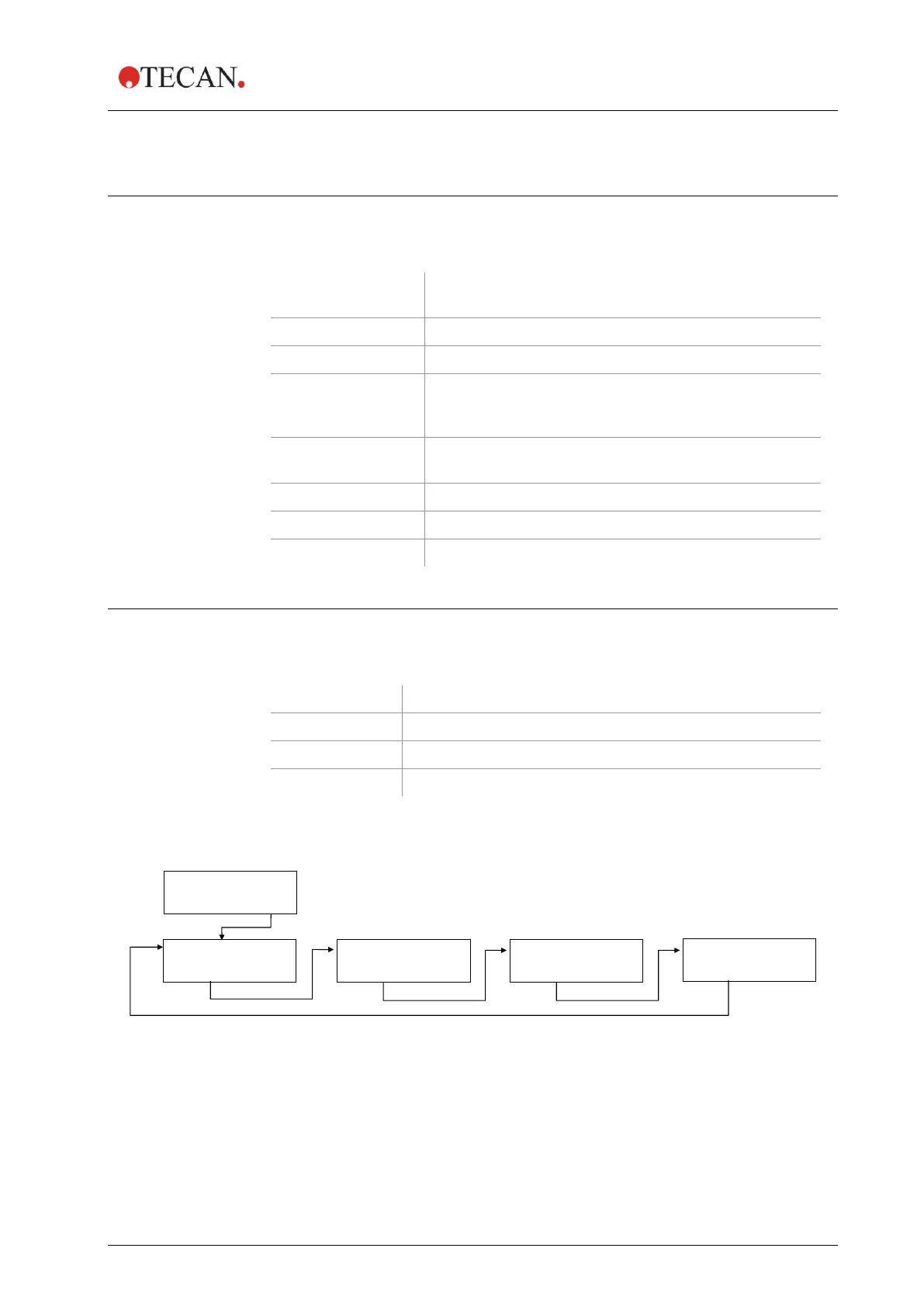
The Program menu has the following structure:



 To Next Page