5. Programming Procedure
42 HYDROFLEX PLUS No. 30199906 Rev. No. 1.1 2022-01
5.2.3 Process Step: Aspirate
Select required aspirating time (1 - 20 seconds).
Select required aspirating speed (1 - 20 mm/sec).
Select and confirm aspirating step (ASP)
CX = Cycle Number
PX = Program Step Number
Crossw.Asp YES
- + EXIT OK
H-SPEED10mm/s
- + EXIT OK
Select YES using – or + to perform crosswise
aspiration or select NO to perform normal aspiration.
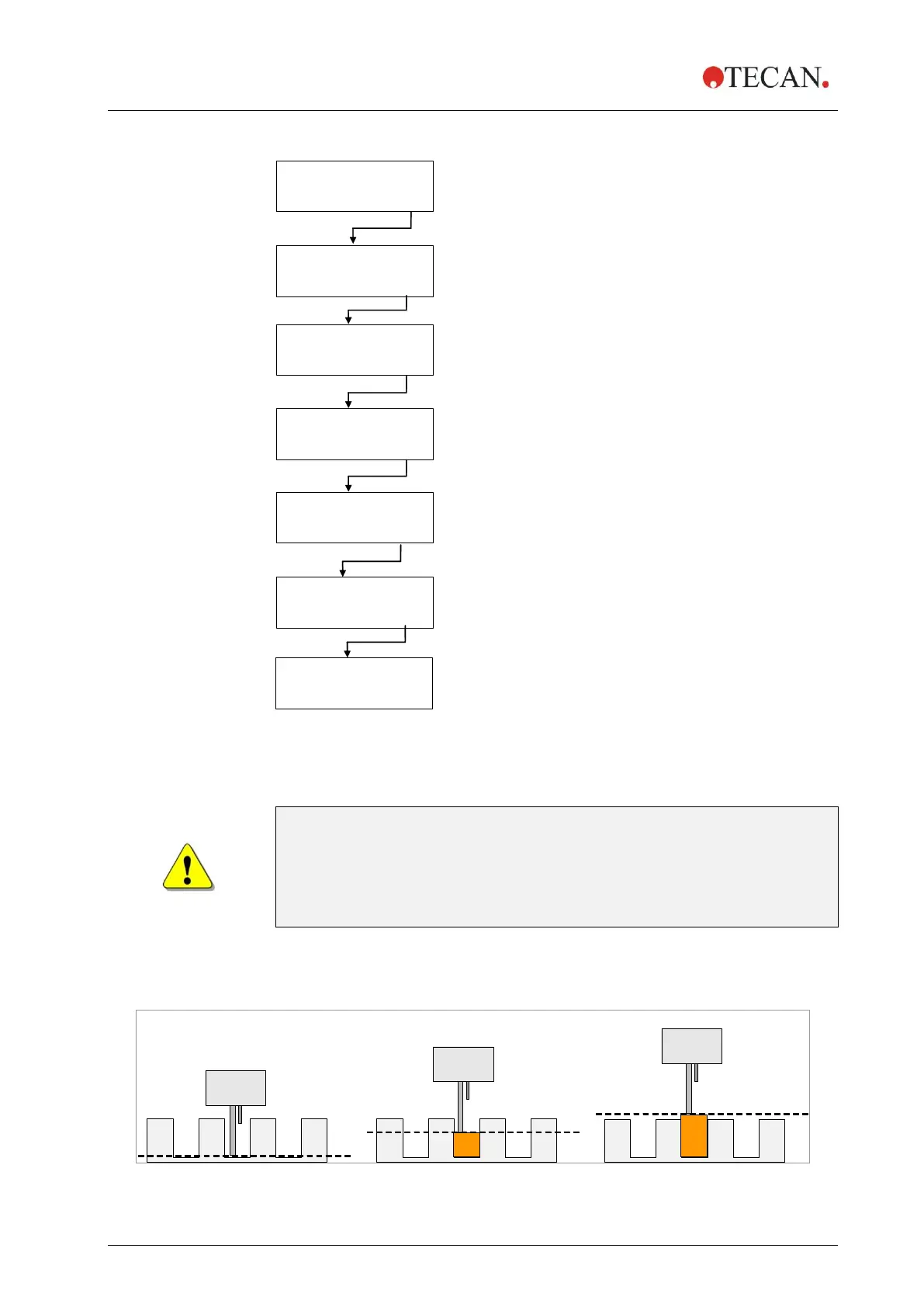
Press – or + to select the aspiration position
(BOTTOM; OVERFLOW or CUSTOM).
Select required aspirating rate (1 - 3),
where 1 is the weakest and 3 the strongest rate.
After the process step has been defined the initial
display appears.
CX = Cycle Number
PY = Program Step Number incremented by 1
Press OK to define another aspiration step
or press – or + to select the next program step,
Program End or a new cycle.
WARNING
RESIDUAL VOLUME OF <= 2 µL / WELL CANNOT BE GUARANTEED
IF NOT ALL WELLS IN A STRIP ARE FILLED WITH LIQUID. TO
PREVENT CROSS CONTAMINATION THE HEAD SPEED SHOULD BE
LOWERED.
Aspiration Position Diagrams
For further details, see also 4.5 Washing Positions.
Figure 5.1 Aspiration Position Diagrams



 To Next Page