EasyManua.ls Logo

tecan HYDROFLEX PLUS - Clear Program

Default Icon
83 pages
Print Icon
To Next Page IconTo Next Page
To Previous Page IconTo Previous Page
Loading...
5. Programming Procedure
2022-01 HYDROFLEX PLUS No. 30199906 Rev. No. 1.1 47
5.4 Clear Program
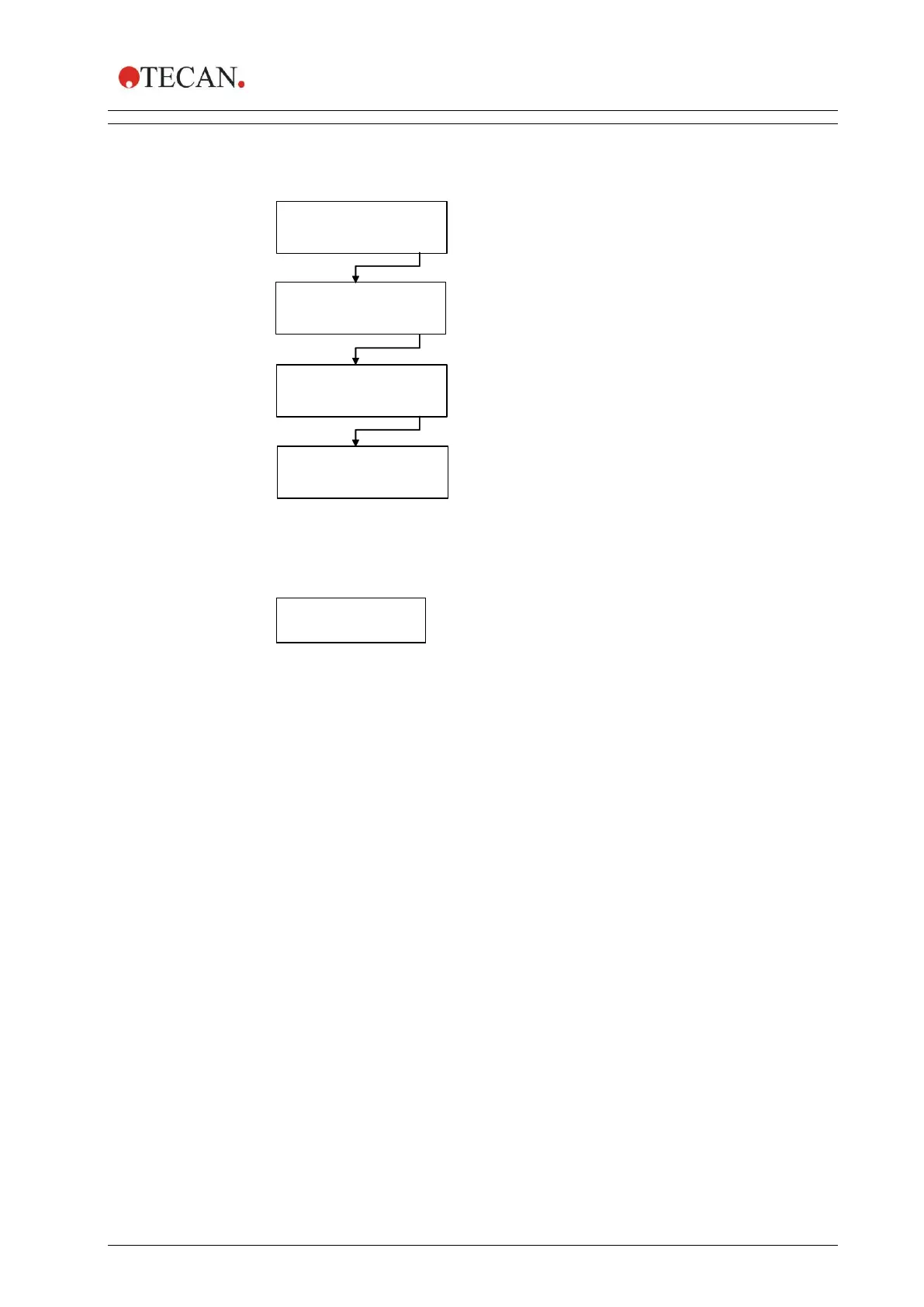
This submenu is used to clear a program from the instrument's memory.
Confirm that selected program
is to be deleted
CLR (Program Position) ?
Select the program to be deleted
from the instrument's memory
(Program Position: Program Name)
The name of the program which
has been deleted appears
(Program Name: DELETED)
CLEAR
< > EXIT OK
CLR PROGR 1?
NO YES
A: DELETED
CLR PROGR 1:A
< > EXIT OK
Press OK to enter the CLEAR
menu.
If the program is locked it cannot be cleared and the following message is
displayed:
PROGRAM IS
LOCKED
The program can only be unlocked via the HydroControl software, by users with
the appropriate rights.

Table of Contents

Related product manuals