EasyManua.ls Logo

tecan Infinite 200 PRO - User Manual

tecan Infinite 200 PRO
192 pages
Print Icon
To Next Page IconTo Next Page
Loading...
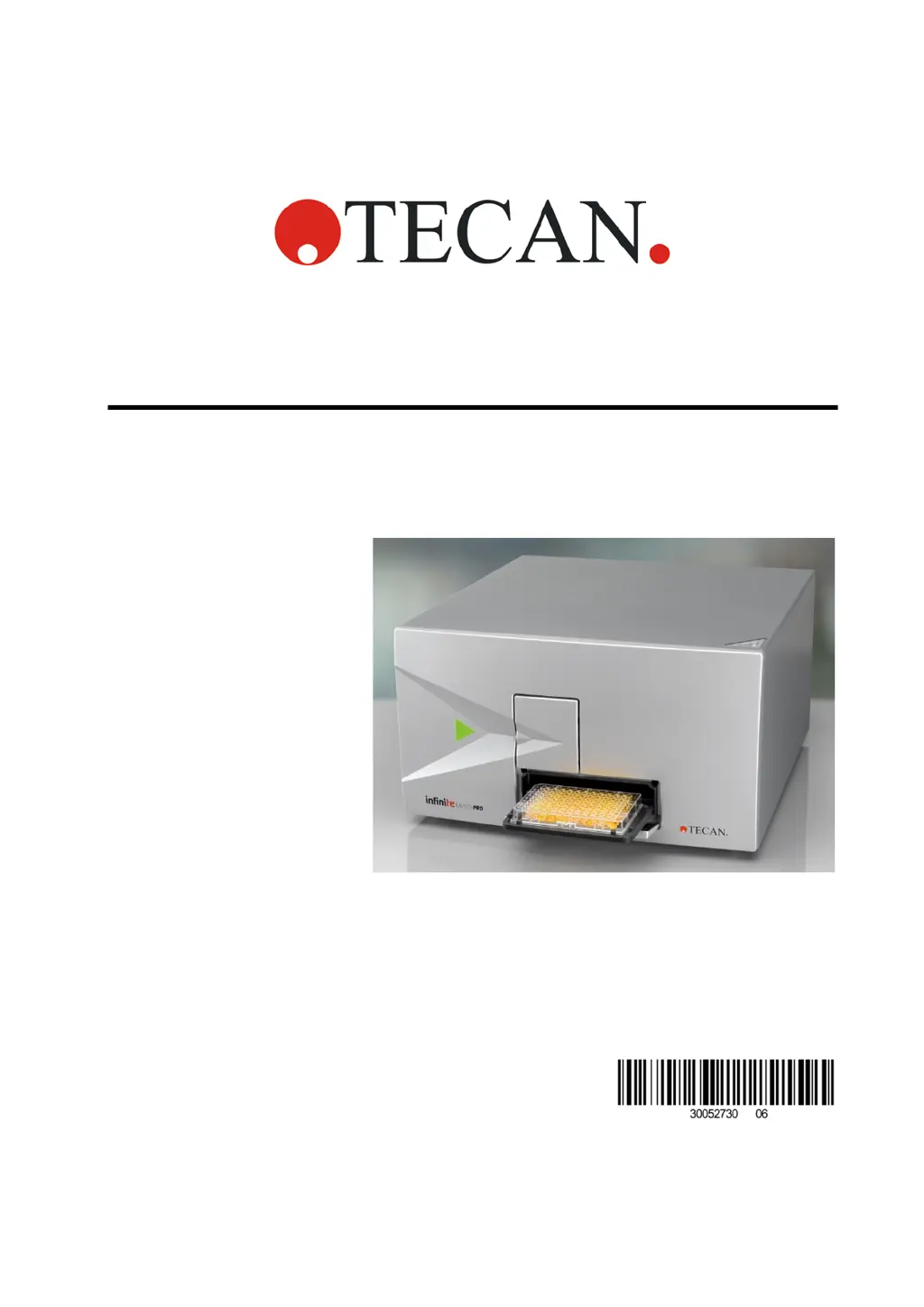
Instructions for Use for
Infinite 200 PRO
Document Part No.: 30052730
2016-04
Document Revision No.: 1.6

Table of Contents

Questions and Answers

  • B
    Beth RogersAug 14, 2025
    What to do if I see error message “CO2 OUT OF RANGE” on my tecan Infinite 200 PRO?
    • S
      Stephanie ContrerasAug 14, 2025
      If you receive a “CO2 OUT OF RANGE” error on your Tecan Laboratory Equipment, it could be due to several reasons. One cause is that the gas pressure/flow of CO2 is too high in Manual Mode, meaning the current gas concentration has exceeded 15 % (vol.). The valves will close automatically to stop the gas flow. Reduce CO2 pressure using the pressure reduction valve on the gas cylinder or laboratory gas handling system. Wait until the current gas concentration is below 15 % (vol.) before resuming. Another cause could be that the data cable is not connected to the gas control module and/or Infinite 200 PRO. Ensure the data cable is properly connected.
  • A
    Amber ShermanAug 17, 2025
    Why cell application failed on my tecan Infinite 200 PRO?
    • J
      Jay CameronAug 17, 2025
      A cell application failure on your Tecan Laboratory Equipment can occur for several reasons. It may be caused by low or no gas availability, in which case you should verify that sufficient gas is available by checking the gauges on the regulator and inspecting for leaks. Another potential cause is a false gas supplied or a false gas control mode selected; ensure you are providing the correct gas and have selected the appropriate gas control mode. Finally, evaporation of cell media can also lead to application failure. To resolve this, apply a suitable gas-permeable adhesive foil, tape, or cover to the microplate.
  • A
    Angel PerezAug 25, 2025
    What does it mean when the acoustic signal display is blinking on my tecan Infinite 200 PRO Laboratory Equipment?
    • W
      walkerangelaAug 25, 2025
      If the acoustic signal display is blinking on your Tecan Laboratory Equipment, it indicates that the target concentration has not been reached 20 minutes after the initial activation of a mode, or the actual value deviates from the target value for more than 10 minutes during operation. To resolve this, verify that sufficient gas is available, check the gauges on the pressure reduction valve, inspect the tubes for leaks, and ensure that the shut-off valve of the pressure reduction valve is open. The acoustic signal and blinking display will stop once the target value is reached.
  • J
    Jeffrey JacksonAug 27, 2025
    What to do if there is no visible change in display when pressing keys on tecan Infinite 200 PRO Laboratory Equipment?
    • B
      Bruce DanielsAug 27, 2025
      If there is no visible change on the display when pressing keys on your Tecan Laboratory Equipment, it could be due to a mechanical or electronic failure. Try switching the gas control module off and on using the ON/OFF switch and then use the keys to verify function. If the problem persists, contact your local Tecan Expertline. Alternatively, the current gas concentration might already be beyond the target value. Check that the target value is not higher than the current value for ‘O2’ and not lower than the current value for ‘CO2’. In Manual Mode, both values are displayed simultaneously.
  • D
    Daniel LewisAug 30, 2025
    Why does my tecan Infinite 200 PRO show the error message “O2 OUT OF RANGE”?
    • C
      Caitlin FloresAug 30, 2025
      The error message “O2 OUT OF RANGE” on your Tecan Laboratory Equipment indicates that the O2 sensor detects a value higher than 21%. Check that the correct gas is being used. If the problem continues, contact your local Tecan Expertline.
  • T
    Tracey FloresSep 3, 2025
    How to resolve no gas flow in Tecan Laboratory Equipment?
    • T
      Tara WernerSep 3, 2025
      If there is no gas flow in your Tecan Laboratory Equipment, it might be due to excessively high pressure. Check the output pressure and, if necessary, reduce the pressure to 1.0 - 2.0 bar (14.5 - 29.0 psi).
  • T
    Tyler PowellSep 6, 2025
    How to troubleshoot a tecan Infinite 200 PRO Laboratory Equipment with no display or power?
    • B
      Brian GarciaSep 6, 2025
      If the display is not illuminated, or the power indicator shows no steady green light on your Tecan Laboratory Equipment, ensure that the power adapter is securely connected to the power supply. If you don’t see a green light, make sure the connector is seated properly. Also, check that the power cord is connected to the gas control module’s power port on the back of the module.
  • J
    Justin SmithSep 9, 2025
    What does error message “O2 NO SENSOR” mean on tecan Infinite 200 PRO Laboratory Equipment?
    • G
      Grace LewisSep 9, 2025
      The error message “O2 NO SENSOR” on your Tecan Laboratory Equipment can appear due to a couple of reasons. First, the data cable may not be connected to the gas control module and/or Infinite 200 PRO. Verify that the data cable is properly connected. Second, if your instrument has a ‘CO2’ configuration, it might not have an O2 sensor installed. For instruments with a ‘CO2’ configuration, ‘NO SENSOR’ will appear on the display after ‘O2’ in Manual Mode, and the O2 Mode and Dual Mode menus will be unavailable.
  • M
    marissa26Nov 19, 2025
    How to fix low or no gas concentration displayed on tecan Infinite 200 PRO Laboratory Equipment?
    • H
      hillvictoriaNov 19, 2025
      If your Tecan Laboratory Equipment displays low or no gas concentration, several factors could be responsible. First, the gas control mode may not match the supplied gas type, so verify that the supplied gas matches the selected gas control mode. Second, the gas cylinder might be empty, there might be no gas supply available, or the gas supply might have low pressure. Check that sufficient gas is available by checking the gauges on the regulator, inspecting tubes, and checking for leaks. Third, valves might be closed, or tubes might not be connected or are obstructed. Ensure that the gas cylinder or central gas supply main valve and/or regulator outlet valve is open and that tubes are connected properly. If none of these steps resolve the issue, the gas sensor may not be able to detect gas...

Summary

1. Safety

1.1 Instrument Safety

Essential safety precautions for operating the Infinite 200 PRO to prevent injury or equipment damage.

2. General Description

2.3 Injectors (Optional)

Information on optional injector modules, their specifications, and setup for liquid dispensing.

3. Installation

3.1 Unpacking and Inspection

Procedures for unpacking the instrument, inspecting contents, and preparing for initial setup.

3.2 Removal of the Transport Locks

Step-by-step guide to safely remove transport locks before operating the instrument.

3.4 Power Requirements

Information on the instrument's power supply voltage range and necessary precautions.

3.5 Switching the Instrument On

Instructions for the initial power-on sequence, including essential precautions before startup.

4. Gas Control Module (Enhanced)

4.1 Safety

Safety precautions specific to the Gas Control Module (GCM), including gas handling and ventilation.

4.5 Installing the Gas Control Module

Requirements and procedures for installing the GCM, including environmental, space, and power considerations.

4.6 Operating the Gas Control Module

Instructions on how to operate the GCM, including switching on, selecting modes, and setting gas levels.

4.8 Troubleshooting the Gas Control Module

A table of common problems and errors with the GCM and their corrective measures.

5. Operating the Instrument

5.4 Defining Filter Slides (Infinite F200 PRO only)

Instructions on how to define and manage filter slides and their configurations for measurements.

5.5 Optimizing Fluorescence Measurements

Guidance on optimizing fluorescence measurement results by adjusting instrument parameters and selecting materials.

5.6 FP Measurements

Detailed procedures for performing Fluorescence Polarization (FP) measurements, including calibration.

5.7 Optimizing Absorbance Measurements

Methods for optimizing absorbance measurement results by adjusting parameters like flash settings and settle time.

5.11 Measurements with Injectors

Instructions for priming, washing, and performing measurements using the optional injector system.

7. Quality Control

7.1 Periodic Quality Control Tests

Recommends periodic evaluation of the instrument's performance through specific quality control tests.

7.2 Specifications - Passed;Failed Criteria

Overview of the passed/failed criteria for various specification tests of the Infinite 200 PRO.

7.3 Specifications - Test Instructions

Detailed instructions for performing specification tests for different measurement modes.

8. Cleaning and Maintenance

8.2 Liquid Spills

Procedures for safely handling and cleaning liquid spills on the instrument.

8.4 Instrument Disinfection

Guidelines for disinfecting instrument parts that may contact infectious material.

8.4.2 Disinfection Procedure

Step-by-step instructions for disinfecting the instrument and its accessories.

8.4.7 Disposal of the Instrument

Instructions and precautions for disposing of the instrument, including disinfection.

tecan Infinite 200 PRO Specifications

General IconGeneral
Wavelength Range230 - 1000 nm
Detection MethodAbsorbance, Fluorescence, Luminescence
Softwarei-control
Light SourceXenon flash lamp
Absorbance Wavelength Range230 - 1000 nm
Fluorescence Excitation Wavelength Range230 - 850 nm
Fluorescence Emission Wavelength Range280 - 850 nm
Absorbance Photometric Range0 - 4 OD
Temperature ControlAmbient +5°C to 65°C
ShakingYes
Temperature RangeAmbient +5°C to 65°C
Temperature Accuracy±0.5°C at 37°C
Plate Formats6- to 384-well plates

Related product manuals