4. Gas Control Module (Enhanced)
2016-04 IFU for Infinite 200 PRO No. 30052730 Rev. No. 1.6 67
4.6 Operating the Gas Control Module
This section describes how to use Tecan’s gas control module.
1. Switch the gas control module on.
The LCD display will illuminate immediately, showing the module’s current
firmware version and shortly afterwards the main menu of gas control
modes will appear, accompanied by a short acoustic signal.
2. Press ‘Mode’ to cycle through the main menu: CO2 Mode, O2 Mode, DUAL
Mode, Manual Mode.
3. Press the ‘I/O’ key to select required mode.
After switching ON the instrument and before switching on gas flow
regulation, or when valves are closed in Manual Mode, the Power/gas flow
indicator light is on and stable.
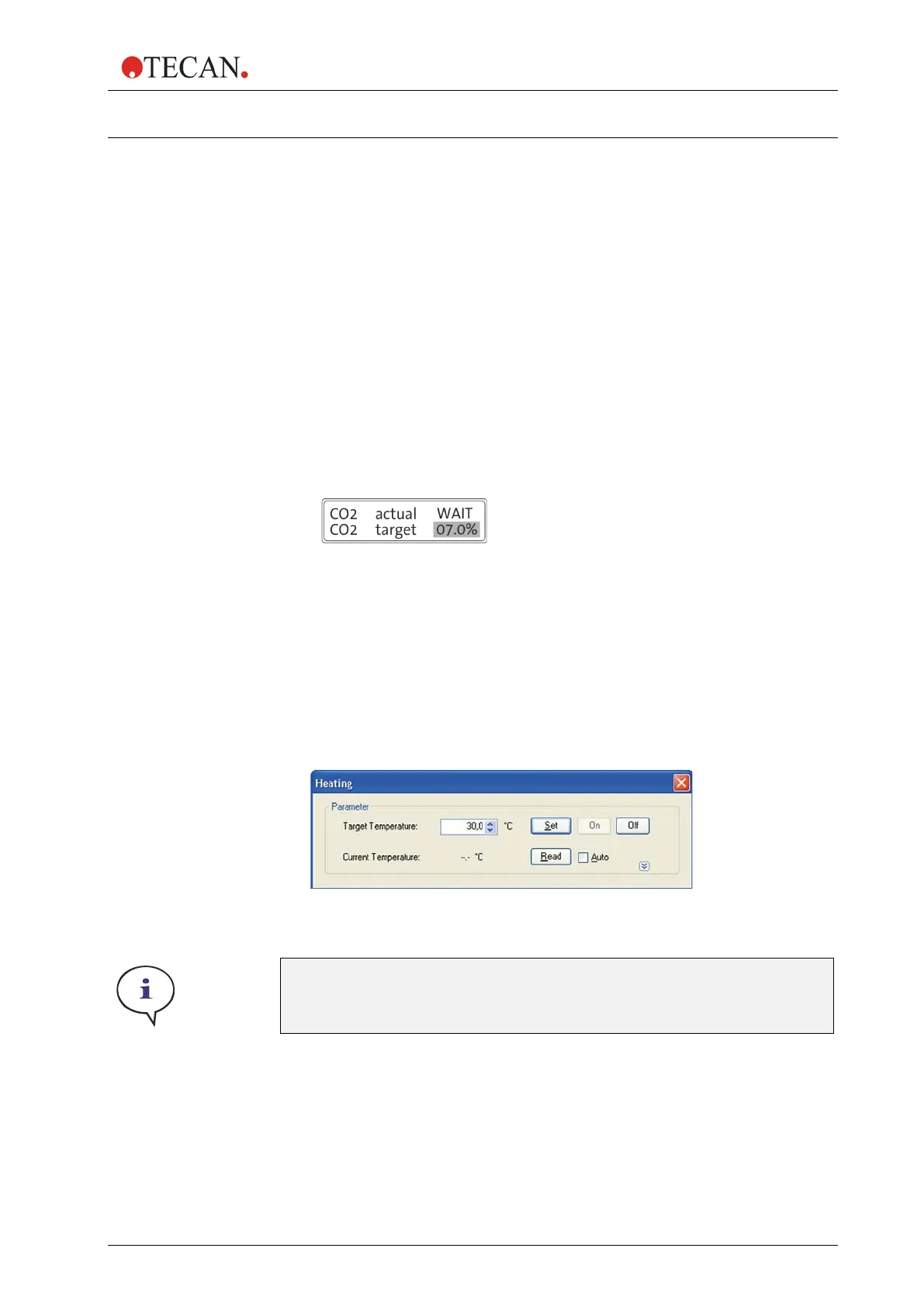
4. Allow the sensors to level (“WAIT”) for at least 5 minutes for ‘CO2 and O2’
configuration and wait for at least 1 minute for ‘CO2’ configuration (see
Figure 32, below).
Figure 32
5. Heating must be switched on before using the GCM:
Switch on the Infinite 200 PRO. Start the Tecan i-control software and
connect to the instrument. From the Instrument tab select “Heating...”,
specify a “Target Temperature” within 30°C to 42°C (1), click “Set” (2) and
then click “On” (3) (see Figure 33, below).
Figure 33
Note
Heating must be activated during incubation
to maintain a stable gas atmosphere.



 To Next Page