6. Settings Menu
2022-01 HYDROFLEX PLUS No. 30199906 Rev. No. 1.1 49
6. Settings Menu
6.1 Introduction
The Settings menu has the following options:
Adjustment procedure for setting the parameters for up to
20 different microplates.
Depending on available options (e.g., Edit LLD Channels).
The Bubble Sensor sensitivity can be set to Low,
Medium, or High depending on liquids used (if this option
is installed). If very foamy liquids are used the bubble
sensor should be switched OFF.
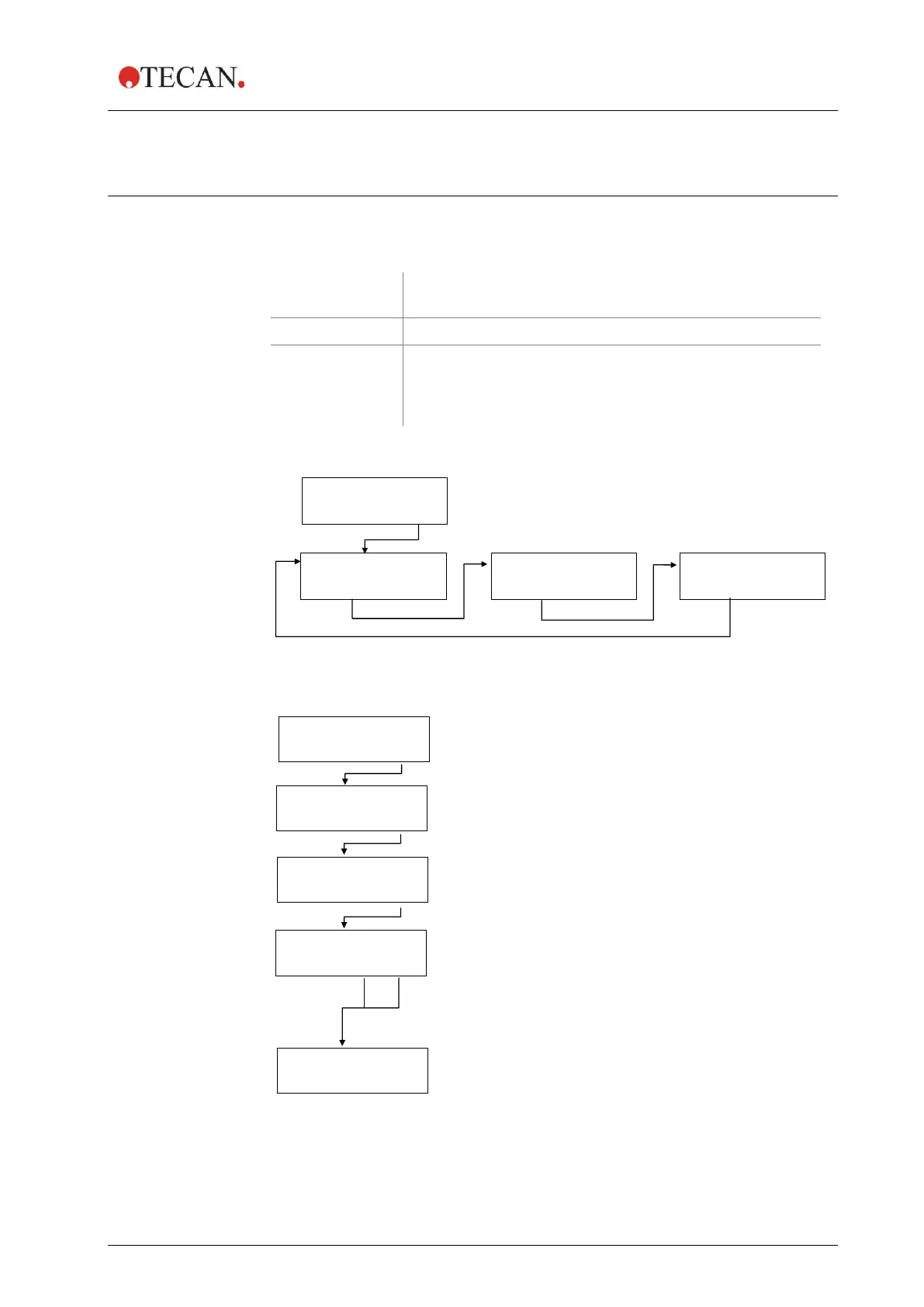
The Settings menu has the following structure:
BUBBLE SENSOR
< > EXIT OK
Plate 1, GRE96ft
- + EXIT OK
Z-User Def 14600
- + EXIT OK
OVERFLOW POS.
< > EXIT OK
Press – or + to select the plate (1-20)
and press OK to edit the plate parameters.
Use the cursor keys to select the position to be defined
(OVERFLOW, BOTTOM, ASP1 or ASP2) and press OK.
For round and V-shaped bottom plates,
only one aspiration can be defined.
The instrument moves to the predefined position.
Use the – and + keys to change the position. Confirm with OK.
The next position can then be selected.
Press OK to save the defined position; Press EXIT to leave the
menu without saving the position. The instrument moves to the
home position and the firmware returns to the Edit Plates menu.



 To Next Page