2013-06 Quick Guide NanoQuant Plate
TM
No.30035094 Rev No. 1.4 7
2. Measurement Procedure
2.1 Software Installation Procedure
The i-control software is installed using the following procedure:
1. Insert the i-control software CD ROM into your CD ROM drive.
2. A window opens with different selectable options.
3. Choose Software and install i-control.
4. Follow the instructions of the Wise Installation Wizard.
5. When installation is successful, exit the Installation window.
6. Switch on and connect to Infinite instrument.
Note
i-control is delivered with the Infinite reader series.
2.2 Performing a Measurement
For applications using the NanoQuant Plate, a tab called Applications is
implemented in i-control software, so that all measurements can be
performed quickly and easily.
1. Start i-control.
2. Connect to the Infinite instrument. The standard i-control window
opens.
3. Select Applications in the lower left part of the window.
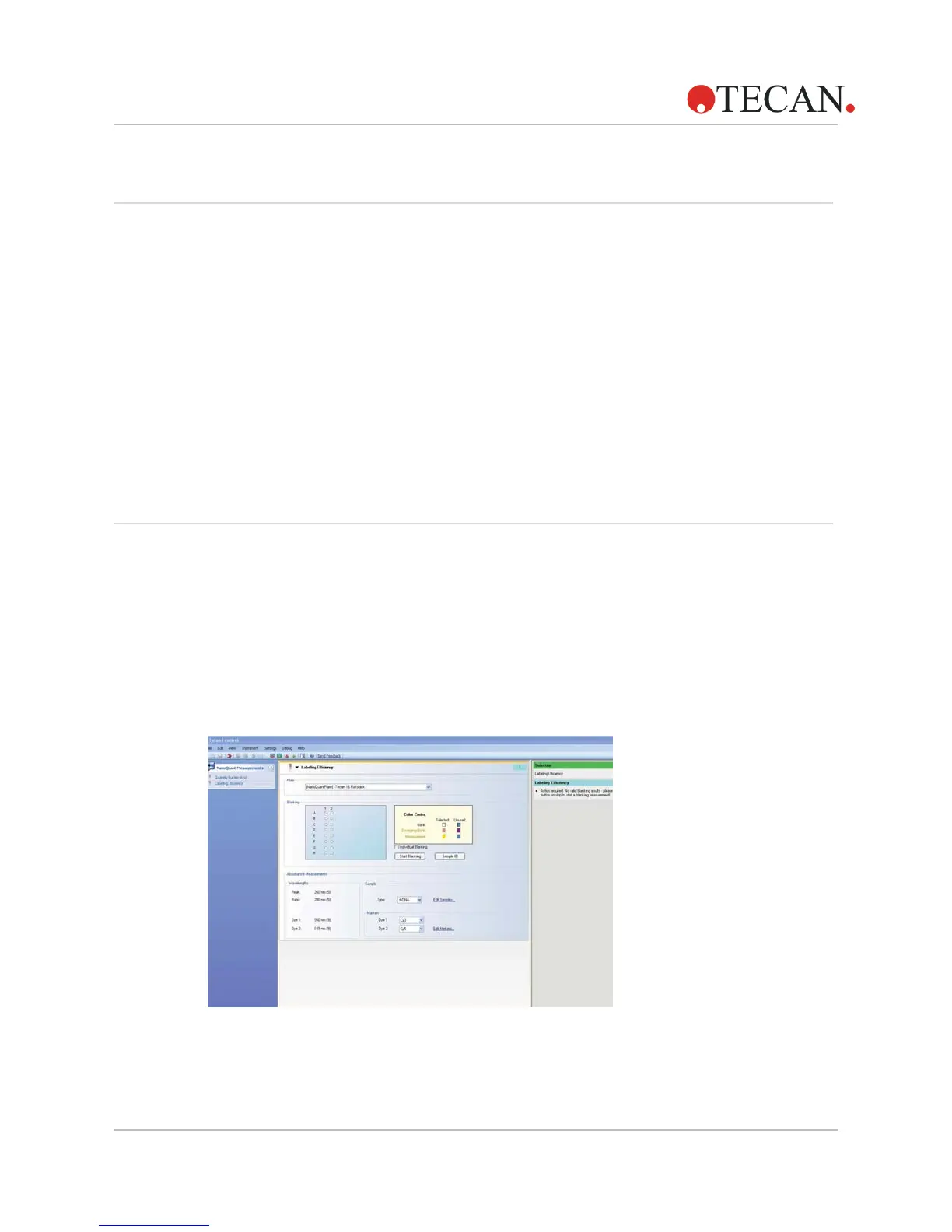
Figure 1: Overview of i-control script



 To Next Page