10/29/2019 Tech Works CI-Series Systems Planning & Installation Manual Page 22 of 42
Configuration Options:
The HSI-41 is designed to accommodate many applications. For most applications the factory default
setting is sufficient. For ‘special’ applications a few jumpers may need to be moved. These Jumpers
determine how the HSI-41 interacts with other Components of the System. Before attempting a
Configuration you should review the “CI-BUSS Installation and Application Manual”, the PA-BUSS
Installation and Application Manual”, and All other System Component "Manuals "
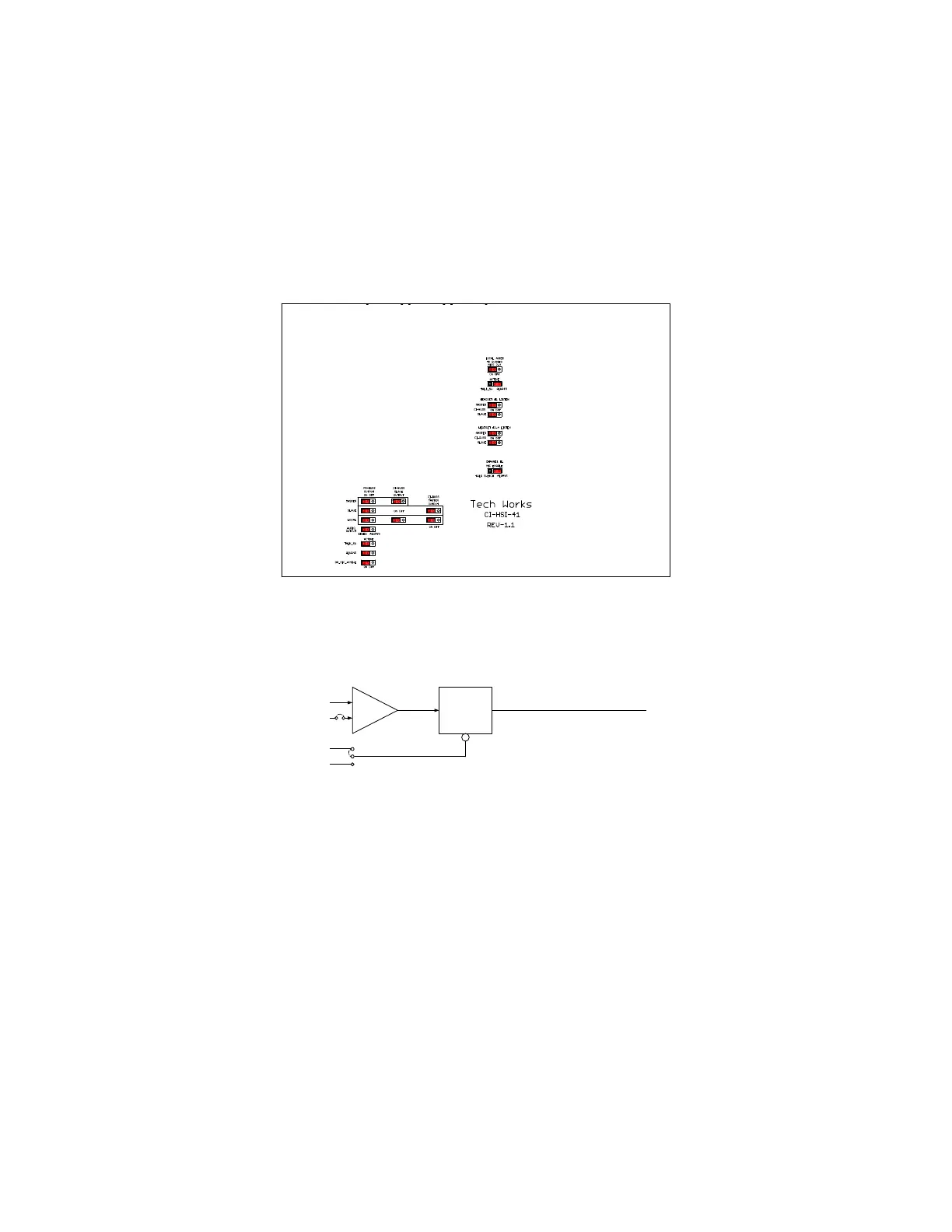
Below is an explanation of the options, using the 'Standard Configuration" as an example
In some installations some of the headset users only listen in on the conversation. This is accomplished
by turning off the microphone at the Base Station See the Plantronics User’s Manual
There are three Audio Pathways in the HSI-41:
Communications between Headsets
Communications on the Collaboration Buss, CI-BUSS
Monitoring Output to the PA-BUSS
Headset #1 Microphone always sums to the BUSSes, the others are jumper selectable
Headset #2 thru #4 Microphone sums ON OFF
The ALC may be enabled, or inactive (Muted)
This has no affect on headset to headset Communications
The ALC passes signals:
When the Talk Switch is Active, TALK_SW ALWAYS
See the "Basic Headset Intercom Block Diagram" on page 1
Headset # 1 may Selectively Listen the CI-BUSSes
Master Connector: ON OFF
Slave Connector: ON OFF
Headsets #2 thru #4 may Selectively Listen the CI-BUSSes
Master Connector: ON OFF
Slave Connector: ON OFF
Headset # 1 may have its microphone controlled by the Talk Switch;
When the Talk Switch is Active, “TALK_SW”
or “ALWAYS”



 To Next Page