-13-
Access to the Calibration menu can be disabled using the lock out Switch
located on the right side of the balance.
⑴ Turn the balance off and unplug the power cord.
⑵ Locate the access hole on the right side of the balance where the
switch is located and remove the plug from the hole.
⑶ Using a small screwdriver, slide the switch to the front of the
balance for LOCKED or towards the rear of the balance for
UNLOCKED.
⑷ Replace the plug in the access hole.
Plug in the power cord and turn on the balance.
10. CARE AND MAINTENANCE
To keep the balance operating properly, the housing and platform
should be kept clean and free from foreign material. If necessary, a cloth
dampened with a mild detergent may be used. Keep calibration masses
in a safe dry place.
Unplug the AC Adapter when not in use. For long term storage,
remove the batteries.
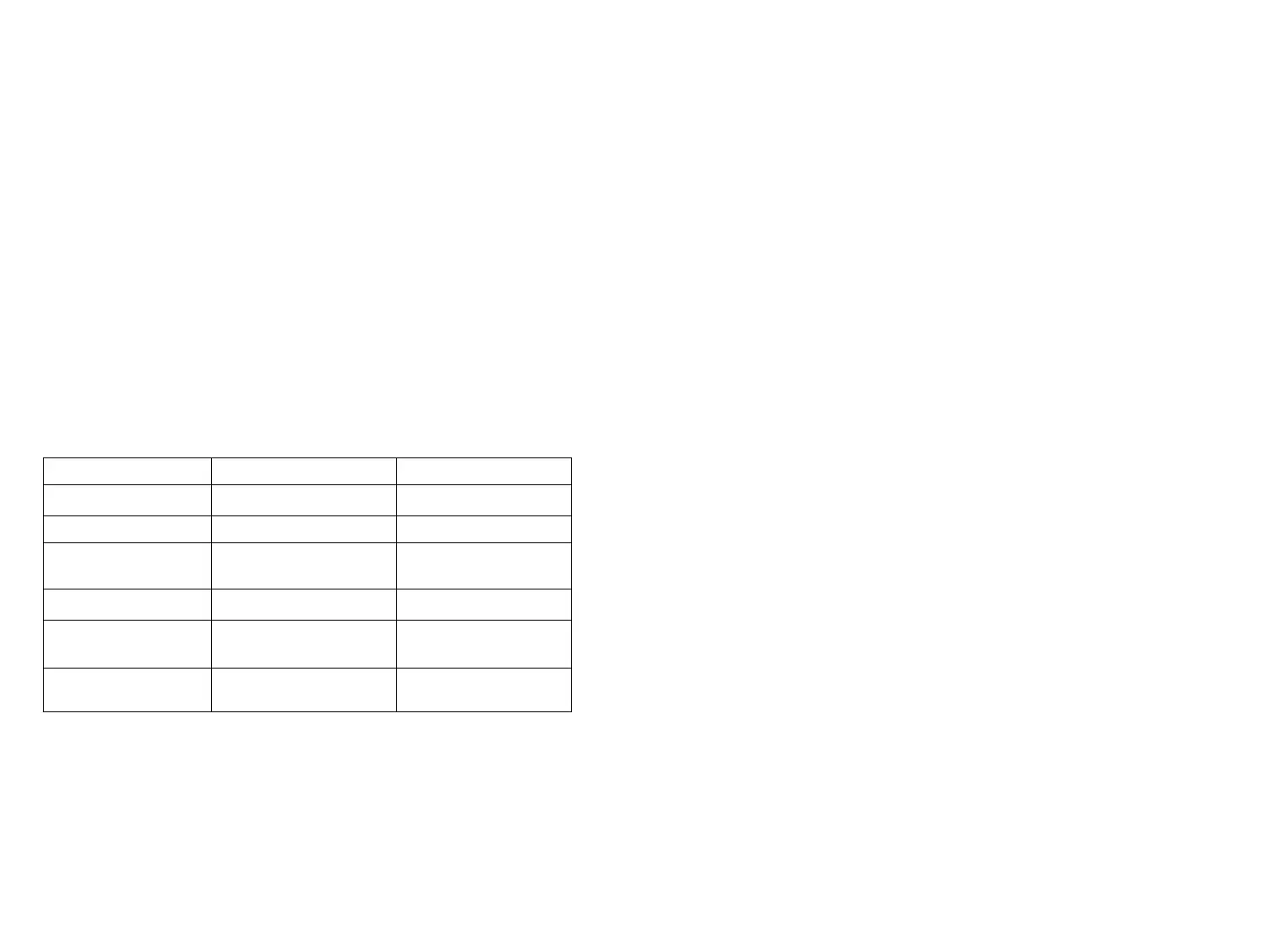
11 TROUBLESHOOTING
Power Adapter not connected.
Batteries are dead.
Replace batteries
Balance was not re-zeroed
before weighing Balance has not
been properly calibrated.
weight on the platform, then
weigh item.
Calibration Procedure does
not work
Incorrect weights being Used
Unable to display Weight in
a particular weighing unit
Enabled in Setup menu.
Use Unit Selection submenu
to set desired units ON (see
Setup menu).
Balance won’t store
Selections made in Setup
menu
used to exit Setup menu.
Exit Setup menu and
12. Error Codes
The following list describes the various errors which can appear on
the display and the suggested remedy.
Display Description
Err 0 With the platform on, this indicates the platform is too light,
make it heavier properly. If this error still occurs, the sensor or the circuit
board may be destroyed. The balance must be sent to the manufacturer to
be serviced.
12
1.
INTRODUCTION
This manual covers installation, operation and troubleshooting for
the Portable Advanced Electronic Balances, models. ES-10, ES-20,
ES-40,ES-50,ES-200(A),ES-300(A),ES-600(A),ES-1100,ES-2100(A),
and ES-3000A,ES-5000A To ensure proper operation of the balance,
please read this manual completely.
2. DESCRIPTION
The Portable Advanced balances are precision weighing instruments,
designed to provide years of service with virtually no maintenance .The
Portable Advanced housing is constructed of a material which is impact
resistant.contains a one piece solid-state precision electronics PC
board.and a five digit LCD display which is 0.5 inches in height.All
Portable Advanced balances are initially factory set to measure in grams
and can be set to measure in other units of measure as desired. Each
balance operates through a series of menus which enable precise
calibration and the selection of various parameters which enhance
operation. A built in lock switch prevents calibration settings from being
changed. Power is supplied through an AC adapter or batteries.
3. Portable Advanced balances contain two display menus which
enable you to calibrate and configure the balance for specific
operating requirements.
· CALIBRATION Menu–Allows the balance to be calibrated by using
standard weights.
· SETUP Menu–allows the balance to be set for environmental
conditions and customized for specific weighing functions.
When the balance is first turned on, it can be used to weigh tare
items without setting the menus. Refer to the individual menus in this
manual for detailed descriptions and procedures for programming.
4. UNPACKING
All Portable Advanced balances are supplied with a weighing
platform, some of which have been installed, AC power adapter,
instruction manual.
1


 To Next Page
 Loading...