RESET
Yes,No
SEL(Unit selection)
g,oz,ozt,dwt,lb,t,ct,PC
Stb(Stability)
.5d,1d,2d,5d
AUtO0(Auto zero)
OFF,.5d,1d,3d
PCErr(Parts counting error level)
OFF,1,2.5,5
A.0FF(Auto off)
OFF,60,120,180
End
To access a menu, press and hold until desired menu appears,
then release it.
Use these buttons to step through menus and select submenus:
next select
selection displayed item
7.1 Calibration Menu
All the Portable Advanced balances can be calibrated with standard
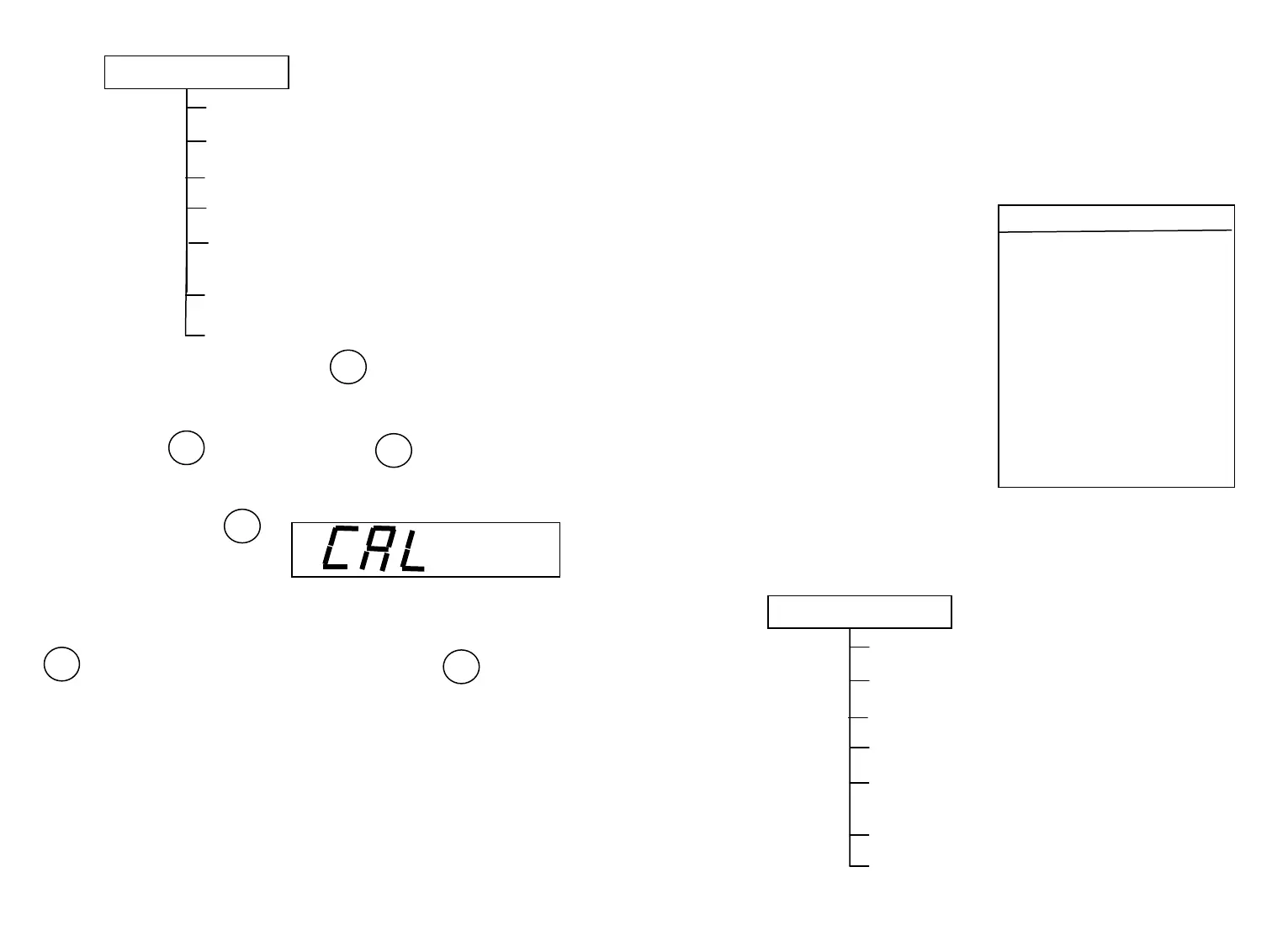
masses. press and hold
with no load on the platform,
until “CAL” is displayed, then
release it. Access “ CAL ” menu . Balance will first display “ CAL ” . In
a few seconds, balance will display the calibration weight value, press
to choose the calibration weight value and press to make
sure. After that the balance will display the weight value, according to
the shown weight value, put the corresponding calibrating weight on the
center of the platform. In a few seconds, the display will stop, and
meanwhile the calibration weight value will be shown, indicating that
calibration is over. Normal weighting can be done.
7.2 Calibration Menu Lockout
6
⑴ The Calibration menu may be locked out to prevent unauthorized
access.
⑵ When calibration end, turn the Lockout switch on the right side of
the balance forwards, calibration menu may be stored in balance memory
forever unless calibration menu is changed.
⑶ When the Lockout switch is turned backwards, calibration menu
cannot be stored in memory. It will disappear with no electricity.
7.3 . Calibration Masses
Before beginning calibration, make
sure calibrated masses are on hand. If
you begin calibration and realize
masses are not available (masses are
not accurate), either turn the balance
off, or go through the procedure
without masses. The balance will use
previously stored calibration date.
Calibration should be performed as
necessary to ensure accurate
weighing.
8. SETUP MENU
The Setup menu is used to customize
the operation of the balance for your specific requirements. It contains
submenus which enable you to turn features on or off, and program
balance parameters. The illustration below indicates in which submenus
appear on the Setup menu.
RESET
Yes,No
SEL(Unit selection)
g,oz,ozt,dwt,lb,t,ct,PC
Stb(Stability)
.5d,1d,2d,5d
AUtO0(Auto zero)
OFF,.5d,1d,3d
PCErr(Parts counting error level)
OFF,1,2.5,5
A.0FF(Auto off)
OFF,60,120,180
End
7
Required Calibration Masses
Span Masses
ES-10 10g
ES-20 10g or 20g
ES-40 20g or 40g
ES-50 20g or 50g
ES-200(A) 100g or 200g
ES-300(A) 100g or 300g
ES-600 (A) 200g or 500g
ES-1100(A) 1000g
ES-2100(A) 1000g or 2000g
ES-3000(A) 1000g or 3000g
ES-5000(A) 2000g or 5000g
TARE
TARE
OFF
TARE



 To Previous Page