8.6 Stability Range
The tability range specifies
how much a displayed weight may change while the stability indicator
(unit indicator) remains ON. When displayed
weight changes beyond the allowable
range, the stability indicator turns OFF
indicating an unstable condition. Portable
advanced balances permit you to select
one of four stability ranges (in divisions) as shown in the table.
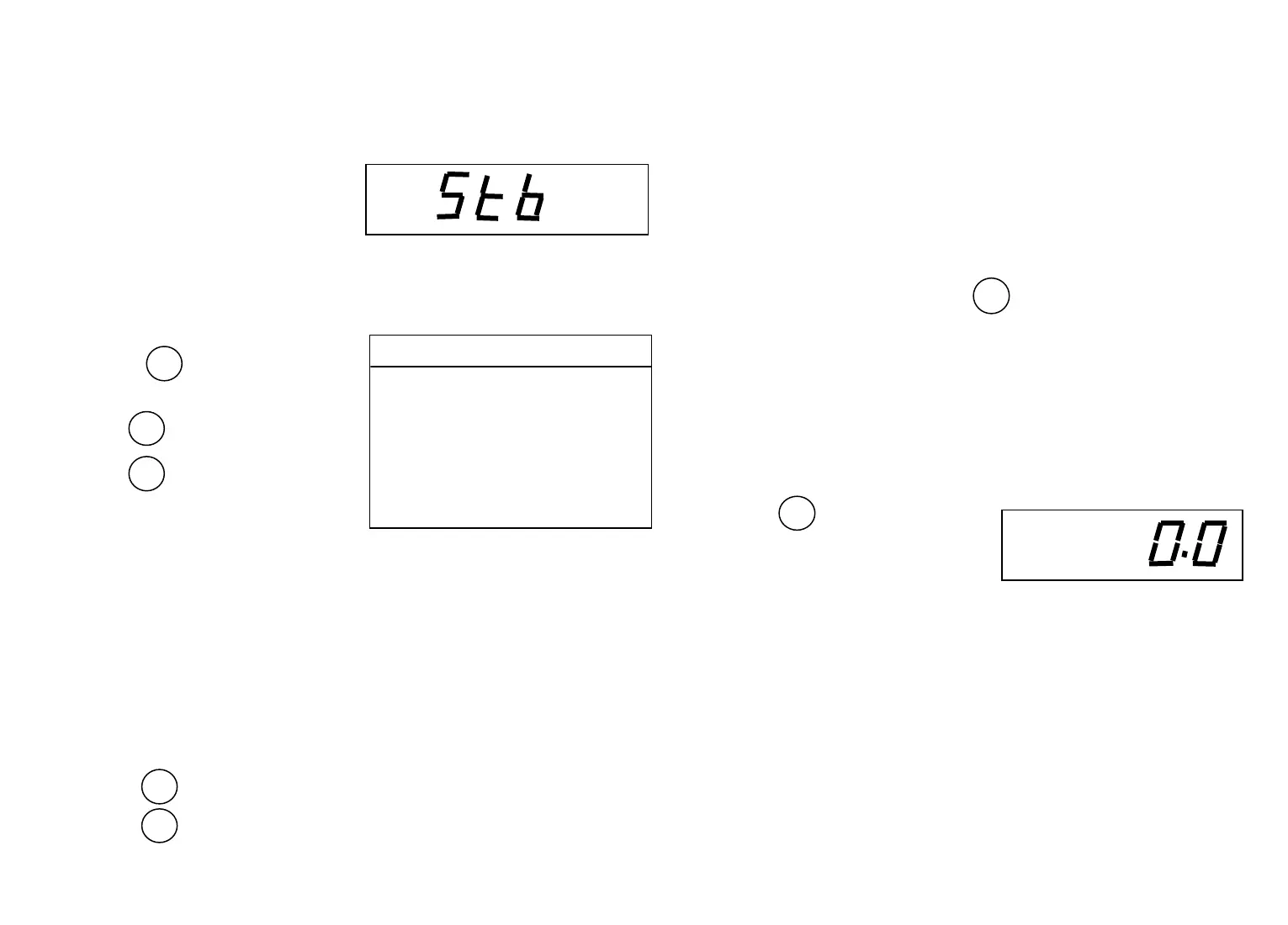
To view or change the stability range:
⑴ Access the Stb submenu to display the current setting.
⑵ Press to display the current
setting.
⑶ Press to change the setting.
⑷ Press to accept the displayed
setting, when released, Stb
will be displayed again.
8.7 Auto-Zero
Auto-Zero minimizes the effects of temperature changes and shift
on the zero reading. By defining a threshold level in divisions, the
balance maintains the zero display until the threshold is exceeded. This
submenu permits you to select one of three threshold levels, or turn the
feature OFF. Auto-Zero only functions when the display reads zero.
To view or change the auto-zero setting:
⑴ Access the Auto 0 submenu.
⑵ Press to display the current setting.
⑶ Press to change the setting.
10
⑷ Install the 4AA alkaline battery in the battery holder, orienting the
Plus (+) and minus (-) ends as indicated on the holder.
⑸ Replace the battery cover.
5.4 AC Adapter
Plug the jack from the adapter into the receptacle located on the
right side of the balance. Plug the adapter into a 220v or 110v AC outlet.
6 OPERATION
6.1 Turning the Balance On and Off
When no load on the platform, press
, The balance will display
the software version, and then all segments will display will turn on,then
the software version is displayed.
NOTE: Allow at least 5 minutes for the
balance to temperature stabilize before using. If the balance is moved to
a different temperature environment, allow additional time to stabilize.
To turn the balance off, press
and hold until OFF is
displayed, then release it.
6.2 Checking Calibration
Before using the balance, its calibration should be checked. The
balance has been calibrated before shipment, however, calibration is
influenced by factors such as:
⑴ Variations in the earth gravitational field at different latitudes of
the world.
⑵ Rough handling.
⑶ Changes in work location.
⑷ Height above sea level.
3
.5d Smallest range: stability indicator
is ON only when displayed weight
is within. 5 division.
1d Normal range.
2d Increased range.
5d Largest range: stability indicator is
ON with displayed weight changes
Up to 5 division.
g



 To Next Page