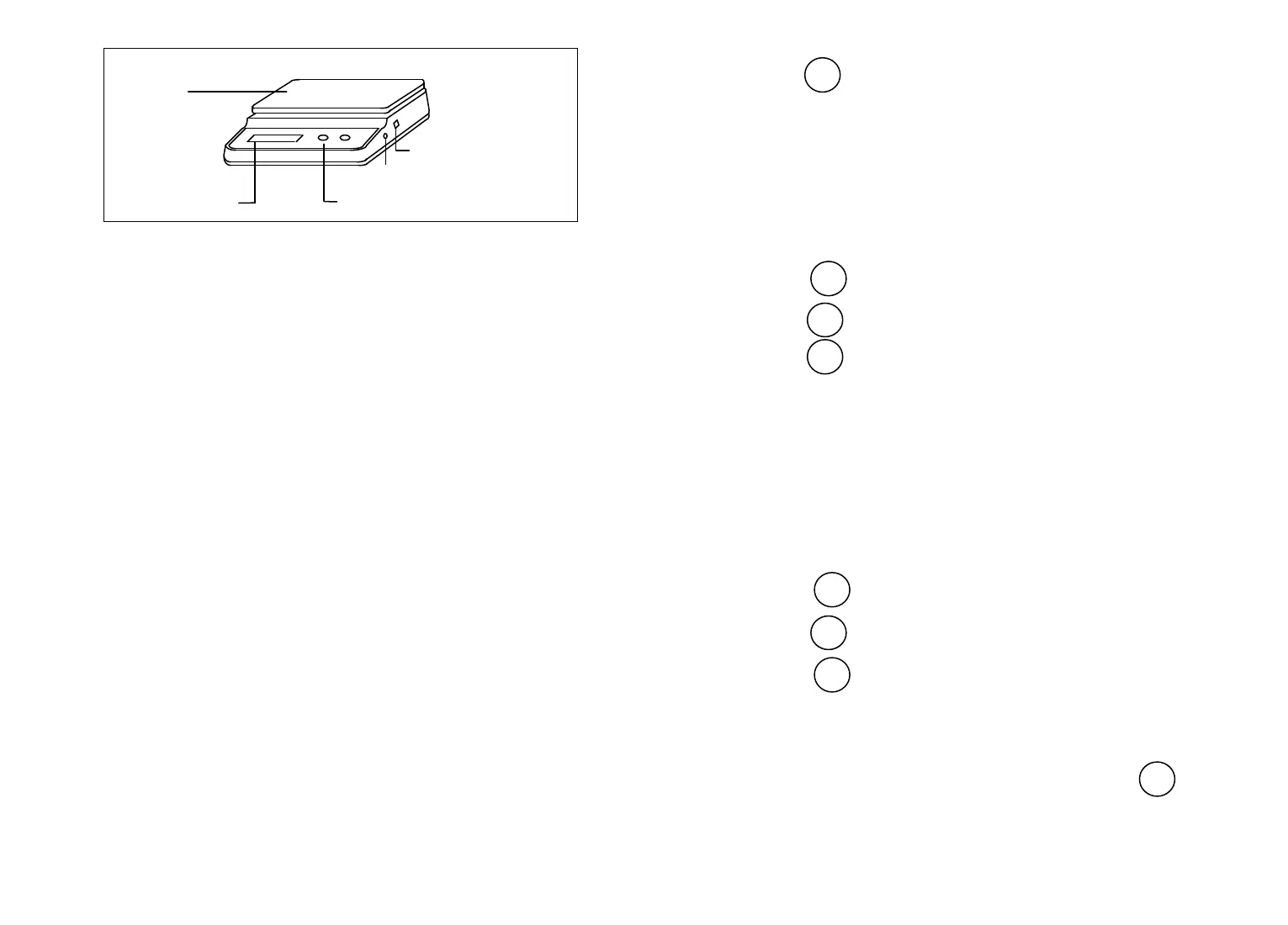
5. INSTALLATION
Environment
Balance performance can be affected by excessive air currents,
corrosives, vibration, temperature or humidity extremes.
5.1 DO NOT use the balance:
· Next to open windows or doors causing drafts or rapid temperature
changes.
· Near air conditioning or heat vents.
· Near vibrating, rotating or reciprocating equipment.
· On an non-level work surface.
· Near corrosive vapors (example : nitric acid ).
5.2 Power Options
The balance can be operated using 4AA alkaline (not included), or
from any AC electrical outlet using the AC adapter supplied.
5.3 Battery Installation
⑴ Turn the balance over.
⑵ Press the tabs on the battery cover inward and lift the cover off.
⑶ Remove the battery holder.
2
⑷ Press to accept the displayed setting, when released, auto 0
will be displayed again.
8.8 Parts Counting Error Level
The parts counting error level is based on the resolution (readability)
of the particular model balance and sample weight. The adjacent table
lists error levels that you can choose from..
To view, change or disable the parts counting error level:
⑴ Access the PC Err submenu.
⑵ Press to display the current setting.
⑶ Press to change the setting.
⑷ Press to accept the displayed setting, when released, PC
Err will be displayed again.
8.9 Auto Off
Auto Off permits the selection of either OFF, 60 seconds, 120
seconds or 180 seconds. When this function is selected, the balance will
turn off if it is idle for the selected period of time (60, 120 or 180
seconds). This feature is especially useful when the balance is operated
from internal batteries.
To view, change or disable the auto off feature:
⑴ Access the A.Off submenu.
⑵ Press to display the current setting.
⑶ Press to change the setting.
⑷ Press to accept the displayed setting. When is released,
A.Off will be displayed again.
8.10 END
You must use End to exit the Setup menu. Changes you made in the
Setup menu are only stored in memory if you use End.
To exit the Setup menu and store your settings, press when
END is displayed. When is released, the balance will be returned to
normal weighing operations.
9. CALIBRATION LOCK-OUT PROTECTION
11
Weighing
Platform
AC Adapter
Receptacle
Calibration Menu Lockout Switch
Display Window Push Button
TARE
TARE
MODE
TARE



 To Next Page