To check the balance’s calibration, place a known mass on the
center of the platform and read the displayed weight.
If the displayed weight differs from the known mass by more than
acceptable limits, refer to the Calibration Menu and the Specifications at
the rear of the manual.
6.3 Weighing
⑴ Press to set the display to zero.
⑵ Place the object to be weighed on the platform.
⑶ Wait until the unit indicator appears before reading the displayed
weight. When the unit indicator appears, the reading is stable.
6.4 Units exchange
Under weighing,press to change the units.
6.5 Taring
When weighing samples that must be held in a container, taring
enables the balance to subtract the weight of the container and display
only the net weight of the sample.
⑴ Press with no load on the platform to set the display to zero.
⑵ Place the empty container on the platform. Its weight will be
displayed.
⑶ Press . Zero will be displayed and the container’s weight
will be stored in the balance’s memory.
⑷ Add the sample to the container and read its net weight on the
display.
⑸ When the container and its contents are removed, the container
weight will be displayed as a negative number.
The tared weight will remain in memory until is pressed
again or the balance is turned off.
6.6 Parts Counting
Parts Counting must be enabled in the Setup menu before using
This procedure. The balance will count parts based on the weight of a
reference sample, 5, 10, 20, 30, 40 or 50 parts. For optimum results, the
parts should be uniform in weight.
4
⑴ Access the Sel submenu.
⑵ Press , the display will show
the grams unit indicator (g) along with the current status (ON/OFF).
⑶ Press to change the status.
⑷ Press to accept the displayed
status, when released, the display will
show the next unit indicator along with
the current status.
⑸ Set each unit or mode ON or OFF
as in steps 3 and 4.
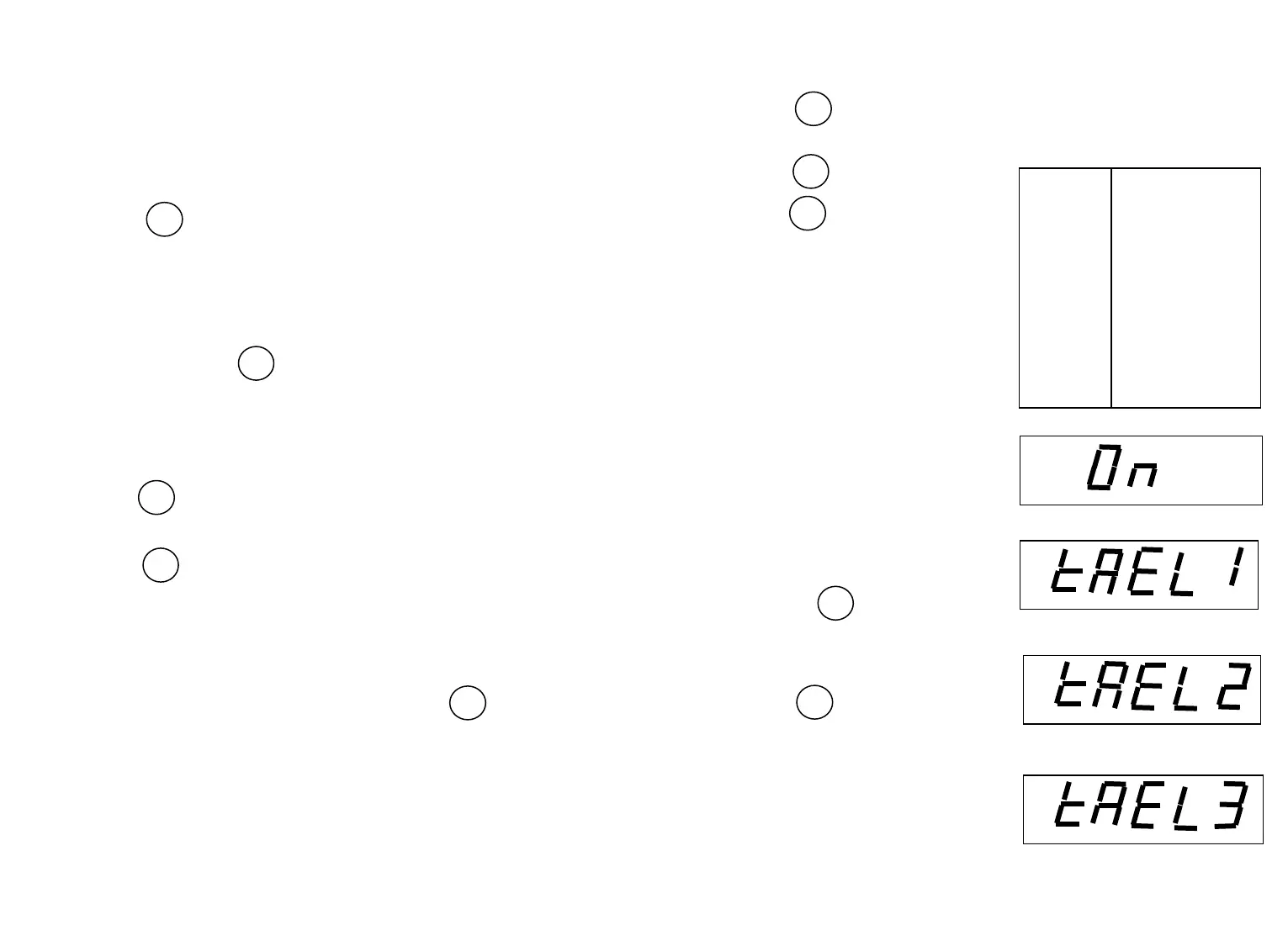
8.5 Taels
If taels are enabled, you will
be required to choose one of three
different taels: Hong Kong, Singapore,
or Taiwan.
(1) When the display shows
TAEL1, press to change
Hong Kong
to another tael if desired.
(2)Press to accept the displayed
tael.
Singapore
Taiwan
9
t
TARE
TARE
TARE
TARE
Indicator and Modes
grams
ounces
troy ounces
pennyweight
pounds
taels
carat
parts counting
OFF
TARE
MODE



 To Next Page