Use instructions
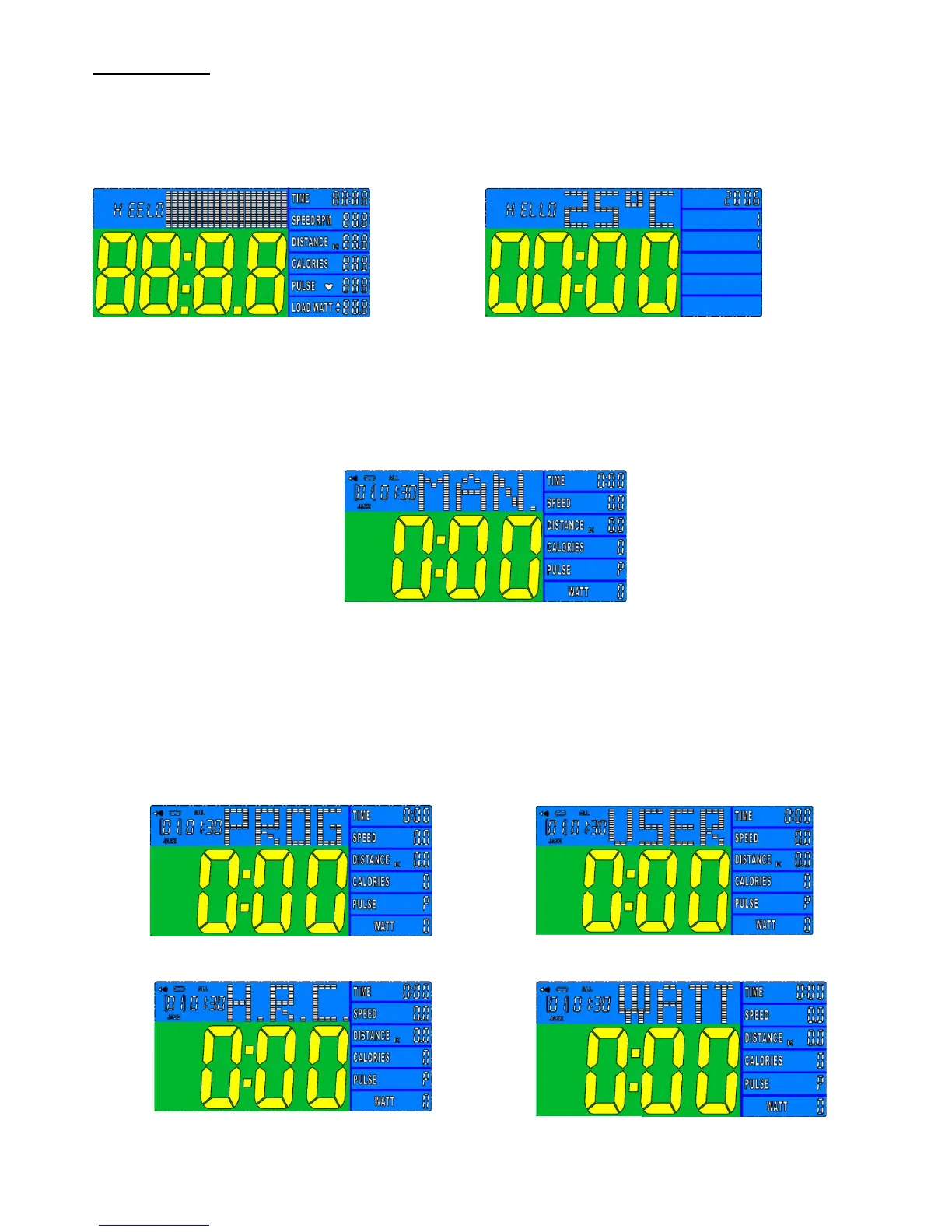
1. Power on, LCD will display segment for 2 seconds with long beep sound. (FIGURE 1), then enter calendar
setting mode).
FIGURE 1 FIGURE 2
2. Press ENTER
、
UP
、
DOEN buttons to set year / month / day / clock (FIGURE 2) ; Turning the
UP/ DOWN button to select number and press ENTER for next setting ; screen will enter standby
mode. (FIGURE 3).
FIGURE 3
3. Manual is glittering in the sleep mode, (FIGURE 4)
,
you may turn UP and DOWN to select
training mode MANUAL / PROGRAM / USER PROGRAM / H.R.C. / WATT (FIGURE 4 ~7) and press
ENTER (/MODE) for confirmation. The monitor will enter MANUAL mode for training without
selection.
FIGURE 4 FIGURE 5



 To Next Page