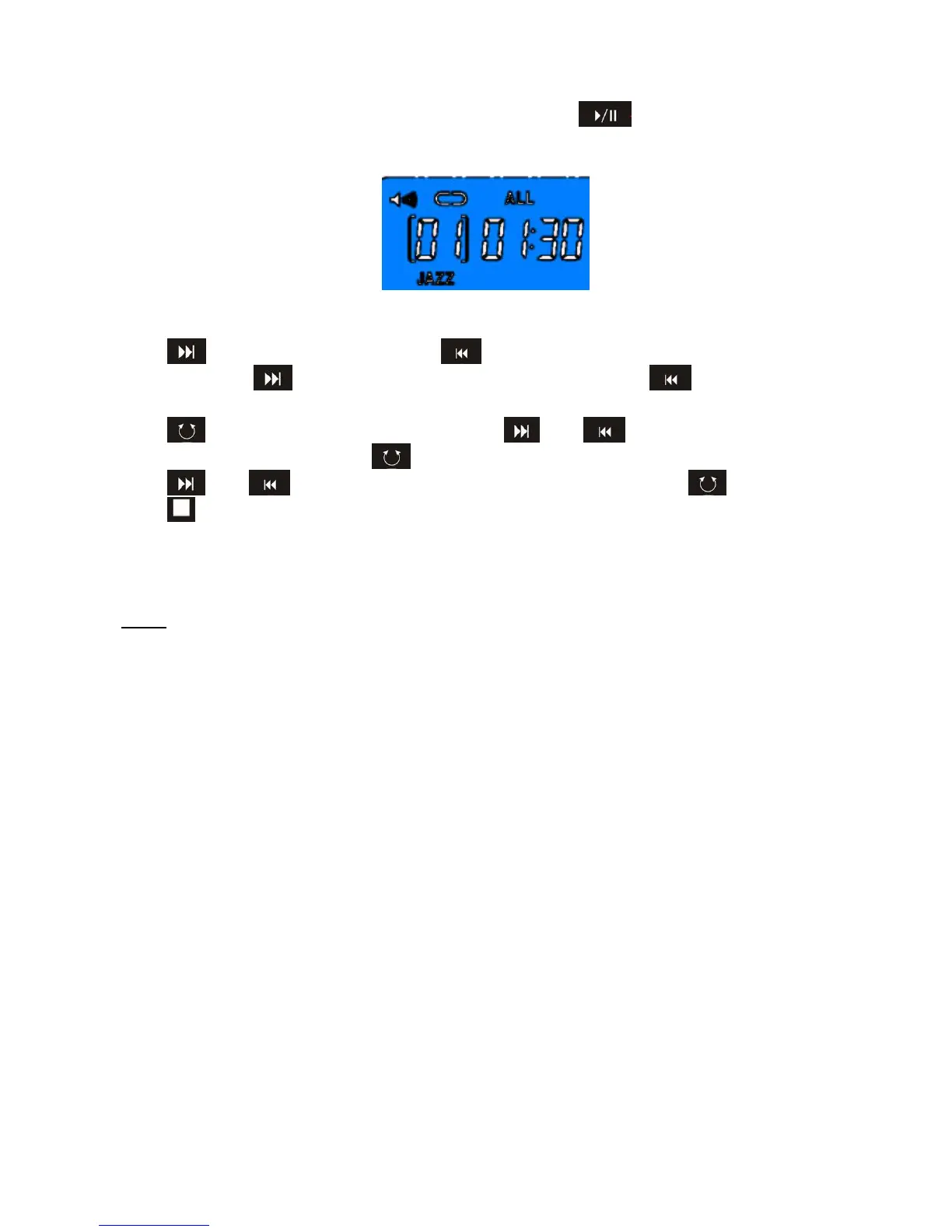
User may plug in his own USB key with saved songs, press . button to play the songs;
press again to pause mode. (FIGURE 14)
FIGURE 14
Press once to select next song; press to previous song.
Hold on pressing to adjust the volume louder; hold on pressing to adjust volume
lower.
Press , once, ALL will glittering, user may press and to choose “repeat 1 song”,
“repeat all” and “random”. Press to choose “repeat 1 song”, “repeat all” and “random”.
Press and to select sound mode from Jazz, Rock or Classic. Press to confirm.
Press to stop MP3 player.
NOTE:
1. When there is no signal been transferred into the computer for 4 minutes, the LCD display
will shut off automatically, and all previous training data will be stored. You may press any
button to have the computer restart working.
2. The monitor has the same result as abovementioned point 2 if you press and hold on
RESET button for 4 seconds.
3. If the LCD display is improper, please remove the battery and reinstall again.
4. The monitor can be power on with AC adaptor (9V, 1A) input.
5. When user save songs to USB key, please do not save in files. All songs need to be played
without open files. If computer cannot find USB key, please check if USB key is well
situated to the port and check if USB key LED is glittering.


 To Next Page