26Technetix Group LimitedRev.1._0.1_0217
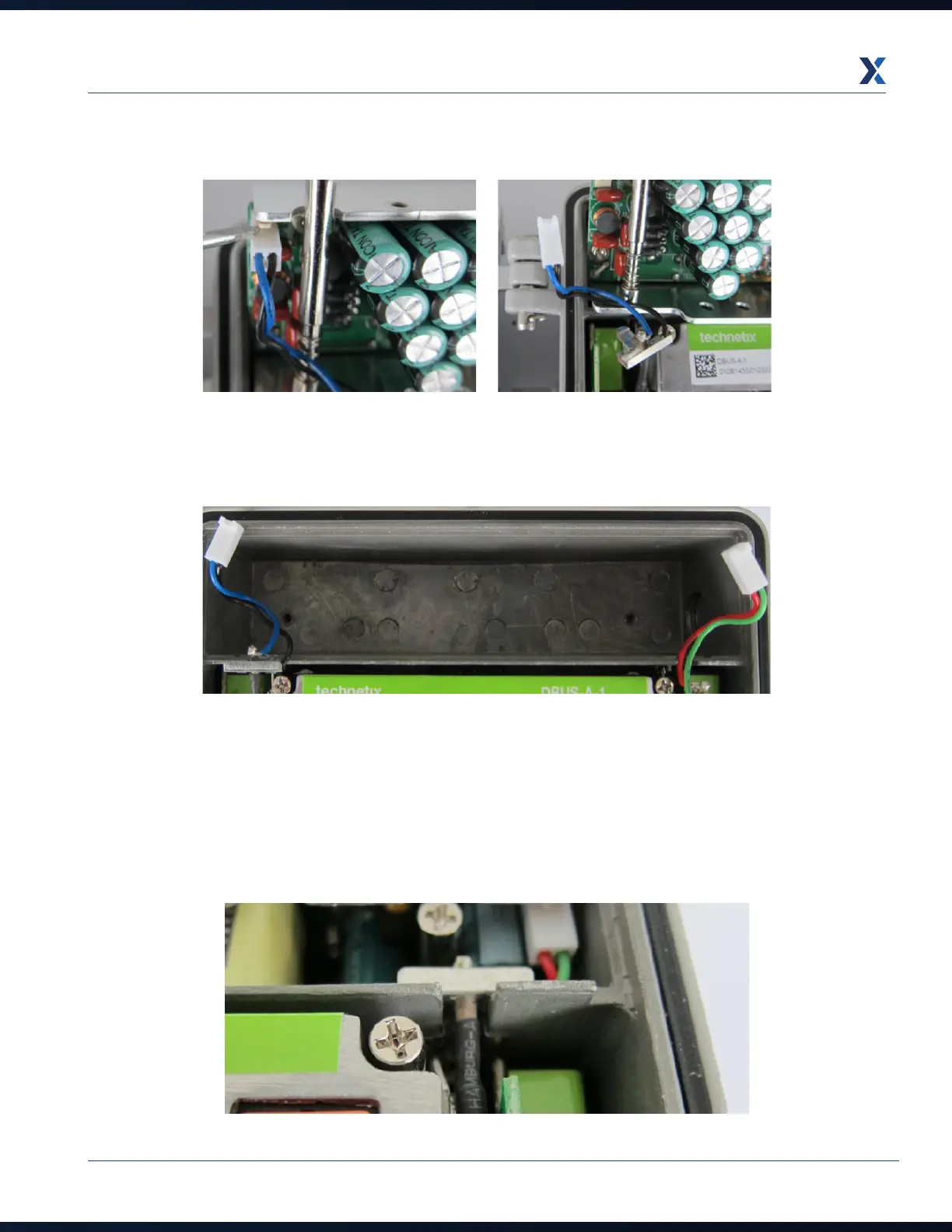
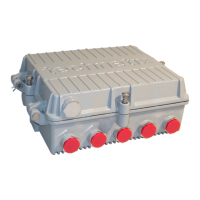
3. Use a screwdriver to release the PSU electrical connectors’ securing clips and unplug the leads
4. Remove the PSU from the DBC-1200 housing.
5. Installation is the reverse of removal:
a. Connect the electrical connectors to the PSU.
b. Place the PSU into the housing and secure the PSU with the 2 holding screws.
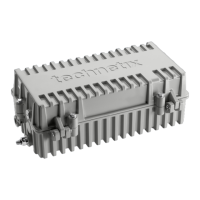
c. Slide the grounding pass-through PSU leads’ clips into the housing slots, ensuring they are seated down to the
bottom of the slots.


 To Next Page