EasyManua.ls Logo

Technics RS-T10 - Page 3

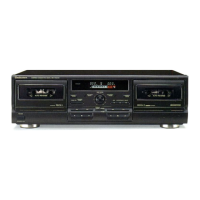
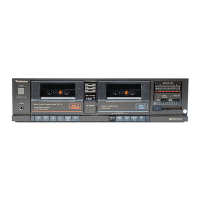
Technics RS-T10
Print Icon
To Next Page IconTo Next Page
To Previous Page IconTo Previous Page
Loading...
RS-T10
OPERATION
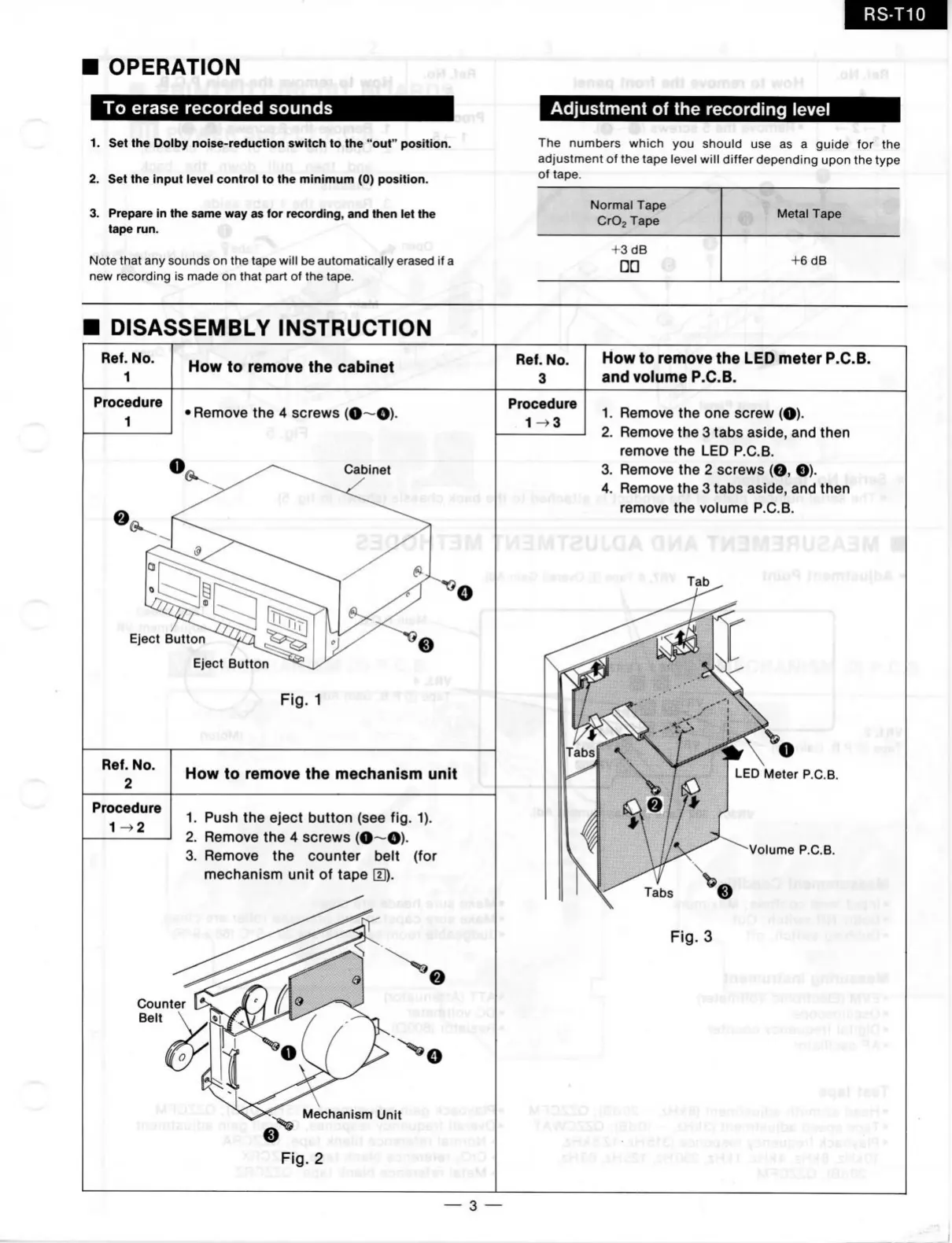
To erase recorded sounds
1.
Set the
Dolby noise-reduction switch
to the
"out" position.
2.
Set the
input level control
to the
minimum
(0)
position.
3. Prepare
in the
same way as
for
recording, and then
let the
tape run.
^
Note that
any
sounds
on the
tape will
be
automatically erased
if a
new recording
is
made
on
that part
of
the
tape.
Adjustment of the recording level
The numbers which
you
should
use as a
guide
for the
adjustment
of
the
tape level will differ depending upon
the
type
of tape.
Normal Tape
CrOj Tape
Metal Tape
+3
dB
+6
dB
DISASSEMBLY
INSTRUCTION
!
/
Ref. No.
1
How
to
remove
the
cabinet
Ref. No.
3
How
to
remove
the
LED meter P.C.B.
and volume P.C.B.
Procedure
1
' Remove
the
4
screws (O—O)-
Cabinet
Eject Button
Eject Button
pjg "l
fTlBD
.8
<Tf?
Ref. No.
2
Procedure
1-^2
How
to
remove
the
mechanism unit
1.
Push
the
eject button
(see
fig.
1).
2.
Remove
the
4
screws (0~0)-
3. Remove
the
counter belt
(for
mechanism unit
of
tape
E).
Counter
Belt
Procedure
1-^3
rtp6JJ6
1.
Remove
the one
screw
(O)-
2.
Remove the
3
tabs aside, and then
remove
the LED
P.C.B.
3. Remove
the
2
screws
(O, O)-
4.
Remove the
3
tabs aside, and then
remove
the
volume P.C.B.
3MTcü
f-.ü
ÜSWVO
ff!
9q6i
8 ,^
Mechanism Unit
Fig.
2
s
.rHV
LED Meter P.C.B.
Volume P.C.B.
Fig.
3
"O,
,%n^c.i.i -.xncitï
ejf'aqafj'
jonsüpy!^
MDfc;)yt>H»
.sHea .sHcSf .sHOes
.SHJJ
r
.sH)»*
.%m8
sHAQt
3

Related product manuals