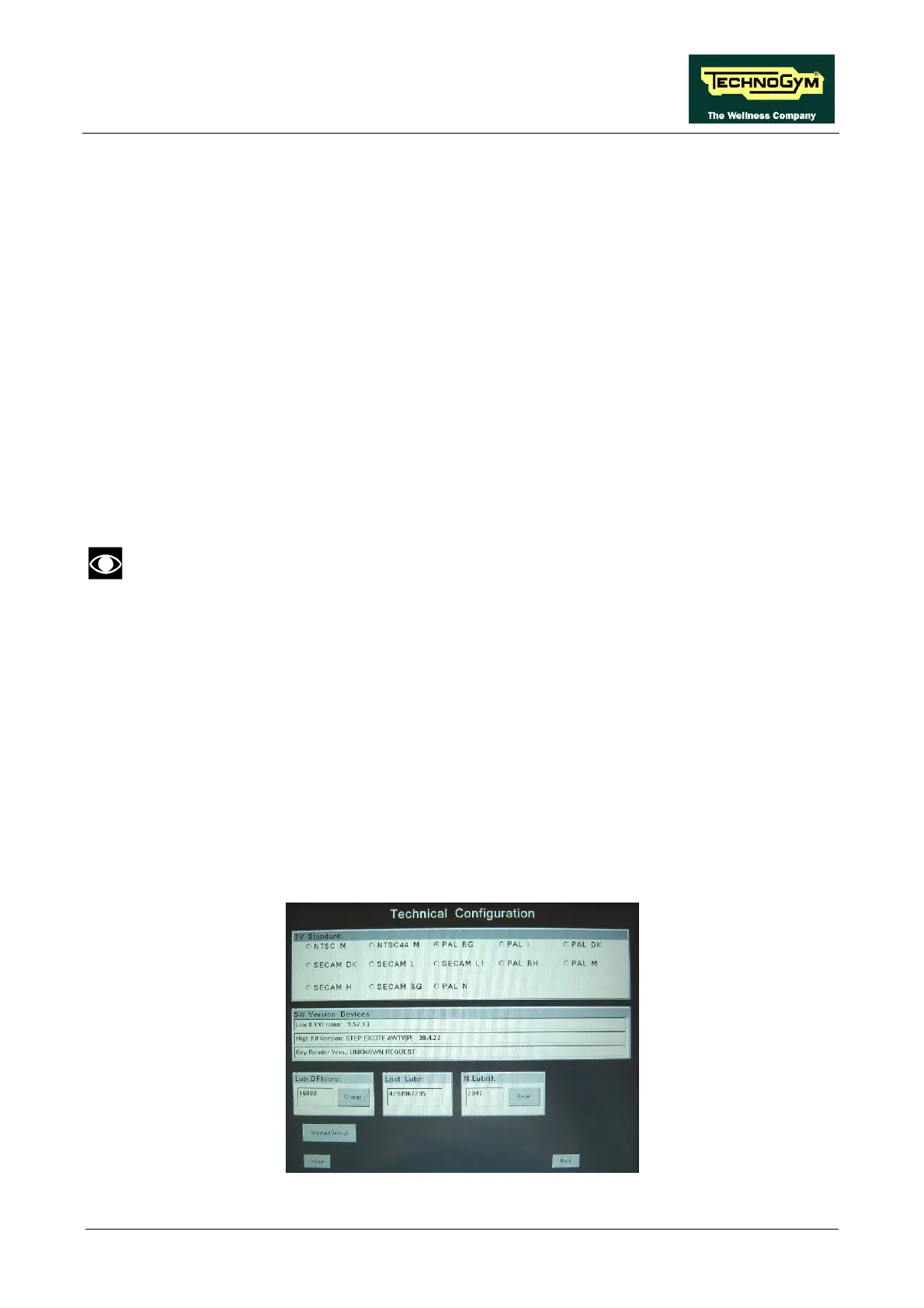
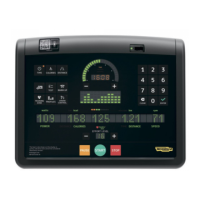
ACTIVE WTV: Machine configuration
1.2.3. ERRORS LOG
This function accesses the machine’s error history log.
In addition to the error history log, this function also includes the 3 sub-functions described below:
1.2.3.1. Read from low kit
To read the parameter values from the low kit memory and view them on the display, press READ
FROM LOW KIT key.
1.2.3.2. Reset Errors
To clear the error history in both the low and high kit memory, press RESET ERRORS key.
1.2.3.3. COM.Fault
This is a counter that display the number of errors in serial communication between the upper and
the lower kit. This counter increase each time a communication fault is detected.
To reset this counter, press RESET key on the side of the value.
To correctly display the parameter values, you need to load them from the low kit, using
the “Read from low kit” function.
For every error generated by the machine, the error history log records the information in the table
below:
• Counter
• Error code
• Current when the error occurred
• Distance in km when the error occurred
The correspondence between error codes and descriptions is given in the “Service & maintenance
manual”.
Press HOME to confirm and save, FORWARD or BACK to scroll the pages.
Page 11



 To Next Page