ACTIVE WTV: Machine configuration
Page 16
1.3.2. WELLNESS TV ADJUSTMENTS
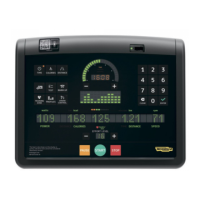
The keys in the figure at left can perform certain adjustments on the
Wellness TV. In particular, it is possible to:
1. Increase or reduce the brightness of the LCD.
2. Increase or reduce the contrast of the LCD.
3. Press the “SAVE IN EEPROM” key to permanently save the
configuration.
4. Exit with the “HOME” key.



 To Next Page