ACTIVE WTV: Machine configuration
1.4.1.2. Procedure for manually entering radio channel frequencies
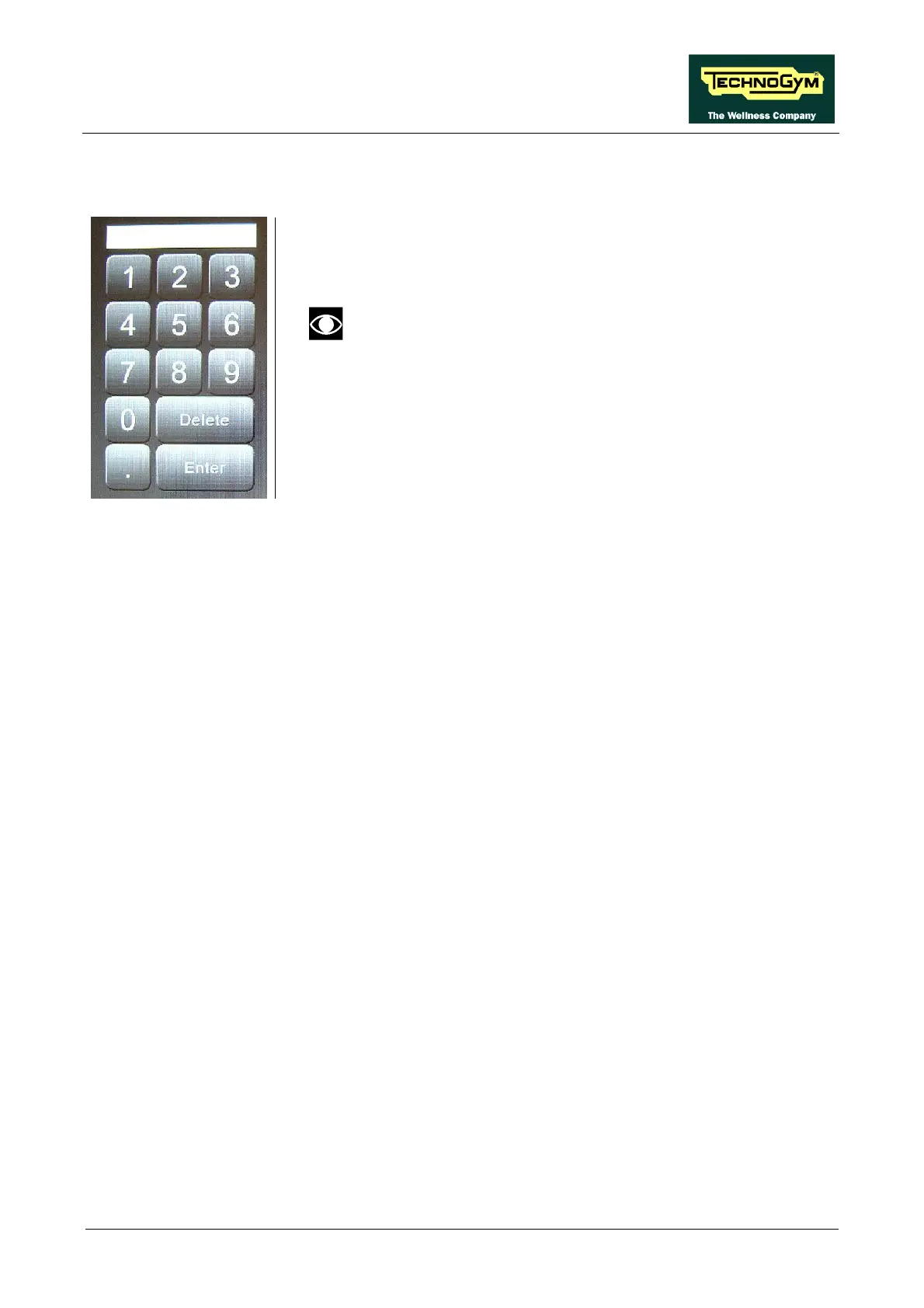
1. Digit the frequency using the keypad.
2. Press ENTER to confirm or DELETE to cancel.
3. Press the number that you want to associate the frequency.
If a channel has already been memorised under that
number, the old channel will be overwritten with the new
one.
4. Repeat the above steps for each desired channel.
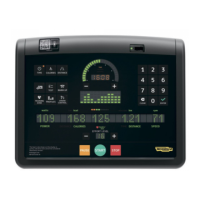
5. Press the “SAVE IN EEPROM” key to permanently save the
configuration.
6. Exit with the “HOME” key.
Page 19



 To Next Page