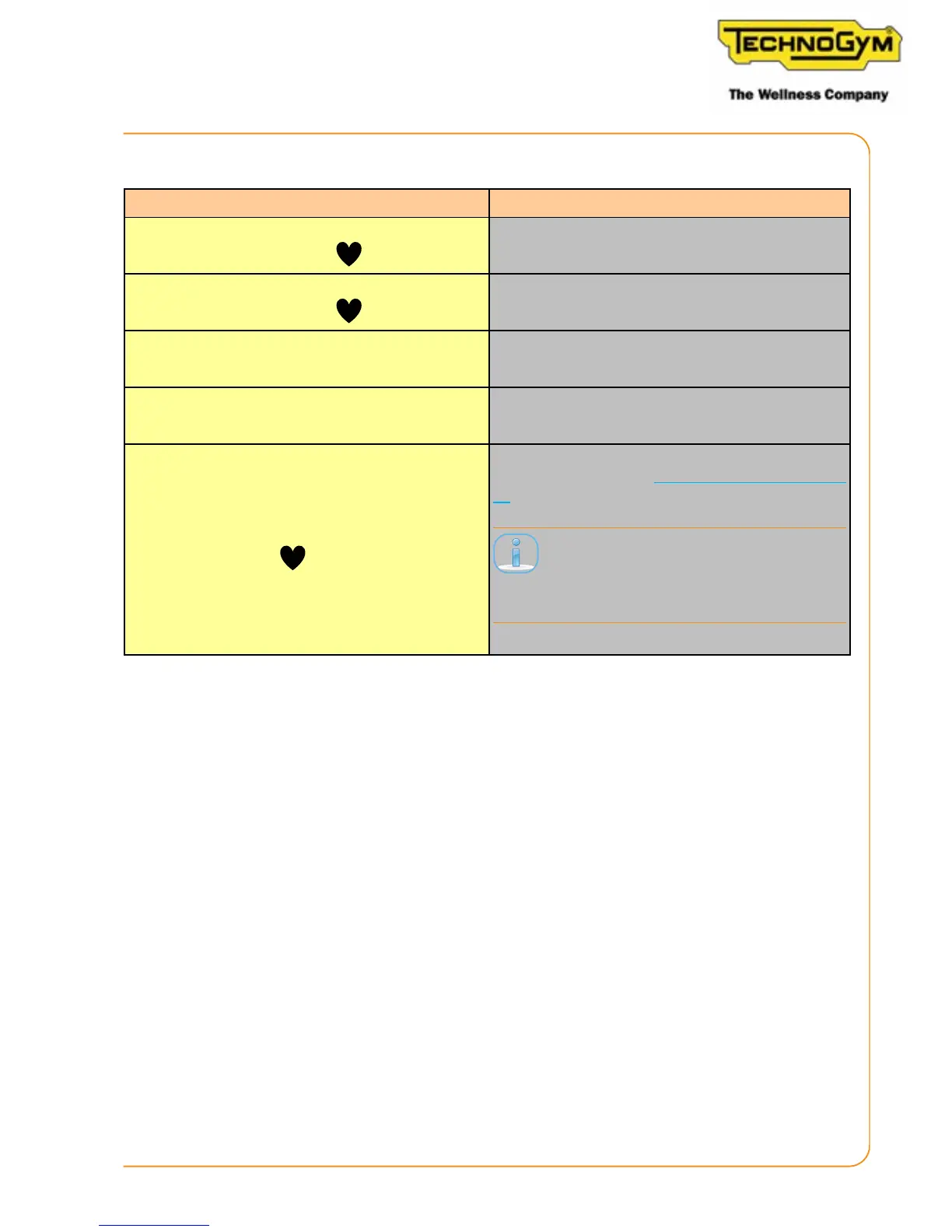
The following seings are possible using the key combinations:
Command Response
LONG PRESS key 1 + key
Enters the unit of measure conguration mode
(metric or imperial).
LONG PRESS key 2 + key
Enters scene conguration mode (calories or
was).
LONG PRESS key 2 + key 3 Enters Wi-Fi conguration mode via app.
LONG PRESS key 1 + key 2 + key 3 Enters brake table calibration mode.
LONG PRESS key
Access the software update procedure (for de-
tails, see paragraph: “9. SW Update” on page
67).
This combo must be pressed when the
display is o but the heart is illuminat-
ed.
Skillmill:
Technical Service Guide - Rev. 2.2
Page 49












 To Next Page