16
SKILLROW
AVG MAX
bpm
GOAL
MOVE
kcal
VO2
GOAL
REST
min
DRAG
GOAL
TEST
TEST
m
REPS
AVG
MAX
watt
AVG
MAX
spm
/500m
AVG
MAX
DESCRIPTION OF THE DISPLAY
How to start an exercise (exercise types)
If you row for at least 3 seconds, without pressing any key, an exercise will start without duration limits. If you stop rowing for at least 3 seconds, the
exercise will be paused; after a 1 minute pause, the exercise ends.
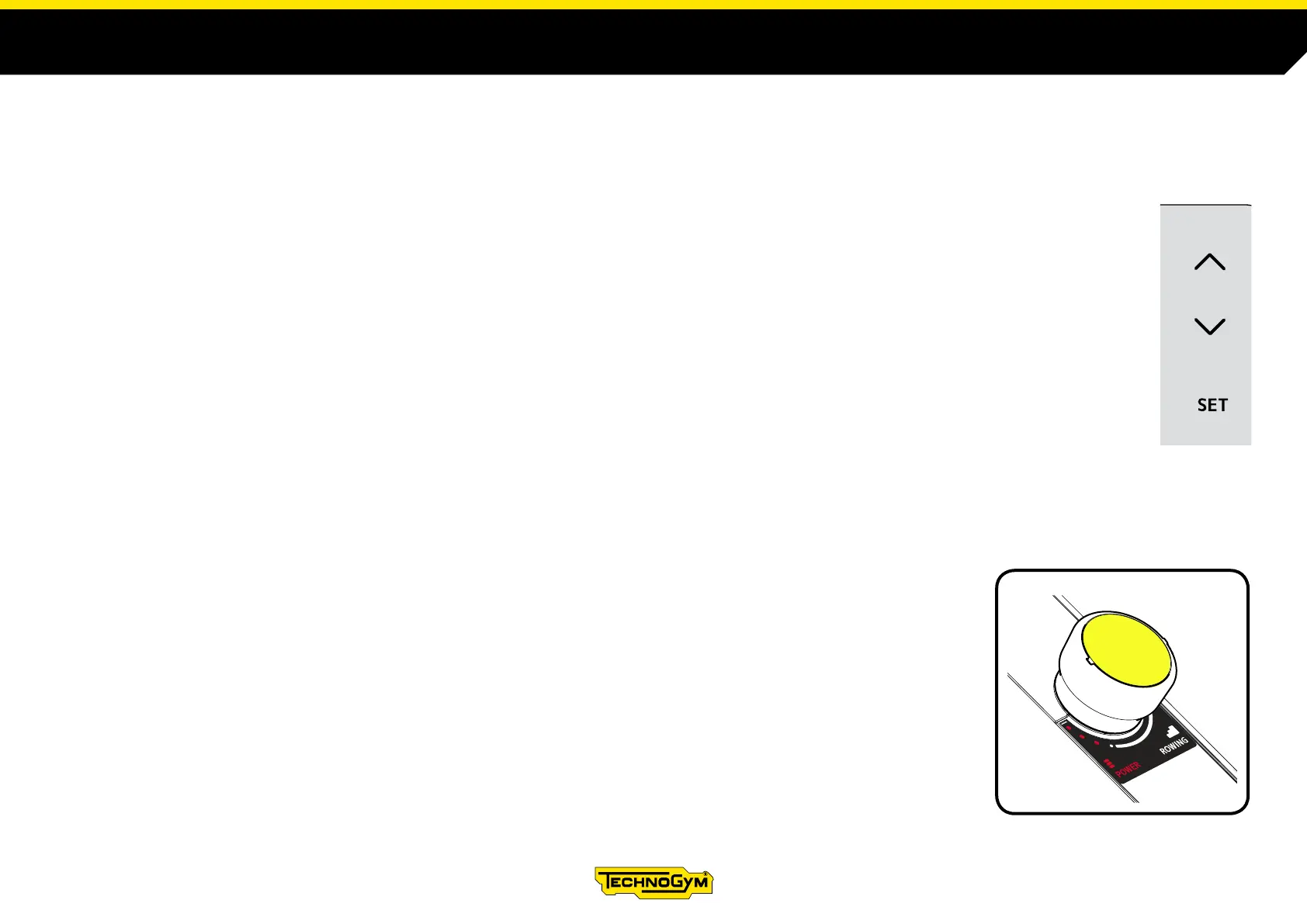
Press the SET key to set other exercise types.
After pressing SET, use the two scroll keys to the right to scroll the dierent types of exercises.
The following exercises and tests are indicated in the following order.
- Exercise with a prexed duration, in minutes.
- Exercise with a prexed distance, in metres.
- Exercise with prexed calorie consumption.
- Interval exercise based on distance: the distance for the eort stage and the duration of the rest phase are set.
- Interval exercise based on duration: the duration for the eort stage and for the rest phase are set.
- Test that lasts 30 seconds.
- Test that foresees running a distance of 2000 metres.
To select an exercise or a test, press the SET key when the exercise is shown on the display.
After selecting the exercise, use the two scroll keys to set the values (duration, distance, calories). Press the
SET key to conrm the value and start the exercise.
No values need to be entered for the tests.
The tests are performed in ROWING mode; if the POWER mode is active, the test will not start.












 To Next Page