EasyManua.ls Logo

Tecnam P92 Eaglet - Page 36

Tecnam P92 Eaglet
65 pages
Print Icon
To Next Page IconTo Next Page
To Previous Page IconTo Previous Page
Loading...
P92 Eaglet
Flight Manual
Revision Date: 12-14-2007
Revision Number: 1.00
Doc n° 27-13-100-00
36
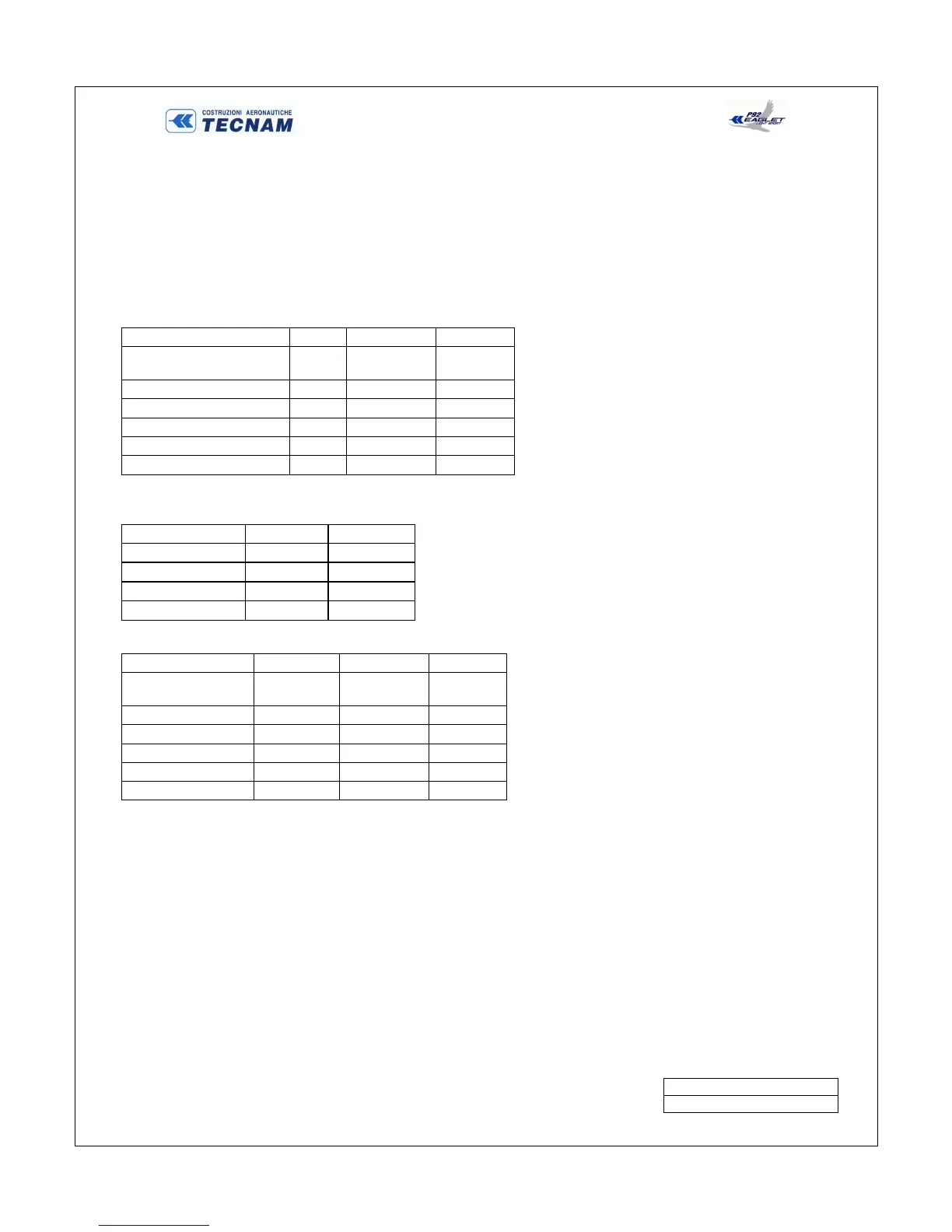
To computer weight and balance:
1. Get moments from loading charts
2. Obtain the empty weight and moment from the most recent weight and balance
3. Insert the weights and the moments for fuel, occupants and baggage from the previous chart
4. Total the weight and the moment columns
5. Divide the total moment by the total weight to get the arm
6. Check that the total weight does not exceed maximum gross weight of 1320 pounds
7. Check that the arm falls within the C.G. range
Computation Chart
Weight
(lbs)
Arm
(inches) Moment
Empty Weight
Fuel 65,36
Pilot & Passenger 69,29
Baggage 87,01
Totals
C.G. Range
Meters 1.7430

1.9250
Inches 68.60
75.8
Max Weight Pounds Kilograms
1320.00
600.00
Example Problem
Weight
(lbs)
Arm
(inches) Moment
Empty Weight 748,9
67,79 50767,93
Fuel
150,0
65,36 9803,63
Pilot & Passenger
300,0
69,29 20788,42
Baggage
20,0
87,01 1740,24
Totals 1218,9
68,18 83100,22
In this example, the gross weight is under the max gross weight of 1280 pounds and the Arm or C.G. is within the C.G.
range listed above.

Table of Contents

Related product manuals