ChallengerPlus Installation and Quick Programming Manual 33
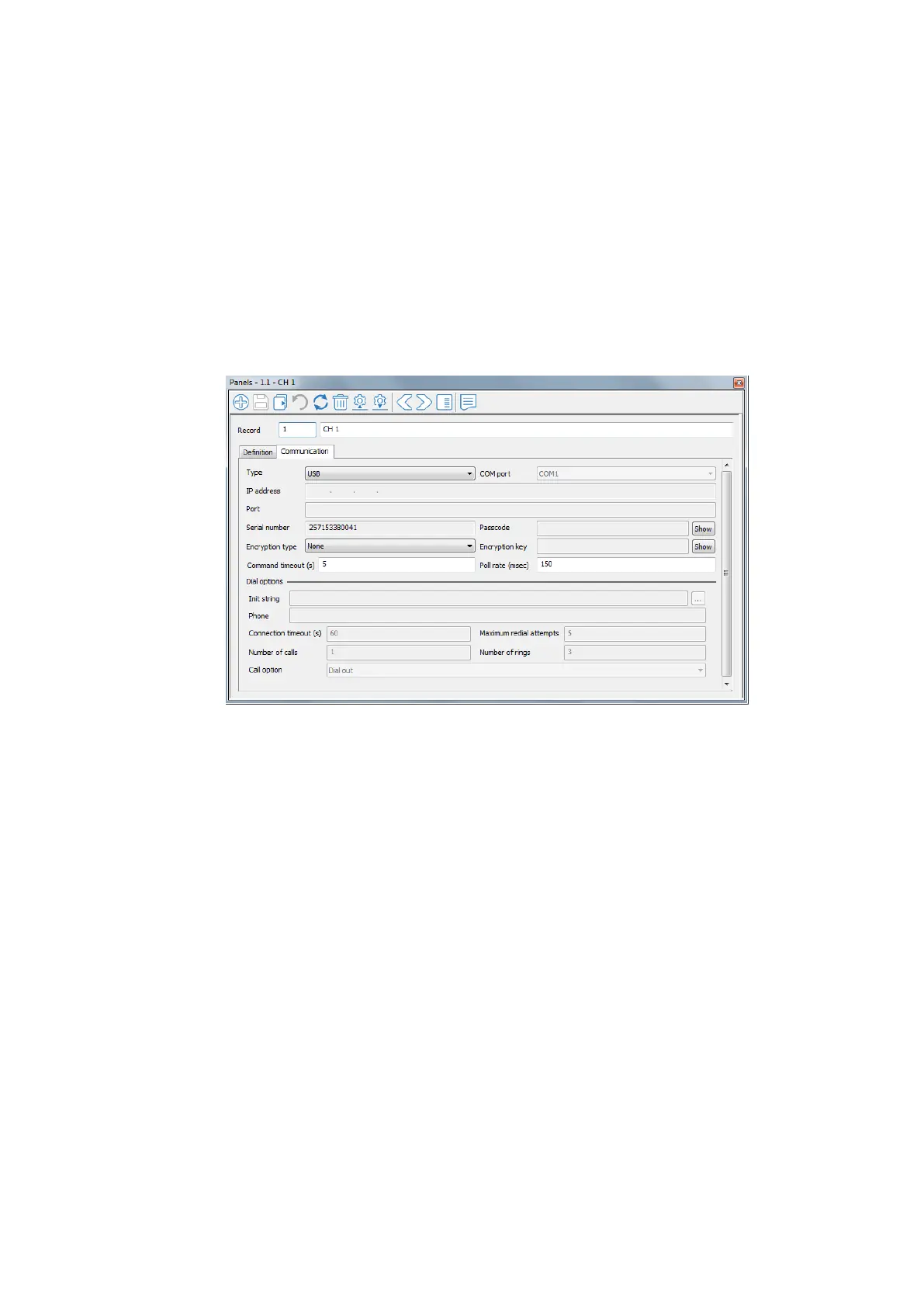
Get Challenger Panel’s serial number
CTPlus will show the Challenger panel’s serial number if it is connected with a
communication type other than UltraSync (e.g. USB or Ethernet)
Follow these steps to get the serial number from a connected Challenger panel:
Click the Panels button on the Panel programming ribbon tab to open the
Panels form.
Select the required Challenger panel.
On the Communication tab, note the Serial number field.



 To Next Page