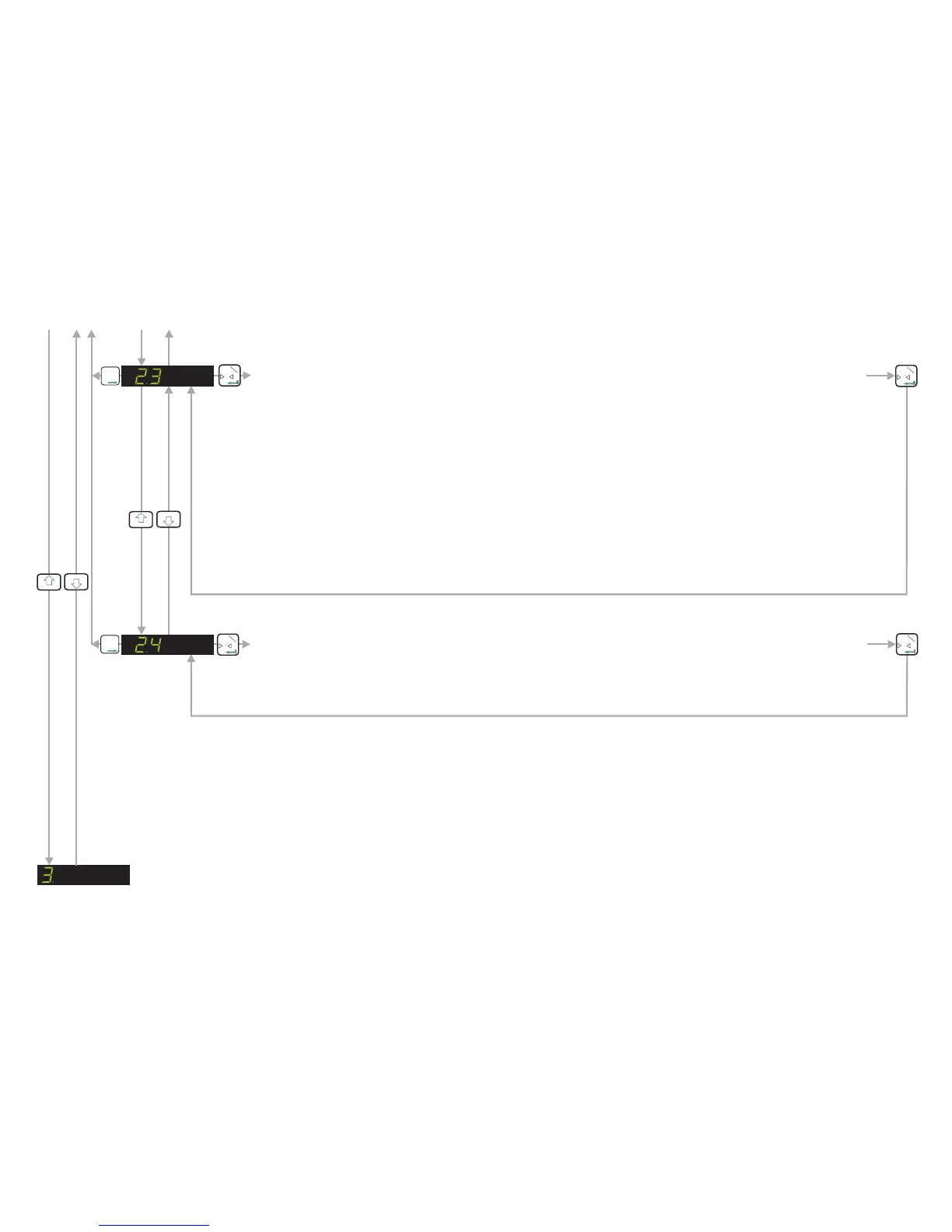
DISPLAY THE INPUT SIGNAL IN mV/V
Use this function to view the raw signal coming from the load cells into the EZE30. The display shows the
load cell signal directly in mV/V. This can be useful when either commissioning or fault finding.
0
T
1
T
T
T
2
0
T
1
CALIBRATE THE SPAN FROM THE LOAD CELL mV/V READING
If you are calibrating the weighing system without weights, use this menu point to enter the mV/V value for
the weighing system. The weighing system mV/V value can be derived from the load cell test data. Normally
a test data certificate is provided with each load cell stating amongst other things, the Output at Rated Load
(ORL) in mV/V. In single load cell applications the weighing system mV/V value will be the load cell ORL
value. In applications using more than one load cell, the weighing system mV/V value will be the average of
the individual load cells ORLs. Normally load cells used in multi-cell applications have matched or
rationalized ORLs typically 2 or 3 mV/V for example. So if you have 4 load cells in your system, each 1000
kg capacity with ORLs of 2 mV/V then the weighing system capacity will be 4000 kg at 2 mV/V.
Use the UP/DOWN & MOVE RIGHT keys to enter the weighing system ORL reading in mV/V. The reading
should be in the format x.xxxx e.g 2.0000 if the ORL is 2 mV/V exactly. The corresponding weighing system
capacity should be entered in menu point 2.1
0
T
1
T
T
T
2
0
T
1
3
4
SET UP THE DISPLAY - See Next Page
SET UP AND CALIBRATE SPAN /DISPLAY INPUT SIGNAL IN mV/V (Continued)
3
4
Page11


 To Next Page