User Guide
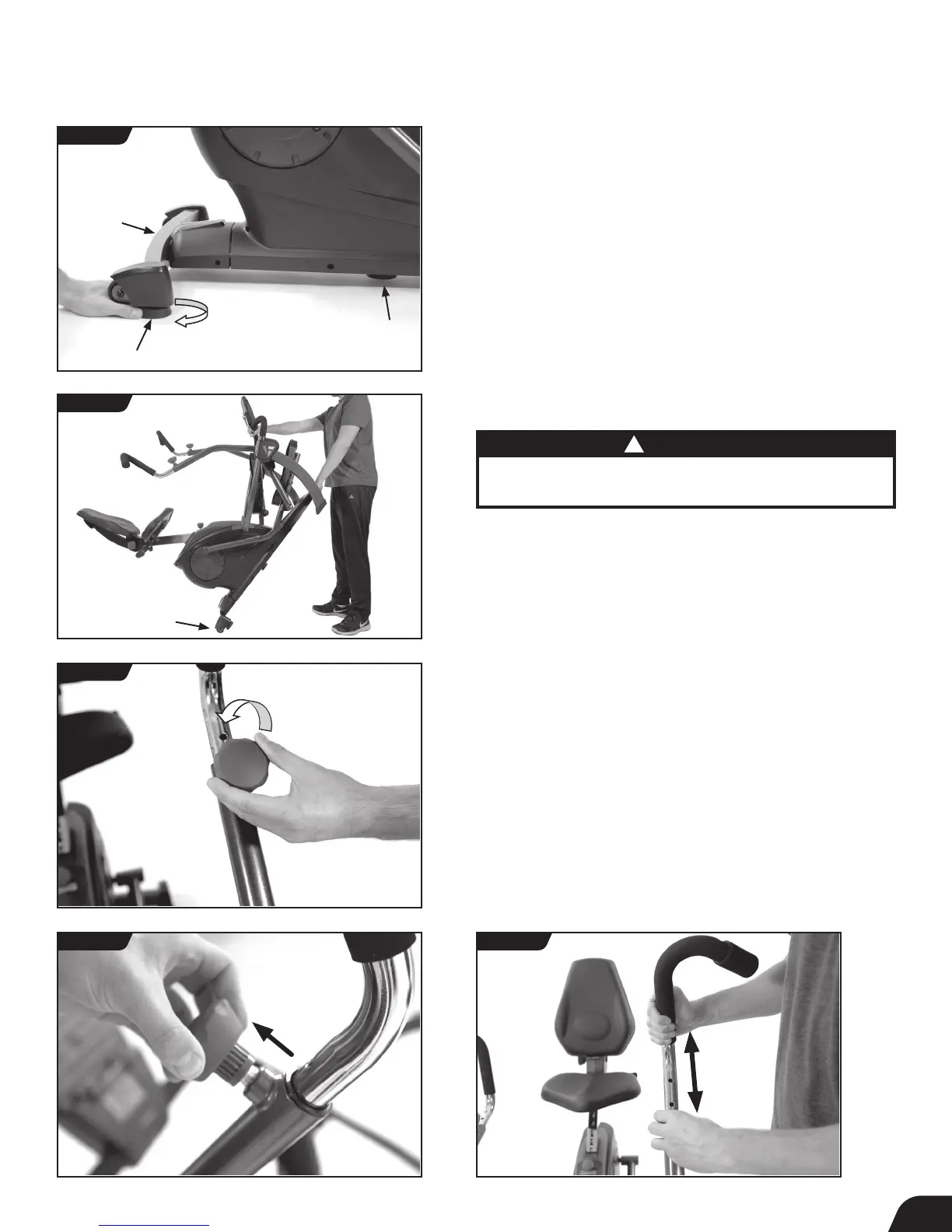
Leveling
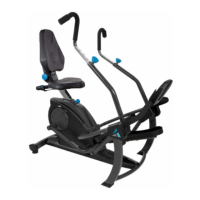
• Make sure your FreeStep
™
is on a flat, stable surface. Locate the
3 × Leveling Feet as shown. If any of the feet are not resting flat on
the ground, rotate them clockwise to lower them until they reach
the ground (Figure 22).
Transporting
• The Transport Wheels are located on the back of the Rear
Stabilizer. To transport, first lift from the Console Front Support
Bar and then from the Front Crossbar. Move the FreeStep
™
by
rolling on the Transport Wheels as shown (Figure 23).
Adjust Handles: Height
• Loosen the Handle Adjustment Knob by turning
counter-clockwise (Figure 24).
• The Handle Adjustment Knob is spring loaded, allowing you to
pull the knob outward and then auto-lock it into a hole setting
when released (Figure 25).
• Pull the Handle Adjustment Knob outward while pulling or
pushing on the handle to adjust the height (Figure 26).
• Once both handles are adjusted as desired, turn the Handle
Adjustment Knobs clockwise to secure in place.
FIGURE 22
FIGURE 24
FIGURE 25 FIGURE 26
FIGURE 23
12
CAUTION
!
The FreeStep
™
weighs 110.0 lb (50.0 kg) and should be lifted
with caution. Lifting heavy objects can cause injury.



 To Next Page