© 2007 D 541 - 08/07 16 of 24
Scenes Section J
Scenes are a function that is available on the thermostat.
• To use the scene function, go to the Scene menu and
set the Scene setting to On.
Scenes are a method of changing the temperature throughout
an entire building from a single thermostat. A permanent
scene remains in place until another scene is selected.
When a temporary scene is selected (Scenes 6, 7, 8), a
timer counts down and when it times out, devices return
to the last permanent scene selected.
See the Scene table for details regarding the timing of
Scenes. There are a total of eight Scenes available.
• Default Scene: The default scene is Permanent 1. In a
typical installation, the thermostat will be set to follow
the scheduled event in the Permanent 1 scene.
• Factory Set Scenes: Scenes 2, 3 and 6 are factory set
and force the thermostat to the Away, Unoccupied or
the Occupied temperature respectively.
• Customized Scenes: You can customize Scenes 1, 4,
5, 7, and 8 to either follow the scheduled event, or the
temperature can be forced to the Wake, Unoccupied,
Occupied, Sleep, or the Away temperature.
Note: If no schedule is available, the Scene menu selections
are limited to Occupied and Away
Scene Description Thermostat Operation
1 Permanent 1 Scheduled event, Wake, Unoccupied, Occupied, Sleep, Away
2 Permanent Away 2 Away
DHW demands are ignored (applies to outdoor reset modules)
Setpoint demands operate (applies to outdoor reset modules)
3 Permanent Unoccupied 3 Unoccupied
4 Permanent 4 Scheduled event, Wake, Unoccupied, Occupied, Sleep, Away
5 Permanent 5 Scheduled event, Wake, Unoccupied, Occupied, Sleep, Away
6 Temporary Occupied 6 Occupied for 3 hours
7 Temporary 7 Scheduled event, Wake, Unoccupied, Occupied, Sleep, Away for 4 hours
8 Temporary 8 Scheduled event, Wake, Unoccupied, Occupied, Sleep, Away for 8 hours
Upstairs
Scheduled Event
Downstairs
Scheduled Event
Upstairs
UnOccupied
Downstairs
Scheduled Event
for
4hr
Scene 1
Scene 7
70°F
70°F
62°F
70°F
Master Bedroom
Scheduled Event
Guest Bedroom
UnOccupied
Master Bedroom
Scheduled Event
Guest Bedroom
Scheduled Event
Scene 1
70°F
62°F
70°F
70°F
Scene 4
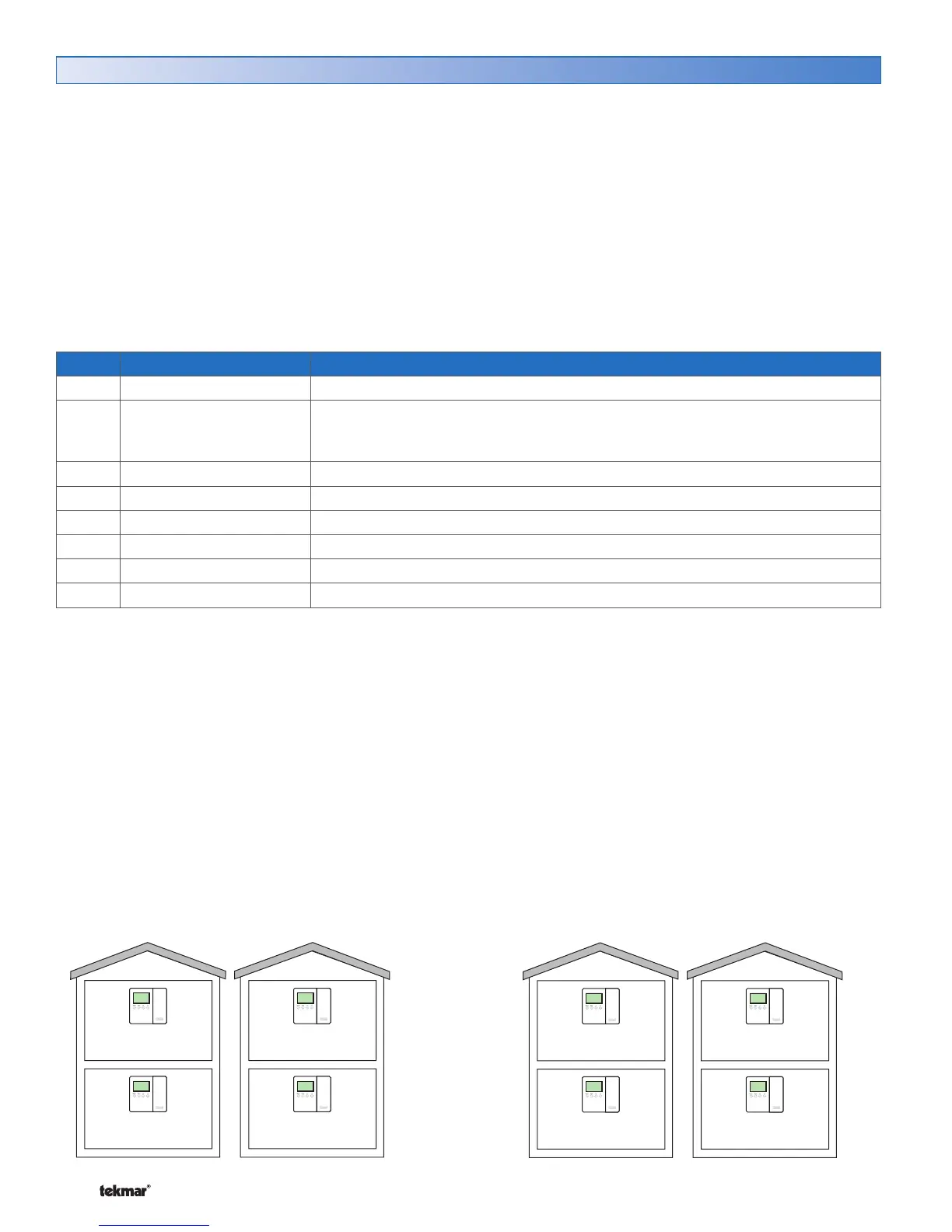
Example 1:
A house is normally in scene Permanent 1. There is a
master bedroom that operates on a schedule and there is
a guest bedroom that is normally set to Unoccupied. When
a guest arrives, the scene changes to Permanent 4. Scene
4 has been pre-programmed to change the guest room to
operate on the schedule.
Master bedroom thermostat:
Scene Permanent 1 is set to Schedule.
Scene Permanent 4 is set to Schedule.
Guest bedroom thermostat:
Scene Permanent 1 is set to Unoccupied.
Scene Permanent 4 is set to Schedule.
Example 2:
A house is normally in scene Permanent 1. There are
bedrooms upstairs and the entertainment area is downstairs.
The occupants are entertaining guests for an evening and
scene Temporary 7 is selected. This causes the upstairs
thermostats to operate at the Unoccupied temperature and
the downstairs to operate and the Occupied temperature
for four hours.
Upstairs thermostats:
Scene Permanent 1 is set to Schedule.
Scene Temporary 7 is set to Unoccupied.
Downstairs thermostats:
Scene Permanent 1 is set to Schedule.
Scene Temporary 7 is set to Occupied.



 To Next Page