Save and Recall Information
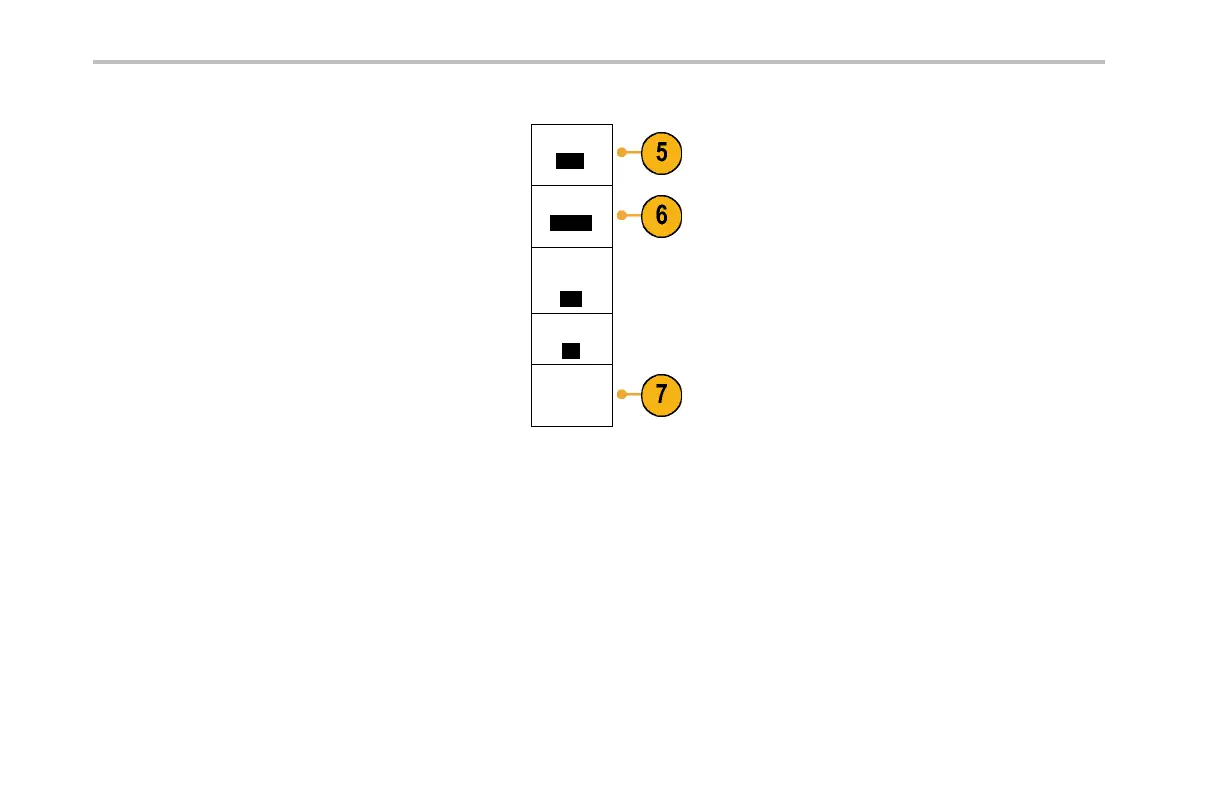
5. Push Source and turn multipurpose knob a to
select a waveform to save.
Source
(a) 1
6. Push Destinatio n and turn multipurpose knob
b to select a reference waveform or a file.
Destination
(b) .csv
Set the Waveform Resolution for .csv files only.
Waveform
Resolution
Full
Set the Gating to save information w ith files.
Gating
Off
7. Push Save to save to a USB flash drive.
Save ...
This brings up the file manager scre en. Use it
to define a custom file name. Skip this step to
use the default name and location.
Saving a Waveform to F ile. When you push the Destina tion side-bezel menu button and turn multipurpose knob b,the
side-bezel men u changes. The following table describes the selections for saving wave form data to a mass storage file.
218 DPO2000 and MSO2000 S eries Oscilloscopes User Manual



 To Next Page