28 JULY 2016 10
2. Using the Scope Intro Built-
in Handbook
If you get stuck, or want to know more about a
particular control, Scope Intro provides a built-in,
handy reference.
1. Press Function button on the front panel
2. Press Scope Intro bezel button (Figure 3)
3. Select Oscilloscope Basic with the
Multipurpose Knob (MPK)
4. Select Why use an oscilloscope
5. Use the MPK to scroll through the content
(Figure 4)
6. Press Scope Intro again back to the top
menu, and explore the other topics.
TBS2000 Overview gives good explanation
of the instrument’s controls and menus.
7. Press Menu On/Off to exit Scope Intro when
you are finished exploring.
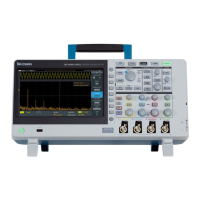
Figure 3. Selecting Oscilloscope Basics
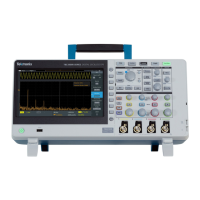
Figure 4. Using the Multipurpose Knob to scroll through
the handbook




 To Next Page