28 JULY 2016 14
6. Using Cursors to Measure
Time and Amplitude
Cursors enable quick visual measurements on the
selected waveform. The TBS2000 features on-
waveform readouts to make it easy to visualize
measurements.
1. Press Default Setup. Press Autoset.
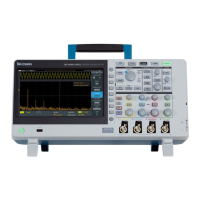
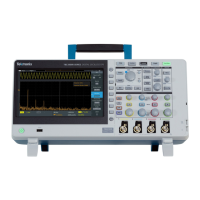
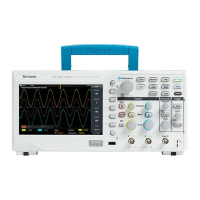
2. Press the Cursors button beside the MPK
(Figure 10).
3. Press the Screen bezel button to select
independent control of both amplitude and time
cursors
4. Turn the MPK to move the left time cursor close
to the position you would like to measure
5. To position the cursor more precisely, press the
Fine button. Now turn the MPK to left cursor
exactly on a rising edge of the signal.
6. Press the MPK to change control to the right
time cursor. Turn the MPK and use Fine to
position the cursor on the next rising edge.
7. Note the delta time readout between the cursors
and the time position for each bar
8. Press MPK again to change control to the upper
cursor for amplitude measurements. Move the
cursor to the top of the signal and note the delta
readout (Figure 11).
9. In the next section, you’ll use automated
measurements to get similar results.
Figure 10. Location of the Cursors and Fine
buttons (two-channel model shown)
Figure 11. Using the cursors to measure period and
amplitude of the Probe Comp signal




 To Next Page