28 JULY 2016 5
Setting up the Equipment
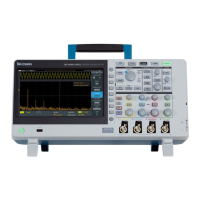
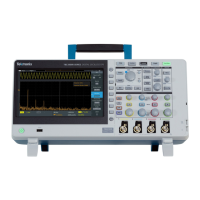
Power on the instrument
1. Plug in the power cord for your region
2. Press the power button to turn on the instrument. Allow the instrument’s power-up
sequence to finish.
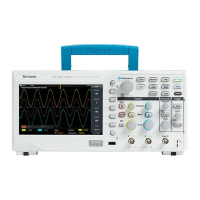
3. Connect TPP0100 passive probes to Channel 1 and Channel 2
To see the firmware version
1. Press the Utility button
2. Press the Configuration bezel button
3. Scroll the Multipurpose knob to highlight System Status, and press the
Multipurpose knob to enter the System Status menu
4. Review the firmware version at the bottom. Visit
www.tek.com for the latest firmware.




 To Next Page