Application Examples
TDS1000/2000-Series Digital Oscilloscope User Manual
45
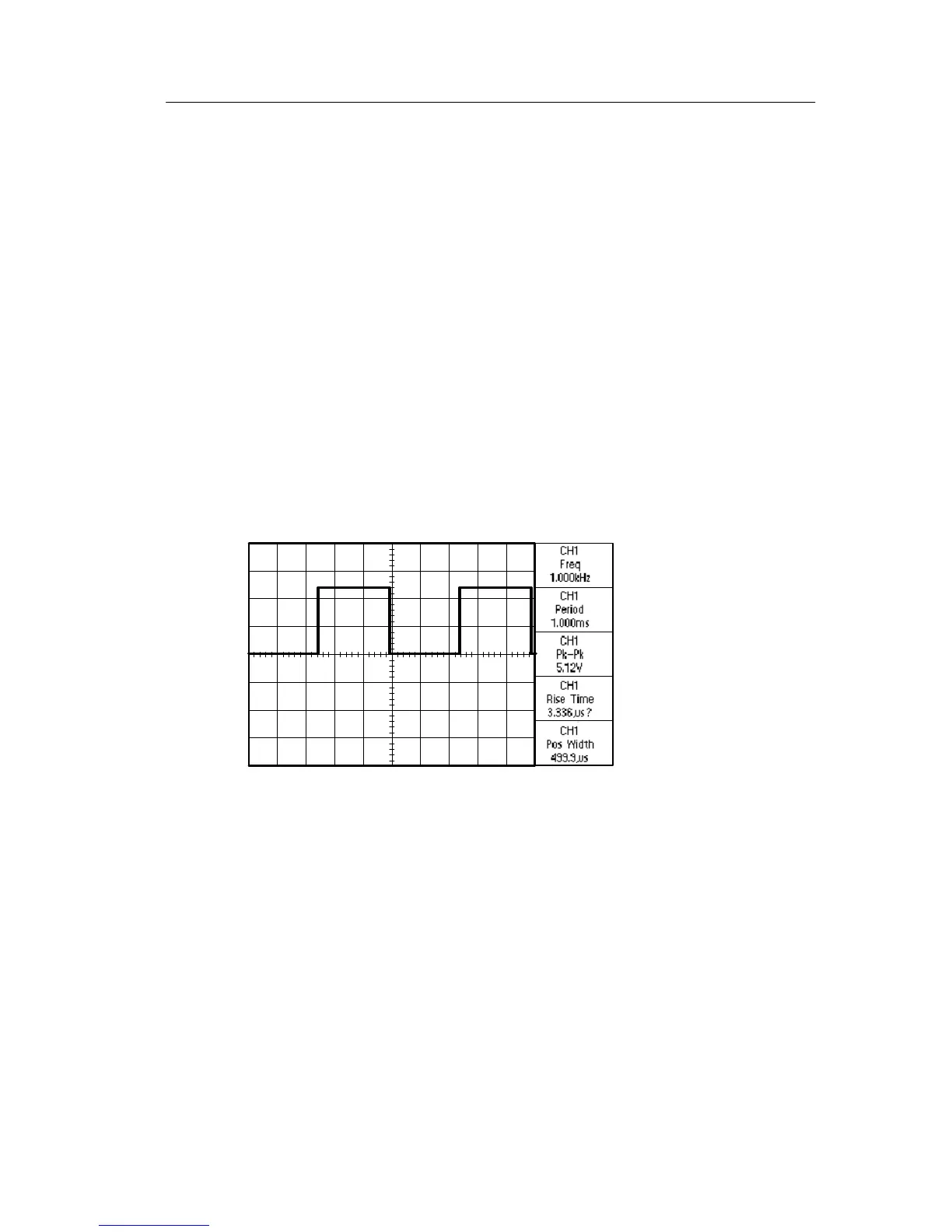
11. Push the second option button from the bottom; the Measure 4
Menu appears.
12. Push the Type option button and select Rise Time.
The Va l ue readout displays the measurement and updates.
13. Push the Back option button.
14. Push the bottom option button; the Measure 5 Menu appears.
15. Push the Type option button and select Pos Width.
The Va l ue readout displays the measurement and updates.
16. Push the Back option button.


 To Next Page
 Loading...