EasyManua.ls Logo

Telemic HouseControl - User Manual

Default Icon
25 pages
Print Icon
To Next Page IconTo Next Page
Loading...
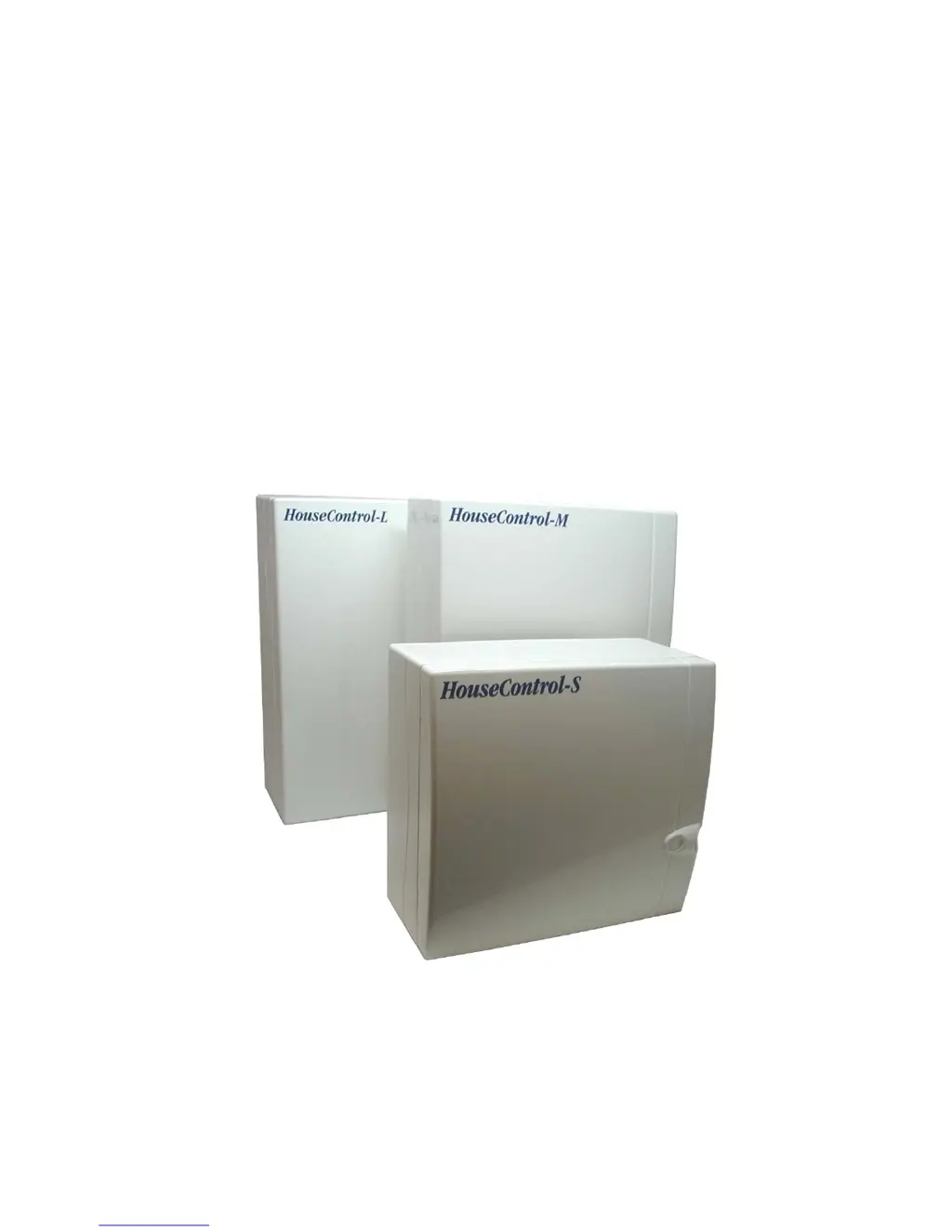
HouseControl
- Keeps Your Home Safe and Secure
USER’S MANUAL
Read this manual carefully and keep it together with the unit.

Questions and Answers

  • D
    dallenAug 16, 2025
    Why Telemic Security System HouseControl receives commands but does not reply with confirmation messages?
    • L
      Larry HornAug 16, 2025
      If your Telemic Security System HouseControl receives commands but doesn't reply with confirmation messages, there could be several reasons: * The user’s phone number may not be in the unit’s internal phone directory. To resolve this, switch the unit to programming mode and add the user’s phone number. * The SMS service number might be missing from the SIM card. Insert your operator’s SMS service number in the phone directory memory cell 0. * The maximum number of text messages your HouseControl can send daily may have been consumed. Check command #A4, as the SIM card has a limit. Also, ensure your own mobile phone’s memory isn't full of text messages.
  • K
    Kathryn WallaceAug 19, 2025
    What to do if Telemic Security System heating does not go on?
    • A
      Amanda DouglasAug 19, 2025
      If the heating in your Telemic Security System does not turn on, consider the following: * If you have Alde 3010, ensure that remote control is activated, as the heating should start after sending the command. * Check the syntax of the command you're sending. For example, use #HEATING ON.
  • F
    Frank CarlsonAug 22, 2025
    Why Telemic Security System no changes in relays?
    • M
      Michael WattsAug 22, 2025
      If you observe no changes in relays in your Telemic Security System, consider the following possible causes: * The unit might be in programming mode. Switch the unit to normal mode. * Your number might not be in the phone directory. Ensure that your number is in the phone directory, as only commands sent from known phone numbers are executed. * The syntax of the command might be incorrect. Verify that the syntax of the command is correct. * The user might not have adequate permissions. Verify that the user has adequate permissions.
  • S
    Stephanie HallAug 26, 2025
    What to do if Telemic Security System HouseControl does not send alarm messages?
    • P
      Phillip AndersonAug 26, 2025
      If your Telemic Security System HouseControl isn't sending alarm messages, here are a few things to check: * Ensure the alarm is set to send only in normal mode. * Verify the unit isn't in programming mode. Switch to normal mode by pressing the operation switch or sending command #ON. * Make sure the recipient’s phone number is in the phone directory.
  • R
    Rebekah BoothAug 28, 2025
    What to do if Telemic Security System alarm is sent every time monitoring is switched on?
    • B
      Brian MorenoAug 28, 2025
      If the Telemic Security System alarm is triggered each time monitoring is activated, check the wiring of the alarming sensor.
  • P
    Paul RuizAug 31, 2025
    What to do if Telemic Security System the unit only alarms with phone calls?
    • N
      Nicholas MillsAug 31, 2025
      If your Telemic Security System unit only sends alarms via phone calls, set the GSM Short Message Service phone number to directory memory cell 0.
  • M
    Michael EspinozaSep 3, 2025
    What to do if Telemic Security System the call does not get connected to HouseControl?
    • J
      Jessica StewartSep 3, 2025
      If the call does not get connected to Telemic Security System HouseControl: * Check whether PIN code prompt is on. Remove the prompt from the SIM card with your own mobile phone. * Make sure the GSM subscription is opened. * Check your HouseControl’s GSM number.
  • K
    Kristen ByrdSep 6, 2025
    What to do if Telemic Security System the device answers with three beeps and closes the line, but operating mode does not change?
    • S
      Stephanie PetersenSep 6, 2025
      If your Telemic Security System device answers with three beeps and then closes the line without changing operating modes, ensure the unit has the caller’s phone number in its internal phone directory. You can switch your HouseControl to normal mode by pressing the operation switch or by sending command #ON to it.
  • C
    Chad JacksonSep 9, 2025
    What to do if Telemic Security System unit closes the call immediately without answer?
    • C
      Crystal JordanSep 9, 2025
      If your Telemic Security System unit closes the call immediately without answering, make sure your HouseControl has the caller’s phone number in its internal phone directory.
  • D
    Danielle FreemanSep 12, 2025
    How to fix indicator light B is off on Telemic Security System?
    • S
      shawcharlesSep 12, 2025
      If the indicator light (B) is off on your Telemic Security System, try the following: * Switch the power on. * Check the fuse on the power cord and replace it if necessary.

Summary

1. INTRODUCTION

1.1.1 Switching Monitoring On and Off

Details the two operating modes (normal and disable) and methods to change them via keypad or phone call.

1.1.2 Receiving Alarms

Describes how users receive text messages and alarm phone calls for various events like intrusion or fire.

1.1.3 Remote Control

Instructions on controlling home functions like temperature, lighting, and garage doors via text messages.

1.2.1 Alarms

Overviews the types of sensors (motion, door, smoke, temp) and how HouseControl alerts users.

1.2.2 Burglar Alarm

Details the burglar alarm functionality, including motion sensors, sirens, and yard lights activation.

1.2.3 Fire Alarm

Explains how the system handles fire alarms, including potential power shutoff and lighting for escape.

1.2.4 Moisture Alarm

Details moisture detection, automatic water mains valve closure, and alerts via siren and lights.

1.2.9 Remote Control

Lists the available outputs and their functions, controlled via text messages.

2. BASIC SETTINGS

2.2 Commands in Text Messages

Details the syntax, rules, and examples for sending text message commands to HouseControl.

2.6.2 Receiving an Alarm Message

Details how alarms are delivered via text messages and phone calls, including acknowledgements.

3. TROUBLE SHOOTING

Telemic HouseControl Specifications

General IconGeneral
BrandTelemic
ModelHouseControl
CategorySecurity System
LanguageEnglish

Related product manuals