Introduction 3
1. INTRODUCTION
We are pleased that you chose HouseControl to keep your home safe and secure. With HouseControl,
you can control and monitor your home from your own GSM mobile phone regardless where you are.
HouseControl makes an alarm phone call and sends you a text message if someone breaks into your
home, there is a threat of water damage, fire breaks loose, or room temperature drops below set limit, or
if there is a power failure. You can control room temperatures, close water mains valve, turn off air-
conditioning, shut down electricity, switch on yard lights, or open your garage door just by sending a text
message to your HouseControl’s GSM number.
HouseControl is available in three models: S-, M-, and L-models. The S-model is the smallest one, and it
is primarily, but not entirely, intended to be used as a burglar alarm in holiday homes. Larger M- and L-
models are ideal for privately owned homes because there are many more aspects to monitor and
control remotely than in holiday homes. The HouseControl discussed in this manual is a fully furnished
L-model HouseControl. However, if a certain feature or command is unavailable in S- or M-model,
reader’s attention is always drawn to the discrepancy in question.
1.1 Using HouseControl
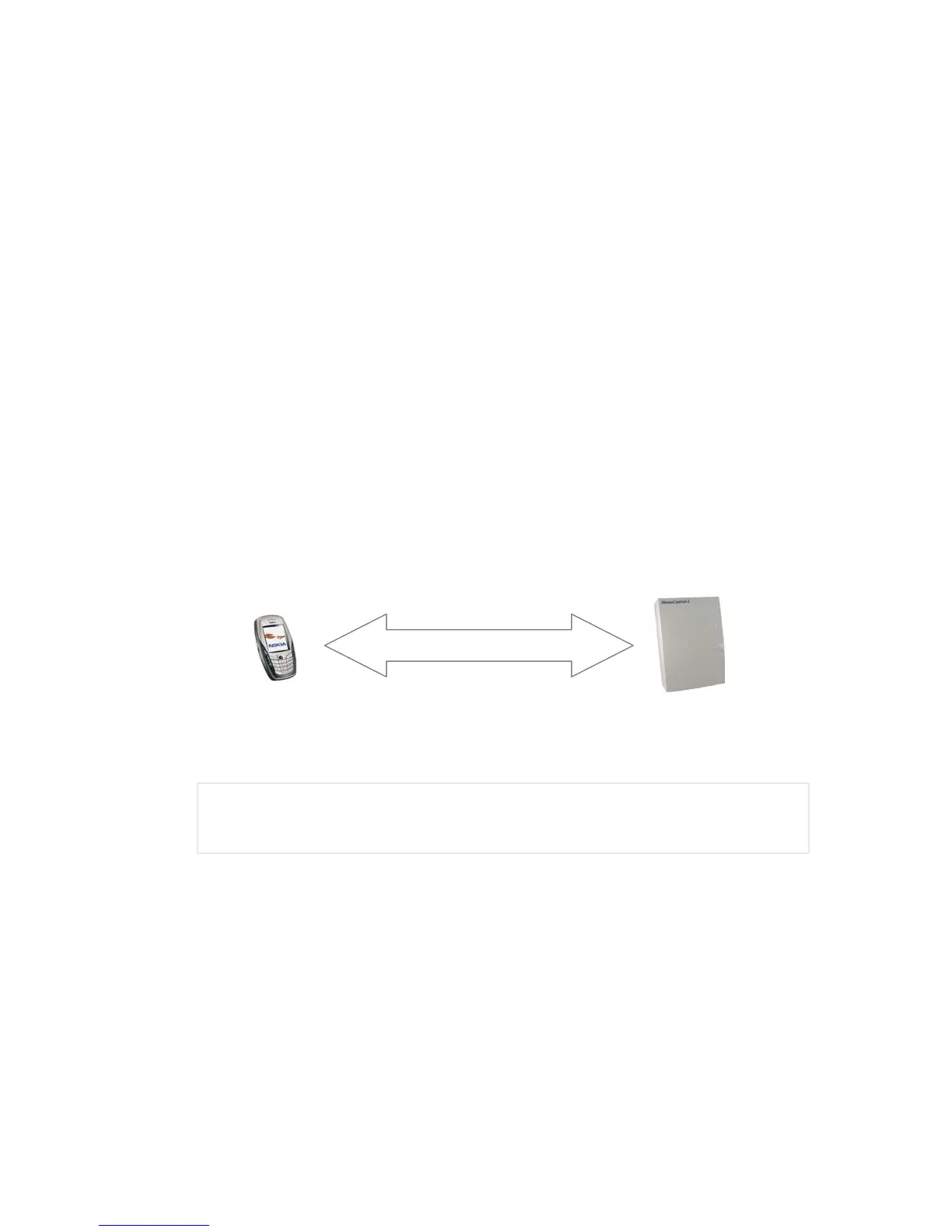
HouseControl can be used by text messages and phone calls from your mobile phone, or by security
keypad installed in the entrance-hall of your home. A phone call to the unit’s GSM number or a four-digit
code from the security keypad toggles monitoring on or off. You need to send a text message to your
HouseControl if you wish, for example, to ask temperature values from your home. HouseControl makes
an alarm phone call and sends you a text message if something appears to be wrong at your home.
You can use any GSM subscription available in the market today in your HouseControl. However, if you
have a so-called Prepaid subscription, you should check it periodically so that it will not stop working
when you least expect it. The expenses of GSM traffic are relatively low these days, which means that
the most economical use is achieved by buying a GSM subscription that has a low monthly fee.
) You should use an unlisted number in the GSM subscription of your HouseControl. This
ensures that the phone number is not accessible to anyone. However, you should check that the
GSM subscription of your HouseControl can send its own phone number to you alongside an
alarm phone call. Otherwise you will not be able to identify the caller as your HouseControl.
1.1.1 Switching Monitoring On and Off
There are two operating modes in HouseControl: normal and disable modes. In normal mode, monitoring
is on and all alarms are sent to your and other users’ mobile phones. Whereas in disable mode, an alarm
is sent and a phone call is made only if the alarm was triggered by a 24h monitored control circuit (see
Table 1). You have two options for changing the unit’s operating mode: either by entering your secret
code from the security keypad or by making a phone call to your HouseControl’s GSM subscription.
Entering a four-digit code from the security keypad toggles monitoring either on or off. There is a thirty-
second delay from the moment the code is entered to the moment when monitoring is actually switched
on. This delay allows you to leave your home without haste before monitoring goes on. You can see
whether monitoring is on or off by looking at the red light on the security keypad. When monitoring is
switched on, the red light blinks for the duration of the delay period, and then stops and remains on until
monitoring is switched off. There is no delay when monitoring is switched off.
A phone call or a text message



 To Next Page