12 HouseControl User’s Manual version 4.8
Heating, Plumbing, and Air-Conditioning. There is a separate command for controlling heating (see
1.2.10).
To reverse the effects of #AWAY or #HEPAC OFF commands, all you have to do is to send either
#HOME or #HEPAC ON command to your HouseControl’s GSM number.
,
These features are only available in the M- and L-model HouseControls.
1.2.12 Yard Lights and Garage Door
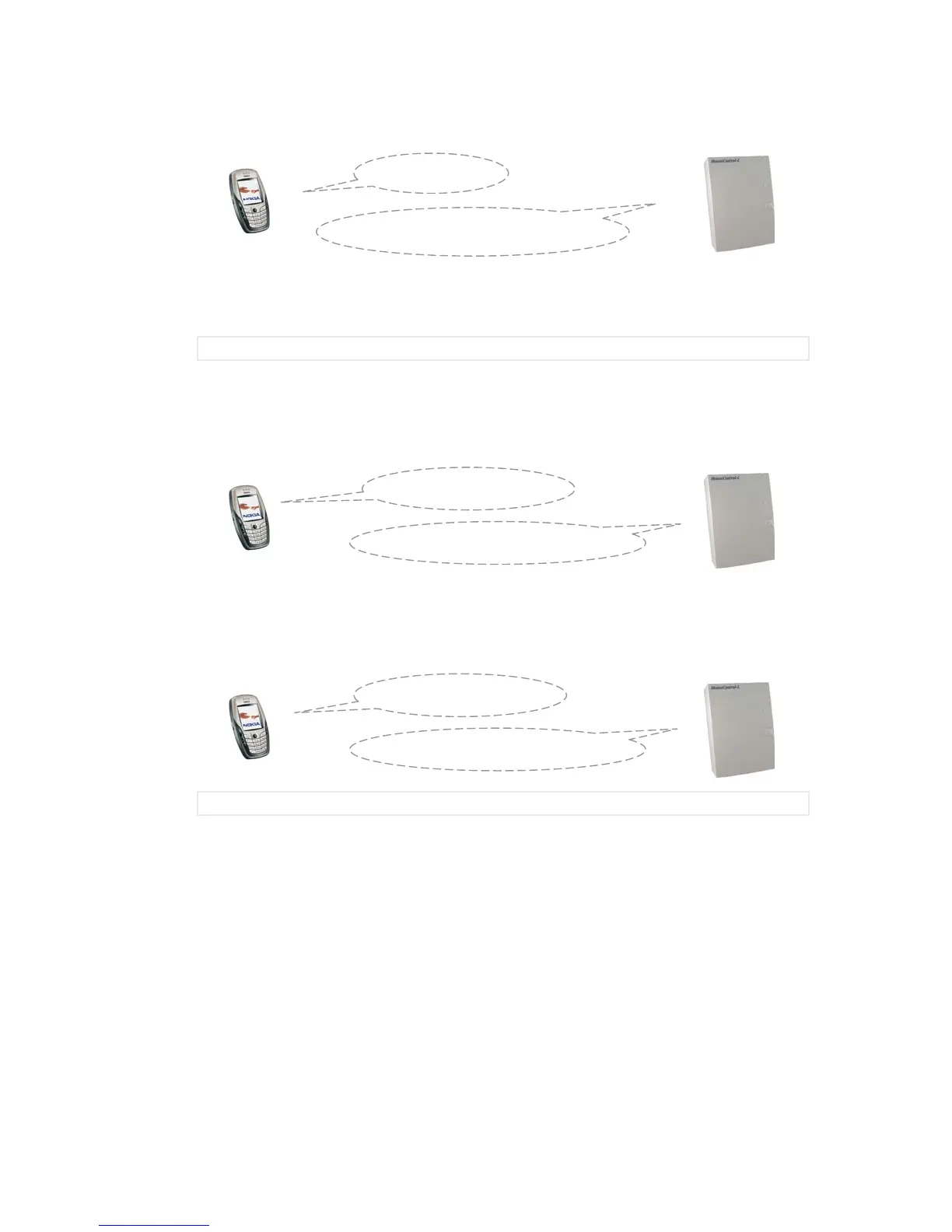
You can switch on the yard lights with command #LIGHTS ON. The lights will go out automatically after
ten minutes.
Garage door can be opened with command #GARAGE. The door will be closed automatically after a
short while. During winter time overhead garage doors might not close properly because of accumulated
snow. You will notice this soon enough because HouseControl sends you an alarm text message if the
door is left even partially open for too long. Monitoring of garage door is alternative for perimeter
protection or emergency button (see Table 1).
,
These features are only available in the L-model HouseControl.
1.3 SIM Card
The PIN code prompt must be always switched off from the SIM card before it can be inserted into
HouseControl. You can switch it off from your SIM card by using your own mobile phone. Consult the
instructions of your mobile phone for how to accomplish this. The PIN code prompt is on in all new SIM
cards by default.
After you have switched off the PIN code prompt; place the SIM card on the holder next to the antenna.
You can eject the SIM card holder by pressing the small yellow button gently. Place the SIM card on the
holder carefully and make sure the contact side is up and that it fits correctly. Push the holder in.
#GARAGE
O7:1 5.0s pulse GARAGE DOOR
#LIGHTS ON
O3:1 600.0s pulse LIGHTS
#AWAY
O2:1 AWAY [statuses of outputs]



 To Next Page