4 HouseControl User’s Manual version 4.8
An alarm that was brought about accidentally can be cancelled by re-entering the four-digit code from
the security keypad. However, it is important to realize that re-entering the code not only cancels the
alarm but also changes the operating mode. Therefore, cancelling an alarm without changing the
operating mode requires the code to be entered twice. An alarm can be caused accidentally, for
example, by switching monitoring on although there are people at home.
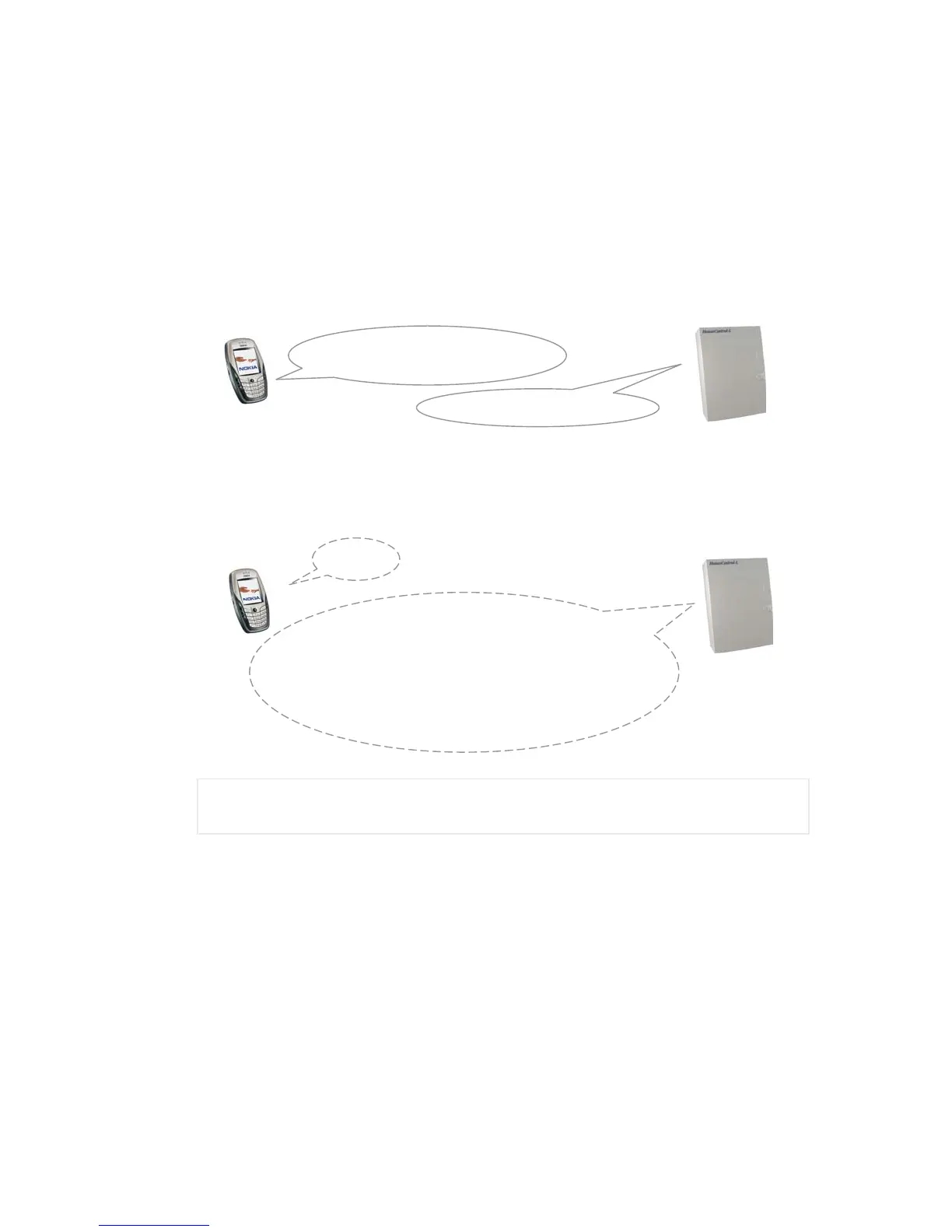
Another way to change the operating mode is to make a phone call to the HouseControl’s GSM number.
You will hear one or two beeps that let you know in what mode HouseControl will be switched to when
you close the phone. The sequence is repeated over and over again; therefore, you need to close the
phone immediately after you hear the desired number of beeps. One beep means that monitoring is
about to be switched on and a series of two beeps means that monitoring is about to be switched off.
This behaviour is similar to the logic used in electric locks in modern cars. A car’s turn indicators flash
once when the locks are closed and twice when the locks are opened.
You should use a security keypad for changing operating mode if you have one installed at your home.
However, if you do not have a security keypad and you do not want to make a phone call, you can
change operating mode by sending a text message #ON or #OFF to your HouseControl. #ON switches
monitoring on and #OFF switches monitoring off. HouseControl acknowledges the received command
with a response message.
,
Although operating mode can be changed by several different means, it is strongly
recommended that only one method is used to avoid confusion about the current operating mode
of your HouseControl.
You can find out whether monitoring is on or off just by looking at the red light on the security keypad or
from the unit’s own signal light B (see Table 3). You can also ask it from your HouseControl with a text
message (see 1.2.8) or a phone call.
1.1.2 Receiving Alarms
You will receive a text message and an alarm phone call to your mobile phone if someone breaks into
your home, there is a threat of water damage, fire breaks loose, or room temperature drops below set
limit, or if there is a power failure. You can acknowledge the alarm by answering the phone, after which
the call can be closed. You will find out the reason for the alarm from the received text message.
#ON
TC Security: ON (Is monitoring ON or OFF?)
Batt: 12.2 (Battery voltage)
T1: +27.5 HC device
(Device temperature)
T2: +21.6 Indoor 1
T3: +21.1 Indoor 2
T4: +17.5 Garage
T5: +11.3 Outdoor
A phone call to your
HouseControl’s GSM number
“BEEP - BEEP” or “BEEP”



 To Next Page