9. SPECIAL FUNCTIONS
>
When using optical test leads, connect the optical energy source as the last device and disconnect it
as the first device.
>
Never make unauthorized modifications to fiber optic systems or associated devices.
>
If possible, switch or disconnect optical transmission or test equipment to the lowest possible
power before working on optical fibers.
>
If fiber optic cables or connections need to be visually inspected,
ensure that they do not transmit optical energy.
>
Never look directly into a beam and never use non-approved collimators to
inspect fiber optic ends or connection surfaces.
Connect the SATPLUS 4 to the optical fiber to be measured via the optical input.
>
Select the "Other" menu item in the main menu using the navigation cross and confirm
with OK.
>
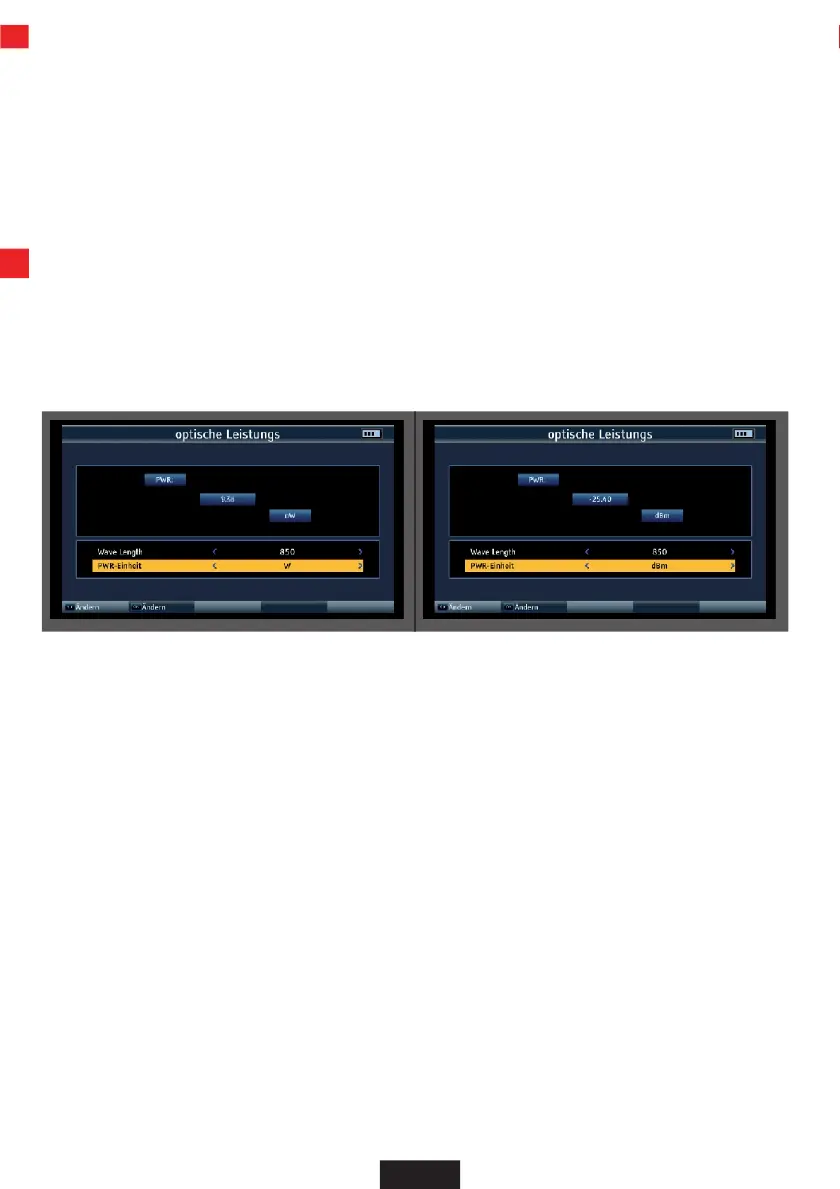
Select the "Optical power measurement" menu item and confirm with OK.
>
In the Wave Lenght field, select the wavelength at which the measurement is to be carried out.
The following wavelengths are available: 850nm, 1270nm, 1300nm, 1310nm, 1130nm,
1490nm, 1550nm, 1625nm
>
If necessary, change the unit in which you want to measure in the lower PWR unit field.
EN


 To Next Page