TELINDUS 1132/1133 Web Interface User’s Guide
Version 2.0 Page 26/57 December 2004
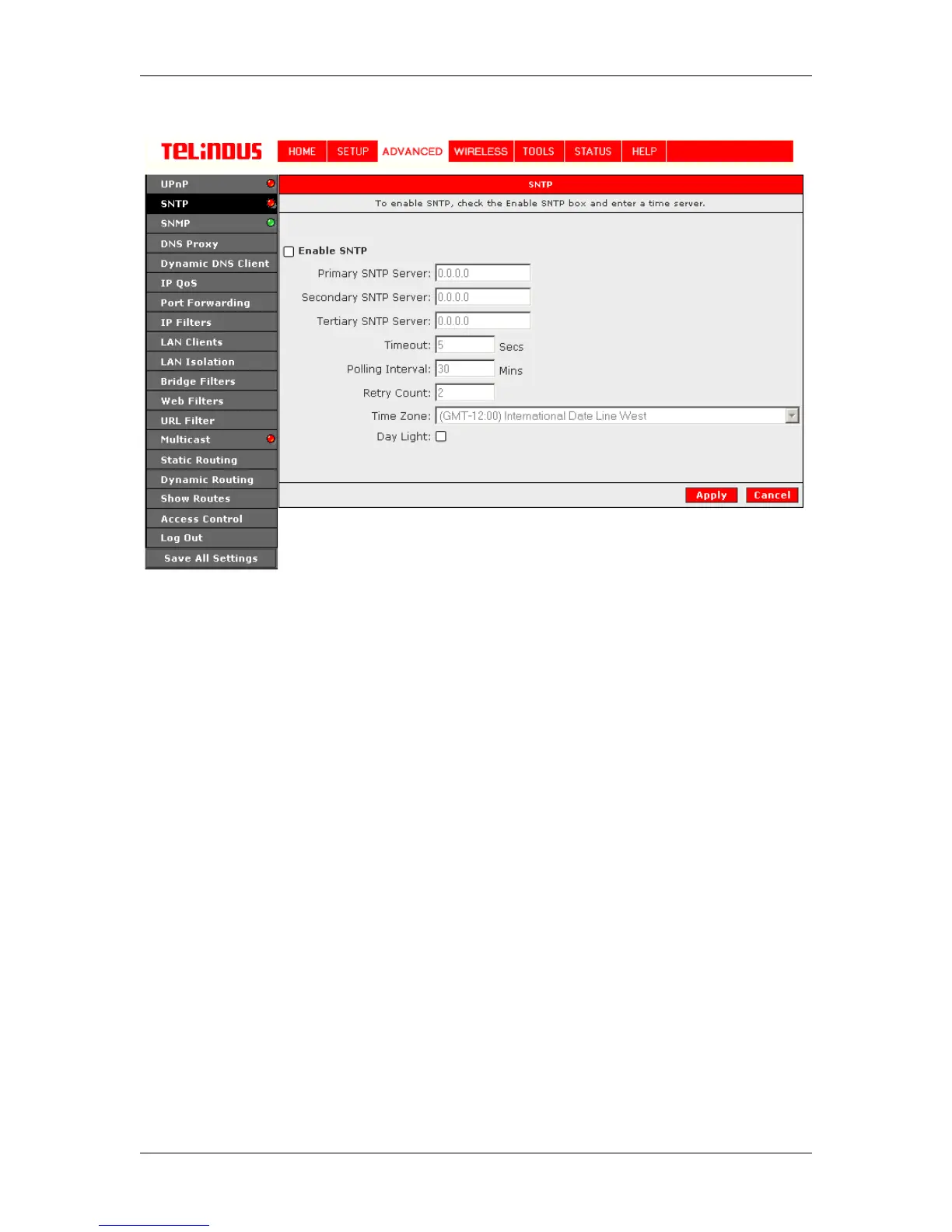
Server to get a response. The “system log” will be able to reflect the updated time upon
successfully connected the time server.
Figure 16 (SNTP)
The Apply button will temporarily save these settings. To make the change permanent, you need
to click on Save All Settings. At the System Commands page under the TOOLS, click on Save
All.



 To Next Page