TELINDUS 1132/1133 Web Interface User’s Guide
Version 2.0 Page 35/57 December 2004
4.6.9 LAN Clients
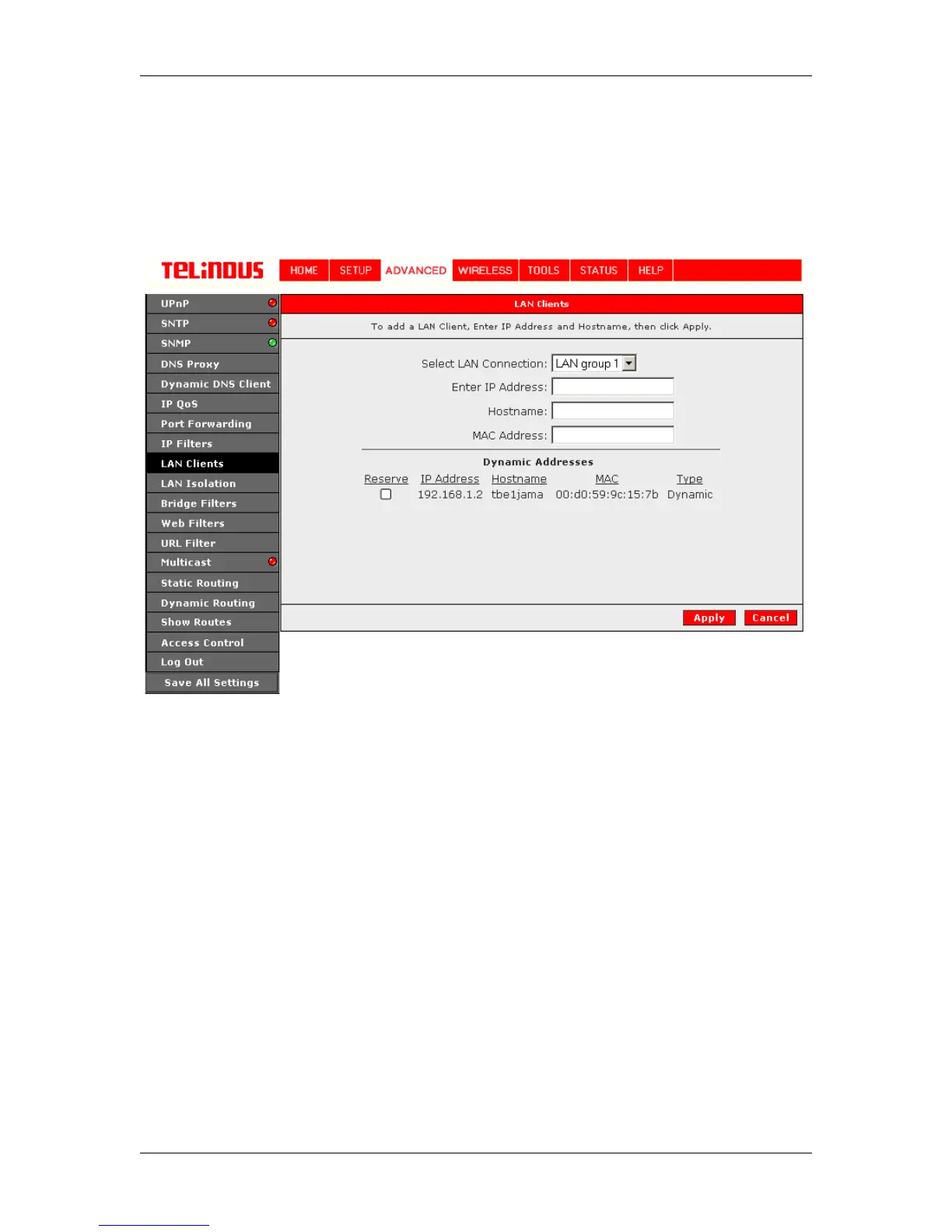
To add a LAN client, click ADVANCED and select LAN Clients. If DHCP is used, all DHCP
clients are automatically assigned. If a fixed IP address server is on the LAN and you want this
server to be visible via the WAN, you must add its IP address. Once the IP address has been
added to you can apply Port Forwarding and Access Control rules to this IP address. See Figure
24 (LAN Clients).
Figure 24 (LAN Clients)
The Apply button will temporarily save these settings. To make the change permanent, you need
to click on Save All Settings. At the System Commands page under the TOOLS, click on Save
All.



 To Next Page