TELINDUS 1132/1133 Web Interface User’s Guide
Version 2.0 Page 39/57 December 2004
4.6.13 URL Filter
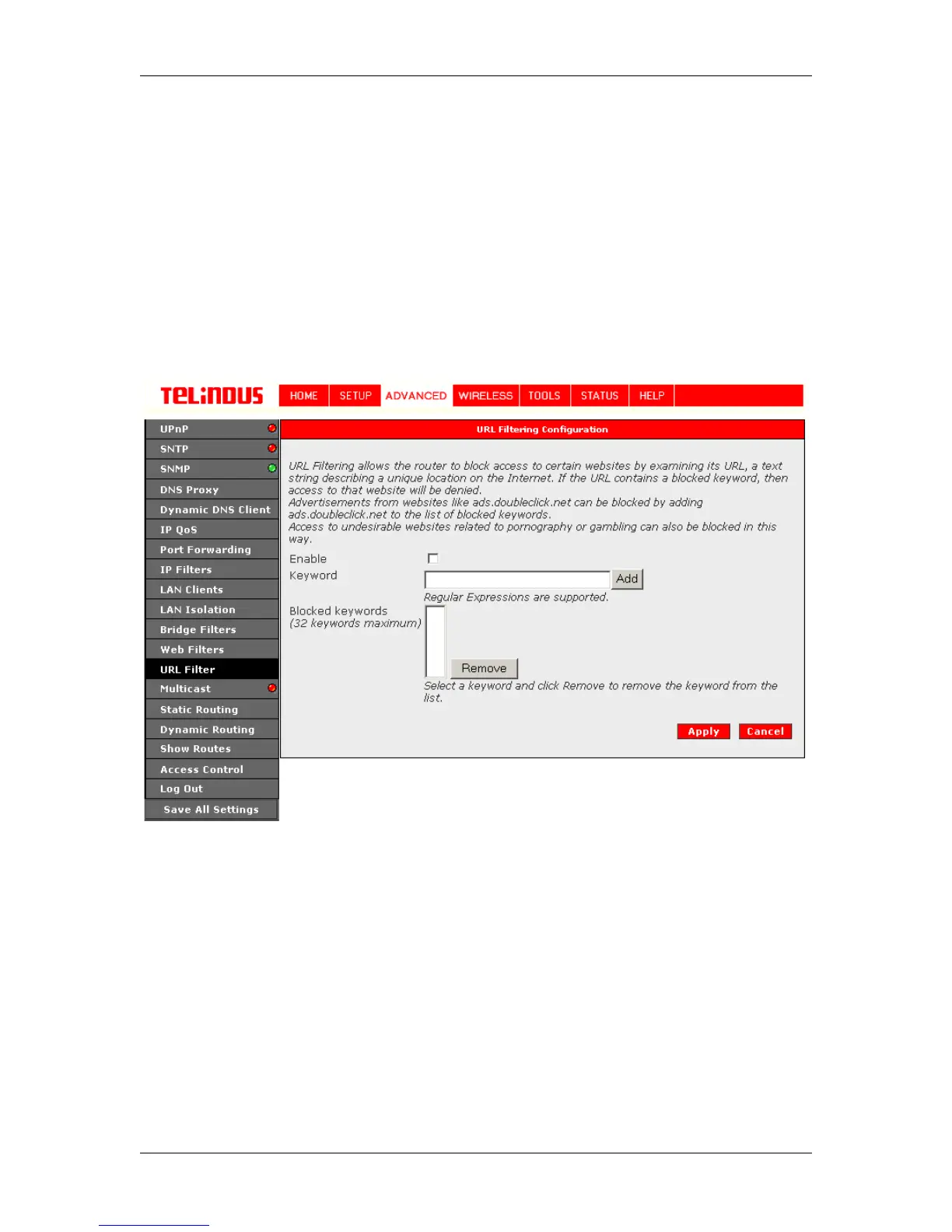
URL Filtering allows the router to block access to certain websites by examining its URL, a text
string describing a unique location on the Internet. If the URL contains a blocked keyword, then
access to that website will be denied. See Figure 28 (URL Filtering Configuration)
Advertisements from websites like ads.doubleclick.net can be blocked by adding
ads.doubleclick.net to the list of blocked keywords.
Access to undesirable websites related to pornography or gambling can also be blocked in this
way.
Figure 28 (URL Filtering Configuration)
The Apply button will temporarily save these settings. To make the change permanent, you need
to click on Save All Settings. At the System Commands page under the TOOLS, click on Save
All.



 To Next Page