TELINDUS 1132/1133 Web Interface User’s Guide
Version 2.0 Page 36/57 December 2004
4.6.10 LAN Isolation
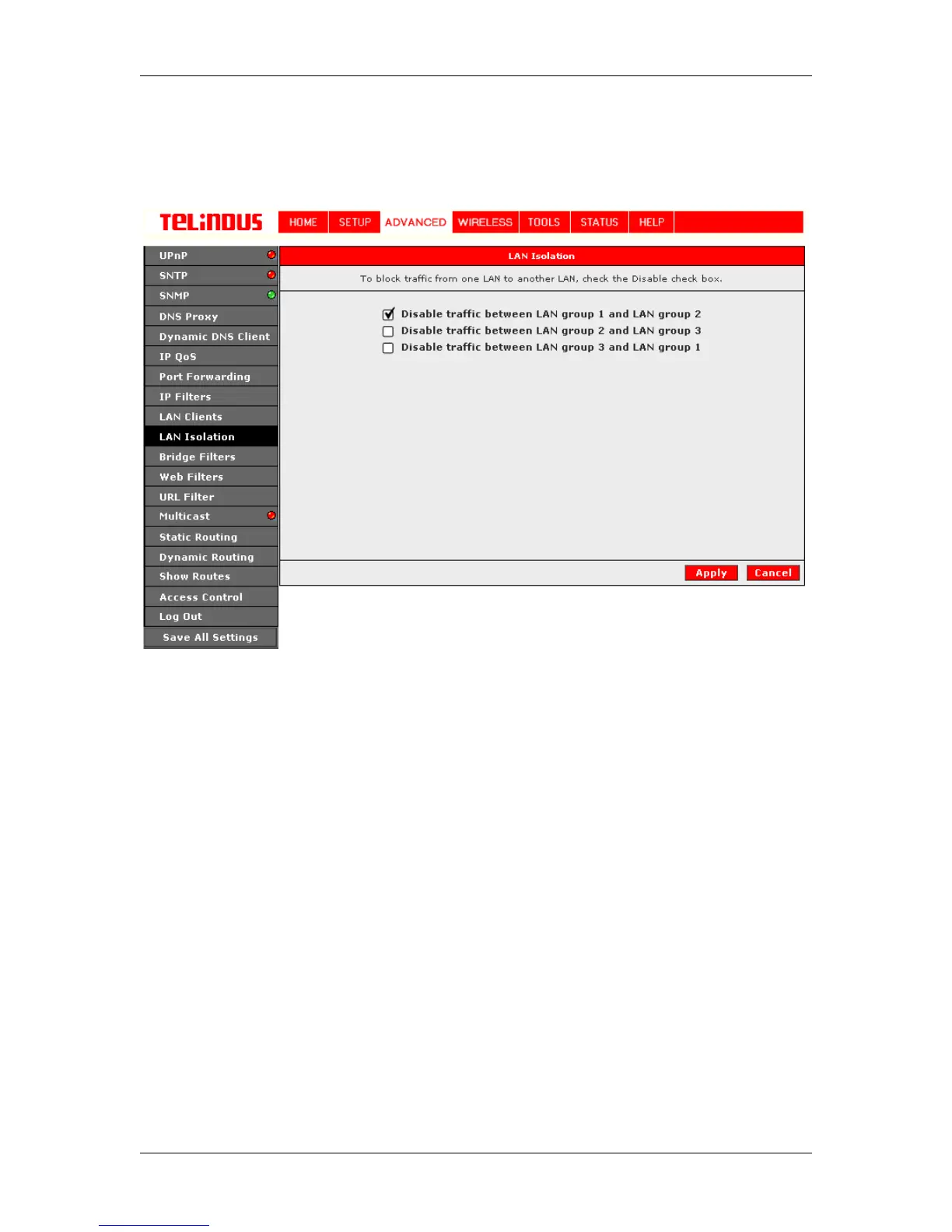
Enables or disables Traffic between the different defined LAN groups. This feature can be used to
connect two completely independent broadband users over the same ADSL connection.
Figure 25 (LAN Isolation)
The Apply button will temporarily save these settings. To make the change permanent, you need
to click on Save All Settings. At the System Commands page under the TOOLS, click on Save
All.
4.6.11 Bridge Filters
The bridge filtering mechanism provides a way for the users to define rules to allow/deny frames
through the bridge based on source MAC address, destination MAC address and/or frame type.
When bridge filtering is enabled, each frame is examined against the each defined filter rules
sequentially, and when a matched is determined, the appropriate filtering action (determined by
the access type selected ... i.e allow or deny) is performed. The user should note that the bridge
filter will only examined frames from interfaces which is part of the bridge itself. Twenty filter rules
are supported with bridge filtering. See Figure 26 (Bridge Filters).
The User Interface for Bridge Filter allows the user to add/edit/delete, as well as, enable the filter
rules. To add a rules, simply define the source MAC address, destination MAC address and
frame type with desired filtering type (i.e. allow/deny), and press the "Add" button. The MAC
address must be in a xx-xx-xx-xx-xx-xx format, with 00-00-00-00-00-00 as "don't care". Blanks
can be used in the MAC address space, and would be considered also as "don't care".
To edit/modify an exist filter rule, select the desired rule created previously from "Add" in the
"Edit" select box. The selected filter rule will appear on top section, as with the "Add" filter rule.
Make the desired change to the MAC address, frame type and/or access type, and press "Apply".



 To Next Page