TELINDUS 1132/1133 Web Interface User’s Guide
Version 2.0 Page 31/57 December 2004
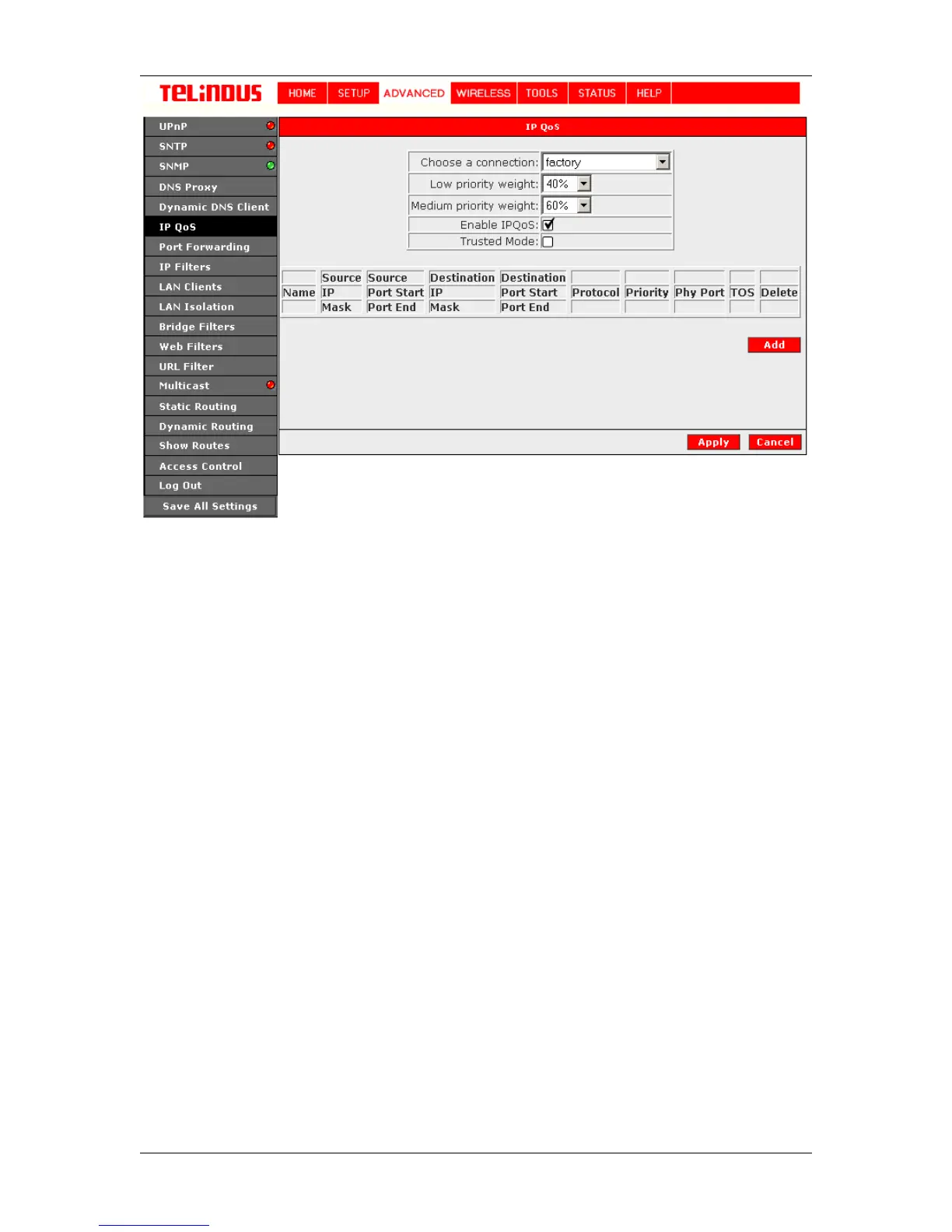
Figure 20 (QoS Setup Screen)
4.6.6.2
Rule Setup Page
This page is invoked when you click on the "Add" button of "QoS Setup Page". See Figure 21
(Rules Setup Page). This page allows you add a Rule or Matching criteria that identifies an
Application traffic. The Application traffic can be identified by Rule Name, Source/Destination IP
Address and Netmask, Source/Destination Port range, Protocol and Traffic Priority.
The Traffic Priority field corresponds to the Priority Queue (High/Medium/Low) for for this traffic.
The possible options for Protocol are - ANY, ICMP, TCP and UDP. Wildcard(*) entries are
allowed for IP Address/Netmask and Port range fields.
The additional TOS marking field allows you to assign a TOS value to this traffic. The values for
the TOS marking can be - No Change, Normal Service, Minimize monetary cost, Maximize
reliability, Maximize throughput and Minimize delay.



 To Next Page