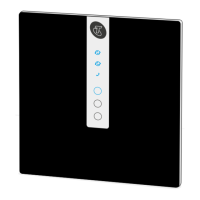
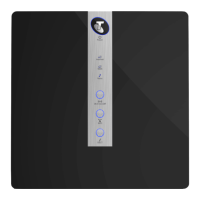
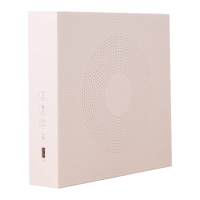
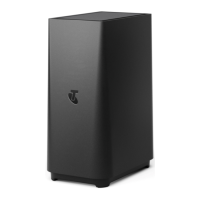
Adding your Telstra Smart Modem
To connect your Telstra smart modem, you will required an Ethernet adapter
between the Telstra Smart Modem and the Starlink Kit. Please make sure you have
the Ethernet adapter. If you don't have one, please go to Telstra.com to purchase
one.
When you first connect your Telstra Smart Modem, it may automatically update its
software. This will take up to 15 minutes to complete.
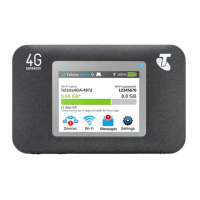
Your Telstra Smart Modem has a built-in SIM card to backup
your internet service with our 4G mobile network.
You can use the 4G backup service in two scenarios:
1. To get online until your Satellite Internet service is connected or
2. If there’s an outage detected, your internet service will
automatically switch over to 4G backup.



 To Next Page