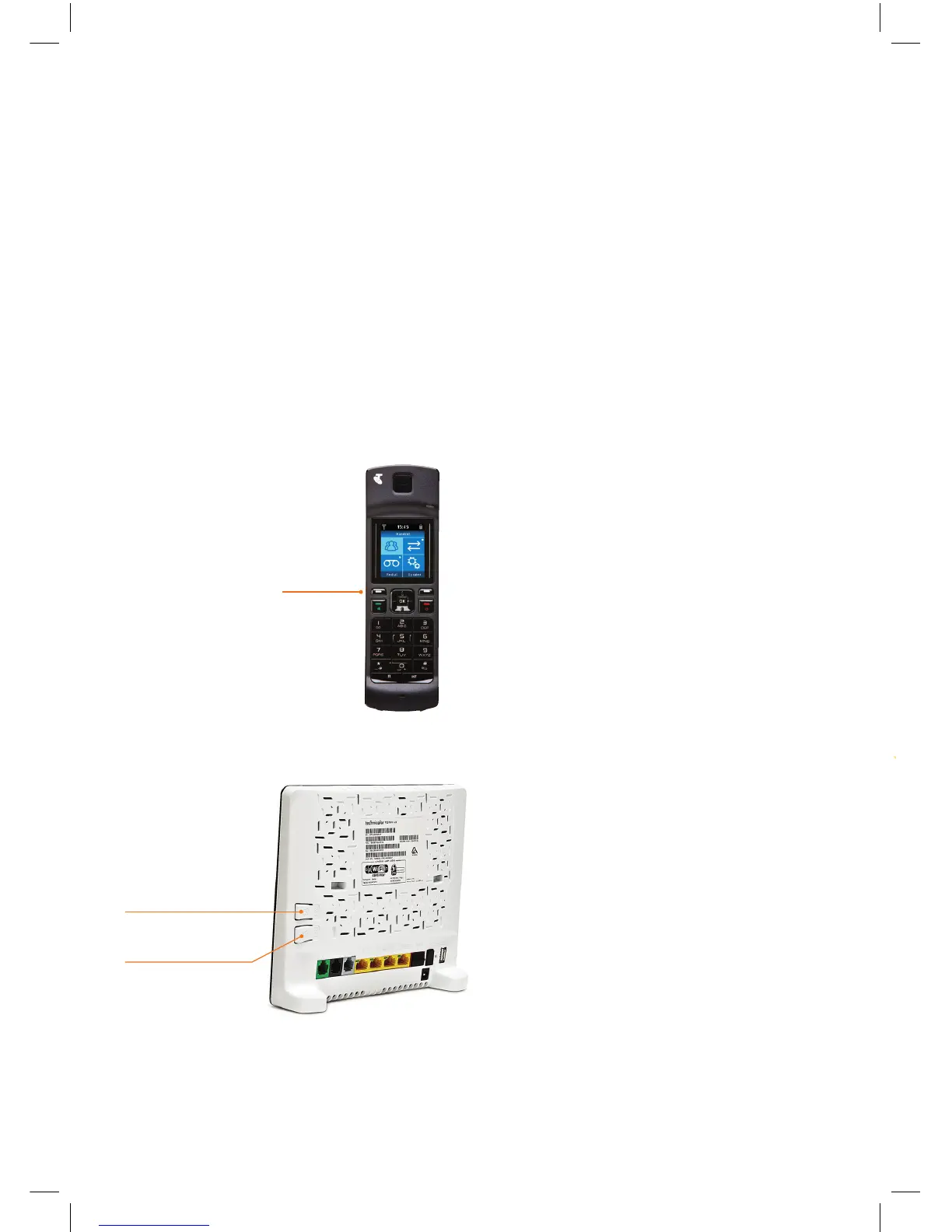
WPS button
DECT button
13
OPTION (2):
CUSTOMERS WITH A T-GATEWAY™
3. REGISTERING THE HANDSET WITH YOUR T-GATEWAY™
Before you can make a call, the handset needs to be “registered” or “paired” with the
T-Gateway™ using the following steps:
1) When the handset powers up, it will normally say “Searching for base”.
Press the left soft key, select “Register handset”, and press OK.
2) On the back of the T-Gateway™, press the white DECT button for 3 seconds.
The DECT LED on the front of the T-Gateway™ should now flash orange.
3) On the handset, press OK to start registration – this may take up to 60 seconds to complete.
4) After 60 seconds, the display will read ‘Handset registered’. An antenna symbol should now
appear on the top left hand side of the handset screen.
Left Soft Key


 To Next Page
 Loading...