14
4. CONNECT TABLET
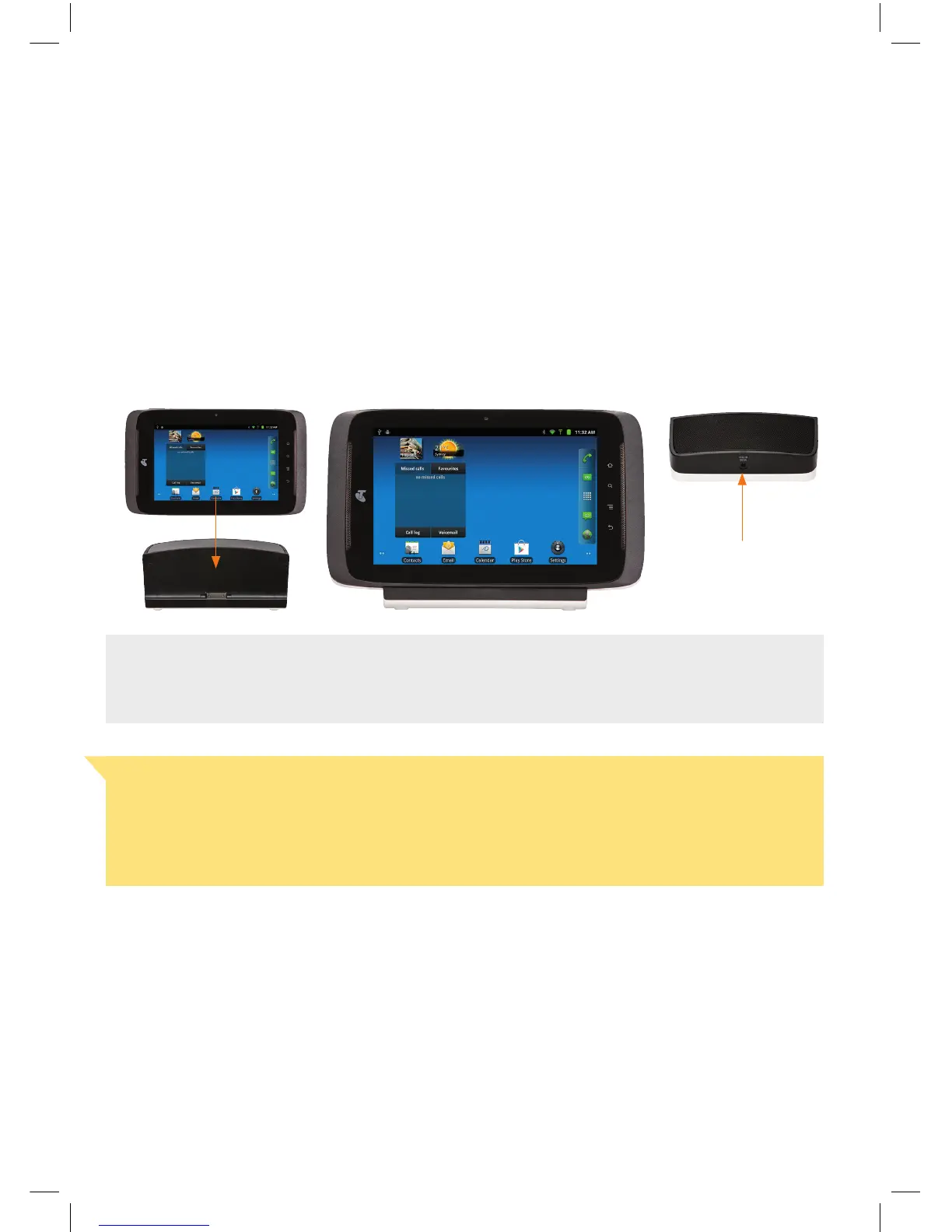
• Place the tablet into the tablet dock and connect the dock to the mains power using the larger of
the power adaptors.
• Turn on the tablet by holding down the power button on the top right hand corner for about 3
seconds. The tablet will take a minute to get started and then the Installation Wizard will appear.
Connect Power Here
Handy Hint
We recommended that both the tablet and the handset are charged initially overnight to
get optimum battery performance.
Important Note
The T-Hub
®
2 Tablet and Handset require electricity to work. You will not be able to make
any telephone calls or use other features such as internet browsing when the power fails.
Alternative arrangements should be made to access emergency services in times of
power failure.


 To Next Page
 Loading...